

One Universal Workflow for Literally Every RAW Photo Editor
One flow to rule them all

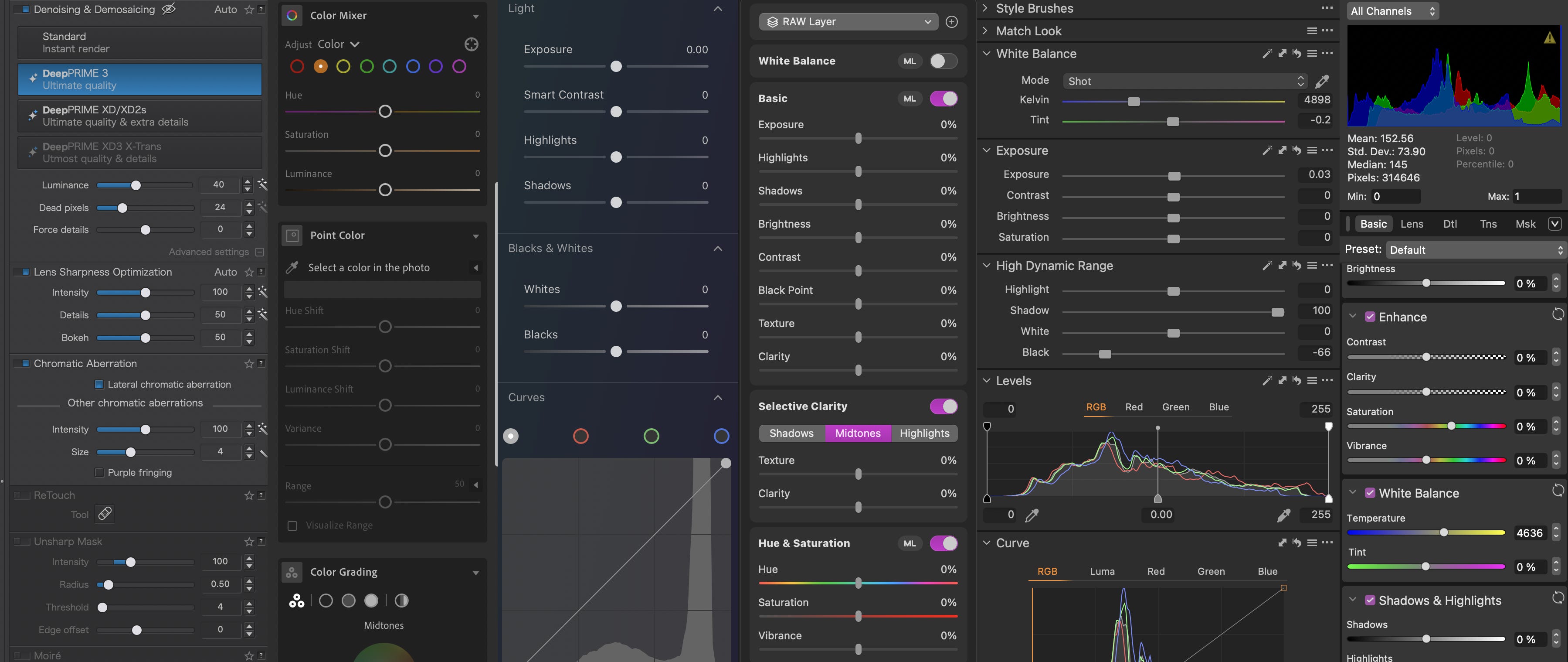
RAW editing was born around the turn of the millennium with apps like Nikon Capture and Canon’s File Viewer Utility, primitive tools so basic they made exposure sliders feel like luxury features. Fast-forward twenty-five years, and we’ve gone from white balance and exposure to something like 36 discrete RAW editing tools in apps like Adobe Lightroom. And as a result of all that editing horsepower, everyone’s basically improvised their own post-processing ‘style’.
Your aesthetic can be whatever you want - moody, punchy, natural, saturated - that’s the creative bit. But strip away the aesthetics, and there’s actually a universal structure underneath. A workflow that doesn’t care whether you’re in Lightroom, Capture One, or DxO. Turns out there’s a right way to edit a RAW file. Not aesthetically, do whatever the hell you want there, but structurally. Get the order wrong and you’re fighting the software - fixing with one slider and un-doing it with the next, but get it right and you’ll be able to edit consistently in any RAW editor.

