


Windows may be the most popular operating system on the planet, but it's far from the fastest. It takes up way too much space, is full of bloatware you don't need out of the box, and on a loaded system, boot times can be excruciating. Now there are lightweight operating systems that can run on any system and make any slow PC fast, and most of those are Linux-based.
But if you really want to push it, Linux won't disappoint you. KolibriOS gives you a GUI, a web browser, a text editor, and games while just requiring 12MB of RAM and a few megabytes of disk space. And just in case you were wondering, it boots faster than Windows can finish displaying its loading spinner.

5 programs you need to know about as a Linux user
Linux is more than a backup OS, and these programs prove it.
An OS built because the original wasn't enough
How KolibriOS emerged from a tiny OS project and took things even further
 Credit: KolibriOS
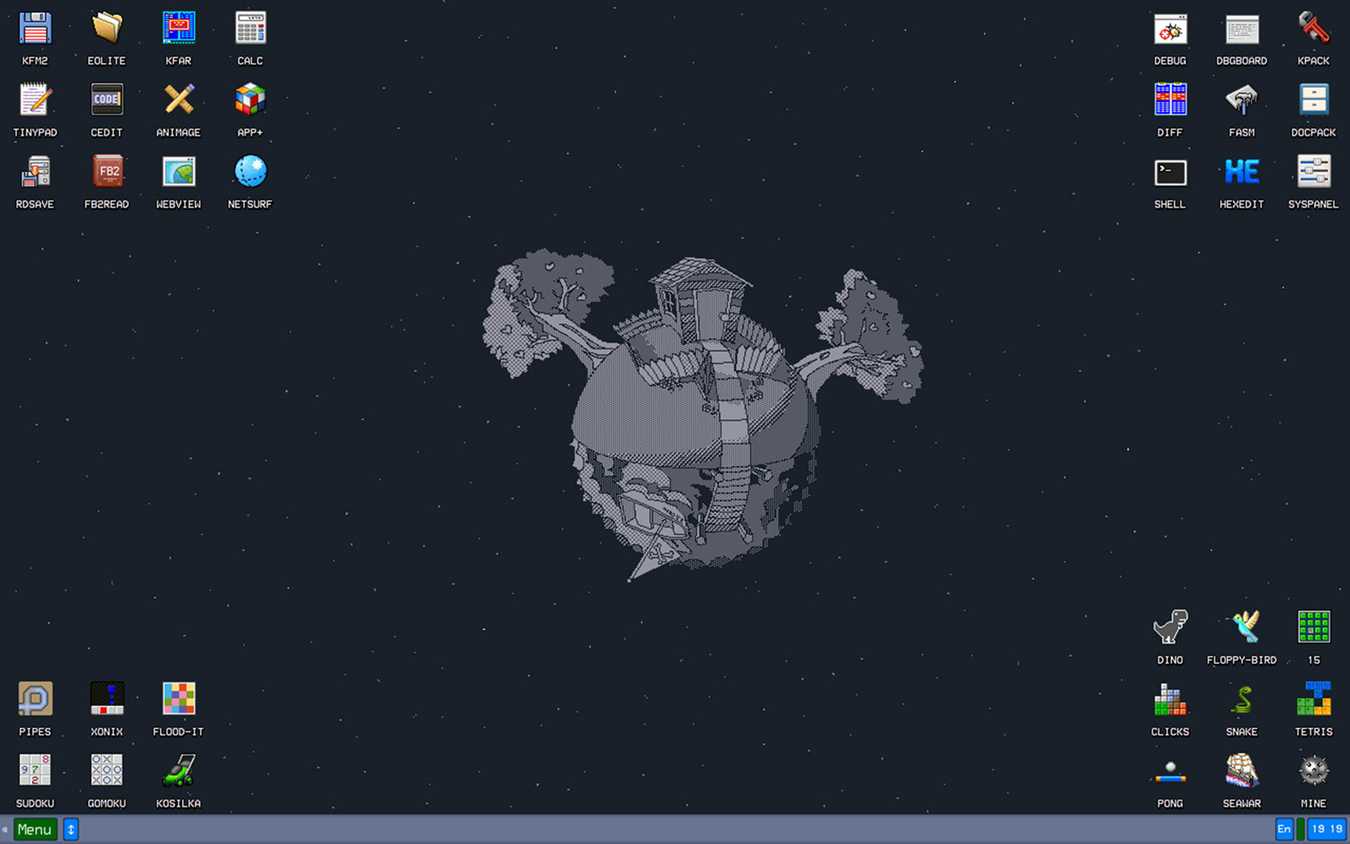
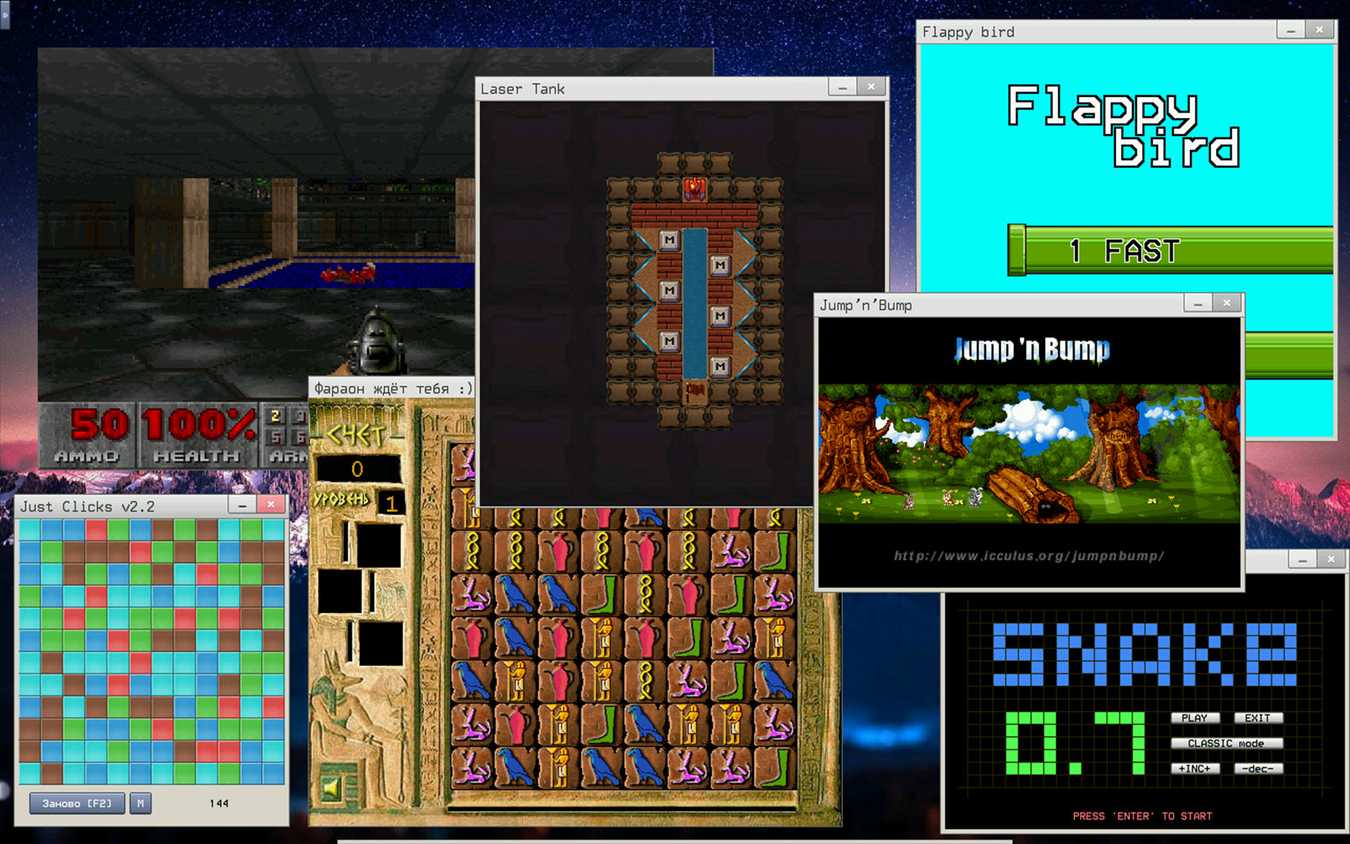
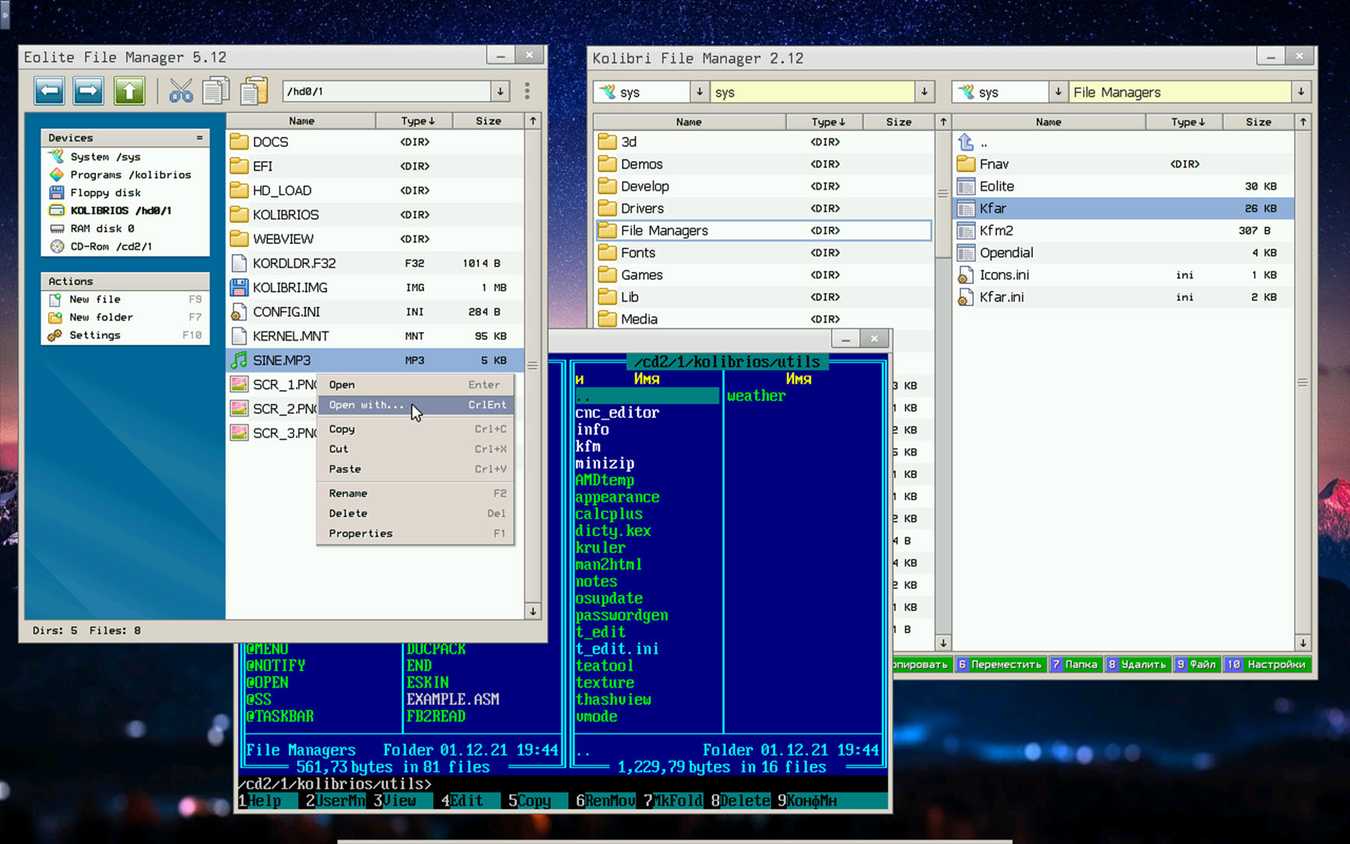
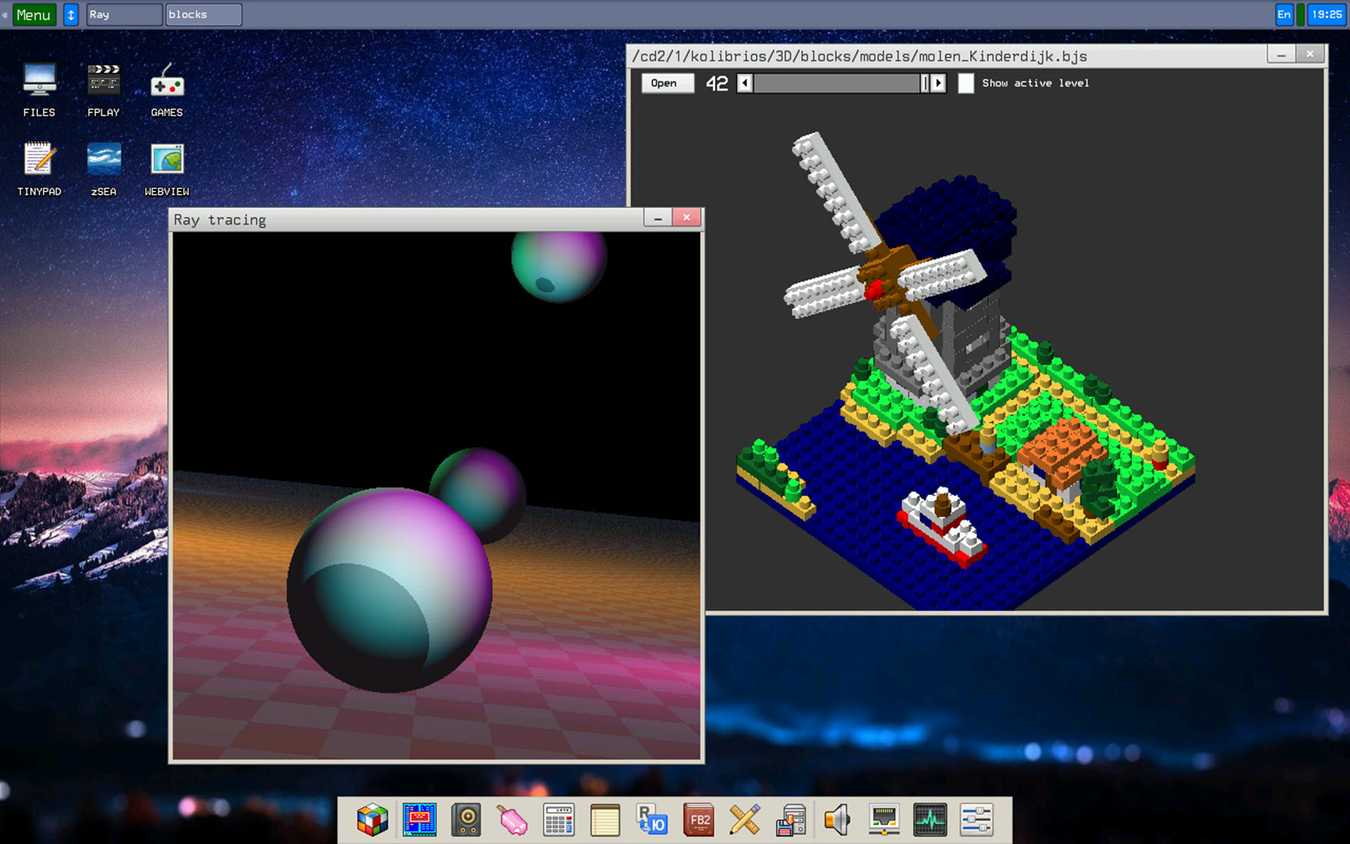
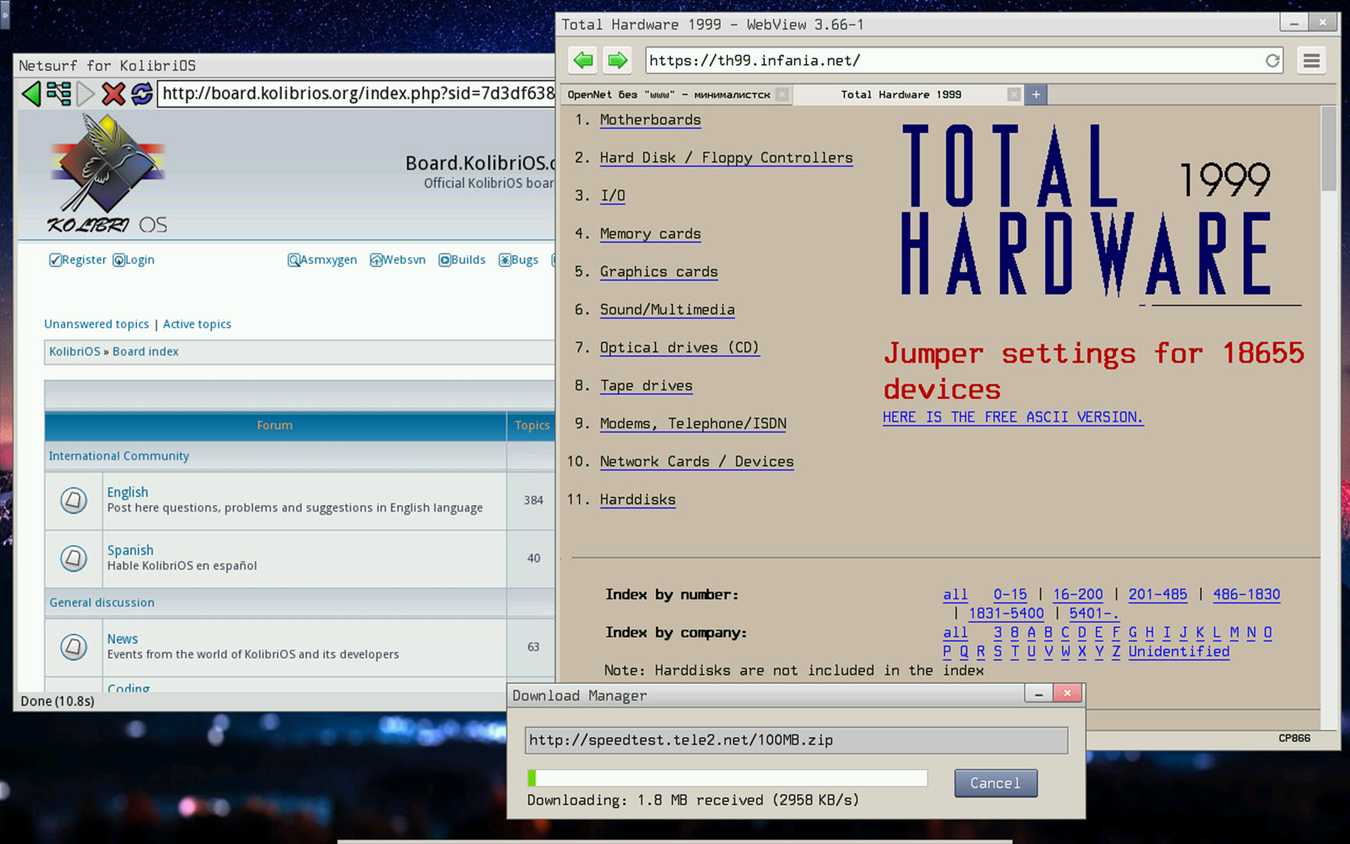
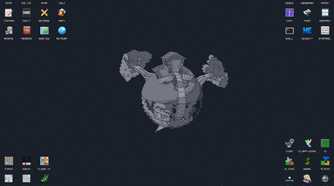
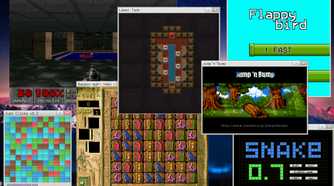
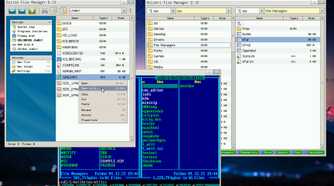
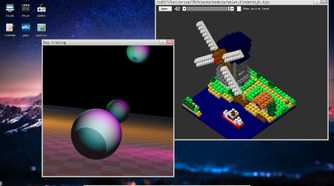
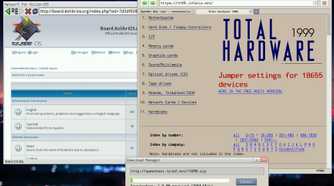
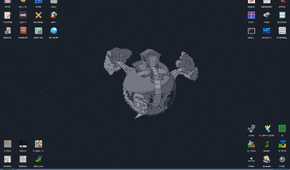
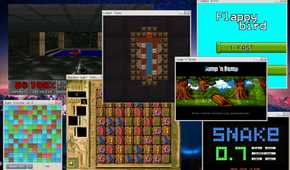
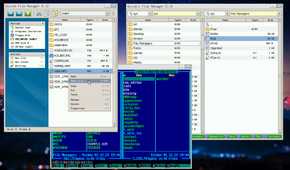
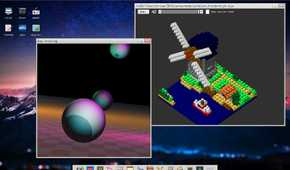
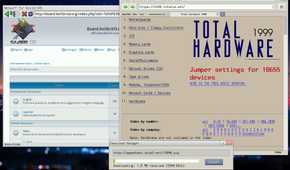
KolibriOS started out as a fork of MenuetOS, a project started in May 2000 by Finnish developer Ville Turjanmaa. It was a 32-bit operating system written entirely in assembly language, capable of fitting on a single 1.44 MB floppy disk with a GUI, sound support, and networking. It remained at the top of the lightweight OS leaderboard for a while.
Later in 2005, Turjanmaa shifted focus entirely to a 64-bit version of MenuetOS — and crucially, the new 64-bit codebase was closed source. Developers who had been contributing to the 32-bit branch were effectively shut out. As you'd expect, this resulted in a fork, and in 2004, developer Marat Zakiyanov started what would eventually become KolibriOS. It was initially intended as a driver-fixed distribution of the 32-bit MenuetOS code, but quickly grew into its own independent project, with contributors piling in from around the world. The first official release came in May 2004, and the project has been in active development since.

KolibriOS
- OS
- x86 and x86-64 PCs (primarily x86)
KolibriOS is a tiny yet incredibly powerful and fast operating system.
Most developers would never attempt this today
Why thousands of lines of hand-written assembly keep KolibriOS unbelievably small and fast

Similar to MenuetOS, the entire codebase for KolibriOS, including the kernel, drivers, and most of its bundled applications, is written in FASM (Flat Assembler), a hand-crafted x86 assembly language. Not C, not C++, Assembly. It's the kind of programming where you're talking directly to the processor with no abstraction layers in between.
This is quite unusual and almost unheard of in modern OS development simply because assembly is one of the hardest, if not the hardest, programming languages to work with. The KolibriOS kernel is a monolithic preemptive design that comes in at under 100 kilobytes. The kernel loads directly into memory and runs without the overhead of language runtimes, garbage collectors, or high-level abstraction layers.
System calls are fast because there's simply nothing in the way. In certain multimedia workloads, hand-written assembly can outperform fully optimized C code by three to four times. KolibriOS doesn't just benefit from this at the kernel level; the efficiency cascades into every application. Assembly programming imposes a discipline that higher-level languages don't — double pointer deferences are expensive, unnecessary abstraction gets avoided, and every instruction earns its place.
Tiny doesn't mean empty
The desktop, applications, networking tools, and features packed into just a few megabytes


The baseline KolibriOS image — the one that fits on a 1.44 MB floppy disk — is already complete. You get a working GUI, preemptive multitasking, FAT12/16/32 filesystem support, a TCP/IP stack, and a basic development environment with FASM bundled in. It supports audio via AC97, handles graphics through VESA with resolutions up to 1280x1024 at 16 million colors, and has read-only NTFS support alongside read/write support for exFAT and ext2/3/4.
The ISO image gives you more to play with. This version ships with over 200 applications, including a word processor, an image viewer, a graphical editor, a lightweight browser called NetSurf, an IRC client, DOSBox for running classic DOS software, and more than 50 games, including shareware versions of DOOM, Wolfenstein 3D, and Quake.
As for the hardware requirements, you don't really need to sweat. All you need is an i586-compatible CPU and just 8 MB of RAM. Network drivers include Realtek 8139 and 8169 cards, Intel Pro/1000, AMD PCnet, and several others, with USB 1.1 and 2.0 support via UHCI, OHCI, and EHCI controllers. You'll have a hard time finding a system that won't run KolibriOS.
Physics still applies
The hardware support and software limitations to keep in mind

Now KolibriOS might seem like the perfect way to breathe life into a decade-old machine, and it very well is. What it isn't is a daily driver OS. NetSurf, the bundled browser, is so old that it can't handle HTML5, which means anything built on modern web standards is off the table. Hardware compatibility, although modest to say the least, is a lottery when it comes to things like networking or audio. if your network or audio card isn't on the supported list, you basically need to write your own driver. And of course, it's a 32-bit x86 system, meaning no ARM support, no 64-bit build in active development, and no path to running it outside the x86 ecosystem.
Within its intended scope, KolibriOS is beyond impressive. Boot it on a machine from 1999, and it'll be up and running before Windows even hits the splash screen. It's not trying to replace your daily OS; it's more a demonstration of what happens when OSes are built with discipline, craftsmanship, and an aggressive commitment to doing more with less.
A 12 MB operating system still has something to teach us
Why KolibriOS remains a fascinating reminder of what efficient software can achieve
The most obvious application for KolibriOS is hardware resurrection. It can run on just about any old x86 machine, which might be perfectly functional from an operational standpoint but has been abandoned by software and is unable to run anything modern. This OS gives these machines a real, usable environment and a new lease on life.

I thought MX Linux was lightweight until I tried the distro it's based on
This distro makes MX look heavy.
Beyond that, it's also an extraordinary learning tool if you want to learn more about how computers function under the fancy GUIs that modern Windows, macOS, and Linux distros show you. Regardless, the OS is a working proof that bloatware is a choice, not a necessity. The name of the OS comes from the Slavic word for hummingbird, a creature known for moving fast, working efficiently, and wasting nothing. And that idea is baked into every aspect of this project.