

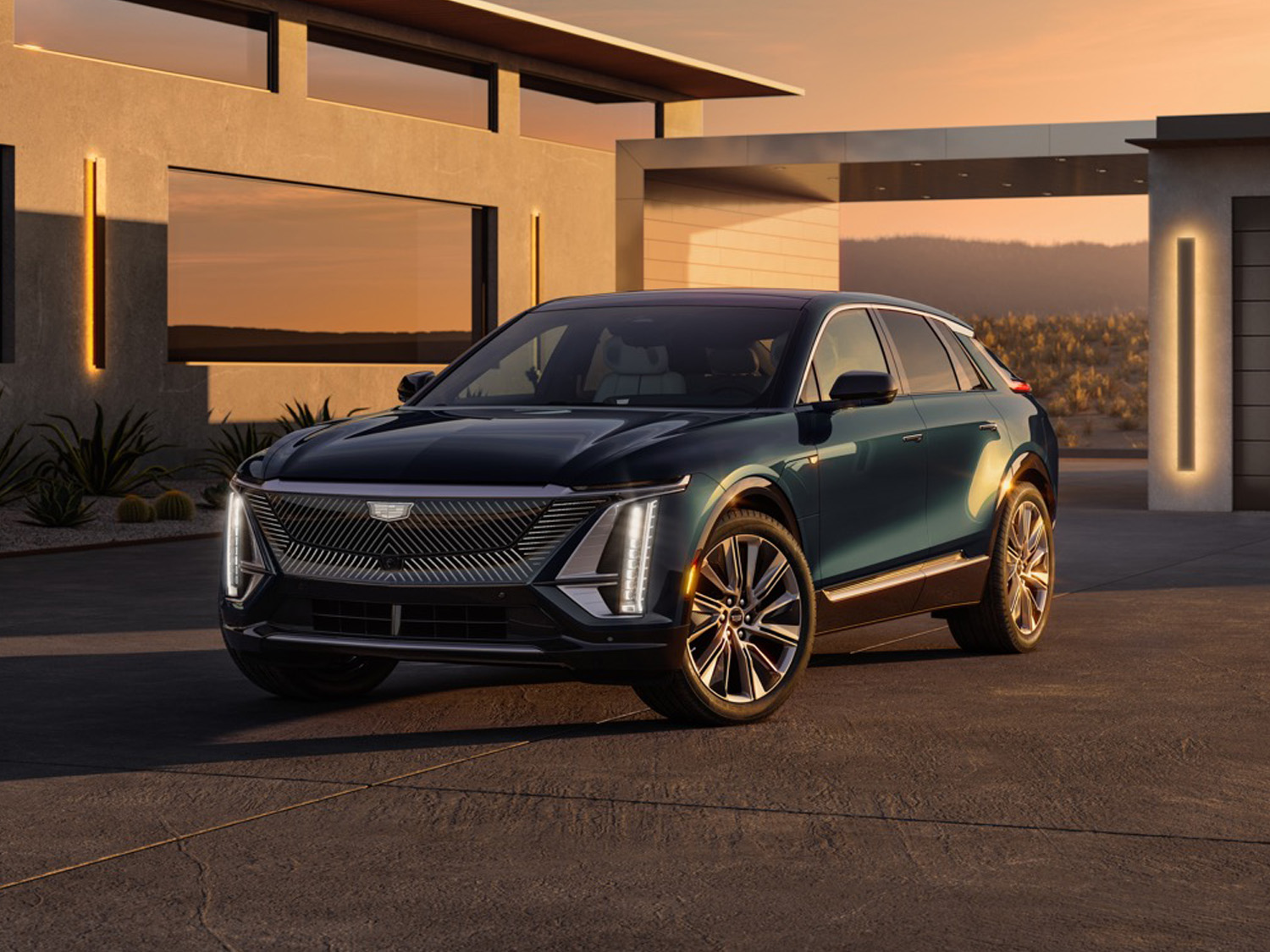
The 2027 Cadillac Lyriq will retain a feature many EV shoppers still consider essential: both wired and wireless Apple CarPlay and Android Auto compatibility. These smartphone connectivity features have often been cited in surveys of car shoppers as must-haves for their next car.
That makes the 2027 Cadillac Lyriq a notable outlier in General Motors’ expanding EV lineup, as the automaker continues phasing out third-party smartphone mirroring in favor of its Google Built-In infotainment ecosystem. According to GM Authority sources, the luxury crossover will remain the last GM EV sold in North America to offer both systems.
The decision stands in contrast to recent moves elsewhere in GM’s electric portfolio. The 2026 GMC Hummer EV dropped Apple CarPlay and Android Auto as part of a broader infotainment overhaul for the 2026 model year. There was a time when the upper trims of the Chevy Silverado EV didn’t have these features, but the base model did. But the WT also lost both features for 2026, signaling that GM remains committed to pushing customers toward its native software platform.
GM first outlined that strategy in 2023, when company representatives said built-in apps could offer a more seamless ownership experience. “We have a lot of new driver assistance features coming that are more tightly coupled with navigation,” Mike Hichme told Reuters at the time. “We don’t want to design these features in a way that are dependent on a person having a cellphone.”
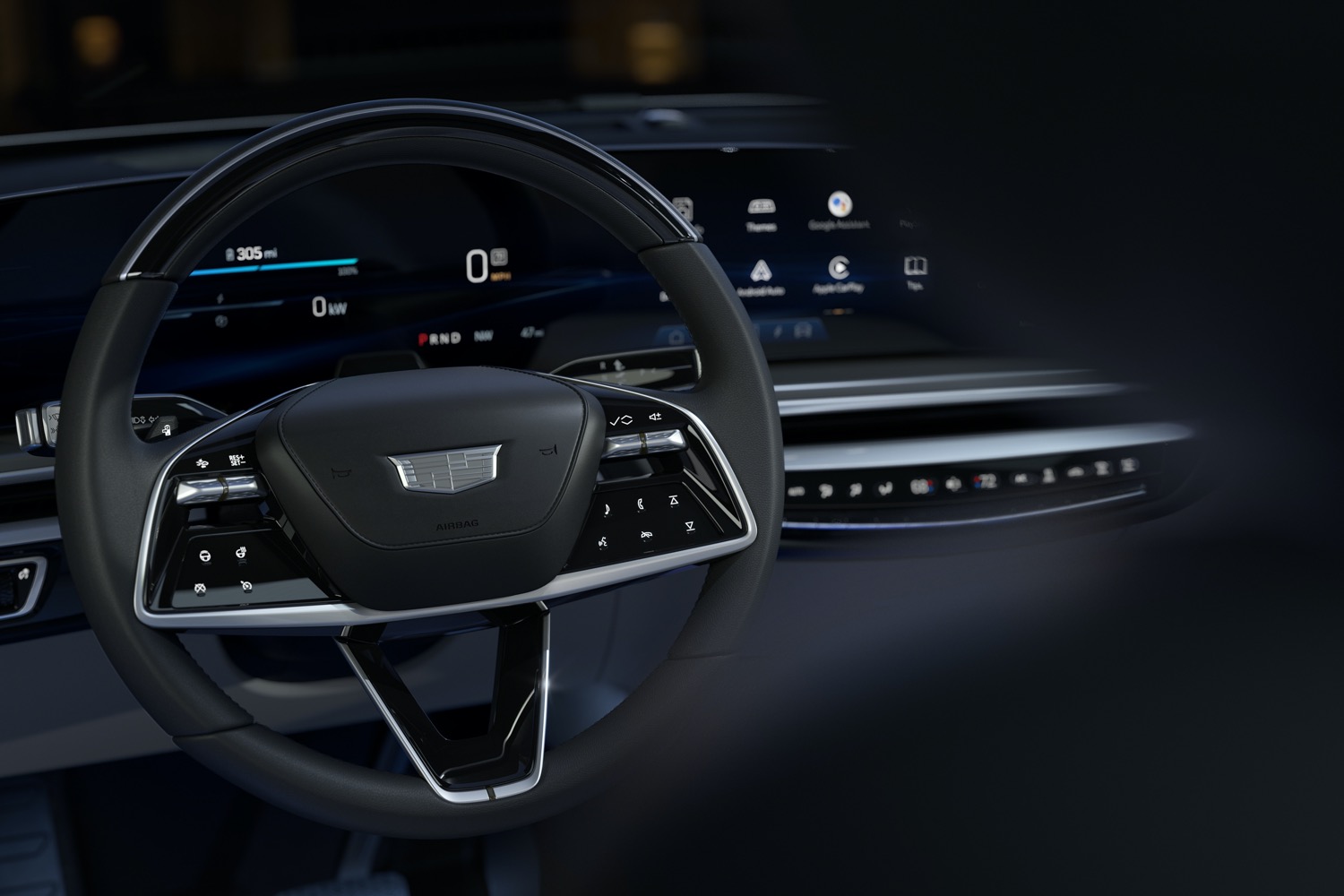
For Cadillac, however, the Lyriq appears to be the exception. The model remains a critical product for the luxury brand as it expands its EV lineup with vehicles like the Cadillac Optiq, Cadillac Vistiq, and Cadillac Escalade IQ.
The 2027 Cadillac Lyriq is also slated to receive a North American Charging Standard (NACS) connector and will underpin a new commercial hearse variant. For buyers unwilling to give up smartphone mirroring, that may be the model’s most important update.


Comments
I once thought I had to have Apple CarPlay in any vehicle I bought new but my experience with the software platform on my Hummer I no longer find the value in it. To clarify I have the 2025 model that still has Apple CarPlay but after downloading the music and other apps I would use directly to the infotainment system on the truck, I much prefer the use of that system vs Apple CarPlay. Also the google navigation system I find works just as well if not better and quicker.
Another nail in the coffin for GM. Until GM learns to give the customer what THEY want , they will continue to go downhill.
GM isn’t even trying to market their new system and forcing it across. I just bought a new BMW after 9 GMs and likely won’t even visit a GM dealer going forward with that level of disrespect from the parent.
OK so jump to the company that has made buyers pay and subscribe to use their heated seats!
Lets call it what it is a monetization pivot. General Motors is pushing a subscription/data flywheel apps, connectivity, and location telemetry to drive recurring revenue, upsells, and partner data sharing. Translation: you’re both the driver and the deliverable to ongoing profits for the life of your GM vehicle ownership.
I want to trade in my existing Silverado for a newer one within the next 2 years. Apple CarPlay and Android Auto will ALWAYS be a better alternative than whatever GM puts on its vehicles. I won’t be forced into a subscription model on a vehicle. Forced to pay for something that is already on my Phone. So CarPlay and Android Auto will continue to be the preferred outcome on any vehicle.
If I do end up going for a refresh Silverado. First thing I’m doing is disconnect the onstar module from its wireless antenna. Then using one of the many software modifications for these radios to have CarPlay/Android Auto. Regardless of what GM thinks is best for me.
Disconnecting the OnStar module may cause other issues per this AI inquiry:
Disconnecting the OnStar module on a 2020 Chevy Silverado may cause serious issues, including preventing the truck from starting due to disrupted communication between the engine control unit (ECU) and other systems. While some users aim to stop tracking, removing it can trigger check engine lights, limit functionality, or cause severe, unexpected electrical errors.
My current Yukon Denali is the LAST GMC i will own since they pulled the plug on the Car Play. We were about to pull the trigger on a Vistiq until we heard they pulled Apple. So sad….hello BMW
You do know BMW has previously made customers pay and subscribe to use the heated seats in their vehicles……so just to be clear all manufacturers are playing such games