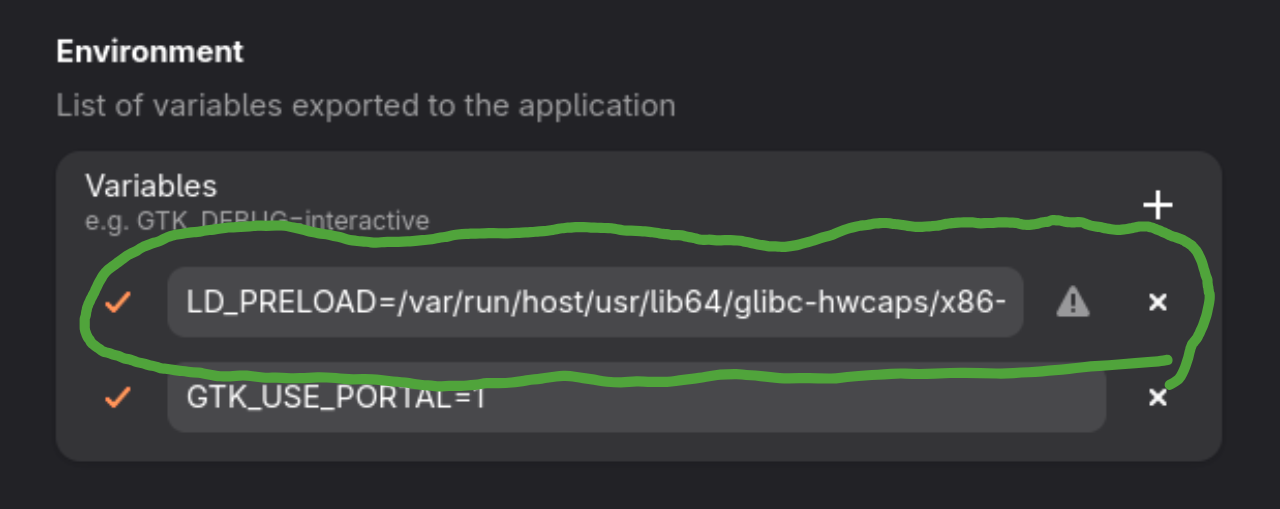
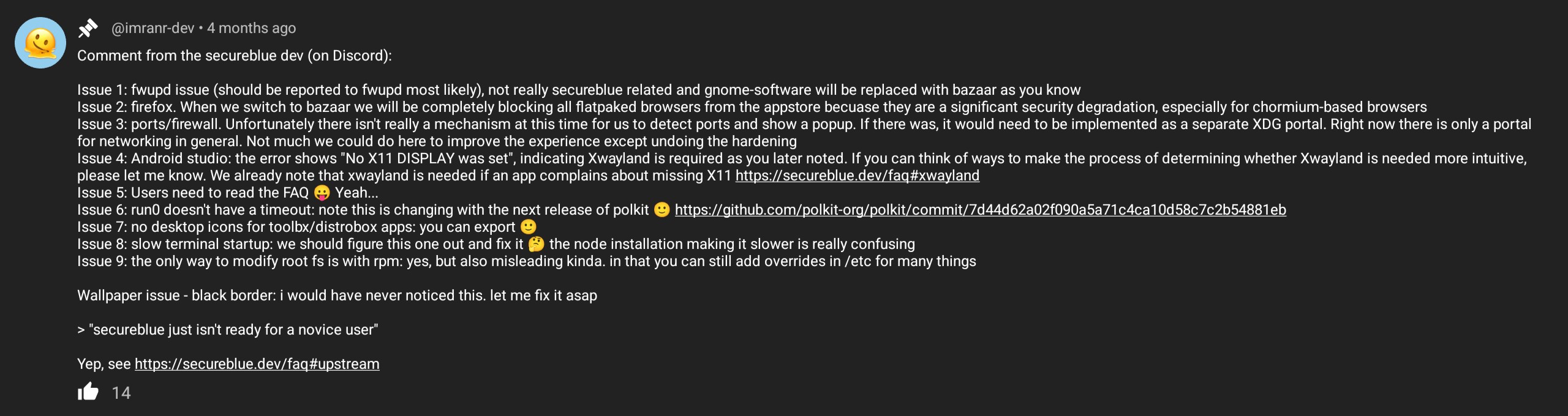
I’ve been attempting to install tor browser on secureblue. At every turn something has prevented it from launching. so far best I can tell its a userns problem, but even the ujust command to enable that has not fixed it. I would really love advice about this. if I cannot use tor browser on this os it is practically unusable to me.
post by imitation-unkind on Dec 17, 2025
post by anon64393690 on Dec 17, 2025
post by anon63378630 on Dec 18, 2025
post by any1 on Dec 18, 2025
post by sha123 on Dec 18, 2025
post by anon63378630 on Dec 18, 2025
post by KevPham on Dec 18, 2025
Have you thought about using Whonix via virt-manager?
If that is a bit too much work for you, you can also use Gnome Boxes or Distro Box to run Tor Browser in just about any Linux distribution you want within SecureBlue
post by leahh88g4 on Jan 24
@RoyalOughtness could you please let me know what the recommended way is to install Tor (and other browsers)? I am not on Discord and do not know where else to get support. Thank you!
post by Man on Jan 24
post by leahh88g4 on Jan 24
post by Man on Jan 24
I don’t know if it is possible to securely install other browsers at present. Secureblue is such a new project. I would recommend booting Tails if Tor is required or Mullvad Browser + VPN on another distro in the meantime. There are ways to route all traffic through Tor if you want to use Trivalnet + Tor. It isn’t a substitute for Tor Browser though.
There are other reasonably secure atonic Fedora based distributions that will make migrating easier once secureblue is ready. Ostree is the reason you are struggling to install Tor Browser however.
post by sha123 on Jan 24
post by leahh88g4 on Jan 24
post by Man on Jan 24
I believe secureblue is immutable, so you can’t modify the core system. Non-Flatpak applications can be added on top of but not tightly integrated into the core OS. This is to prevent malicious programs interfering with root system files, which keeps you safe. The downside is this also reduces functionality if configuration files cannot be edited. Unless the developer verifies and intergrates an application at that deep level the system will reject it. Flatpak is sandboxed so it runs without interfering with the core OS. But sucure browsers are actually less secure in this environment. If you want to install new programs, as a begginer, then wait for the OS to mature. The developers are working on an easy way to layer browsers into the system.
I would reccomend regular Fedora, where these browsers can be installed natively, without Flatpak. It is still private but slightly less secure. Since sucureblue is based on Fedora you will learn valuable skills before switching to secureblue. It may even be possible to ‘upgrade’ to an immutable version of Fedora then switch to secureblue without reinstalling. But I’m not certain about that.
post by Securefan on Jan 24
post by sha123 on Jan 24
On “immutable” distros, this means adding a layer with the software on top of the immutable base image. On securueblue this happens via rpm-ostree install command.
You need to read this up for yourself. Too much to explain. It is basically a very lightweight form of virtualization on Linux, which does not have the same security guarantees as “normal” VMs.
Check out the Secureblue homepage, especially the FAQ
Yes, but I think it is an acceptable risk. Unprivileged user namespaces increase the risk of privilege escalation. But on a single user system, you are screwed anyway, if malware runs as your user in an unsandboxed way and most sandboxes deny access to unprivileged user namespaces nevertheless. As @Securefan said, using a Whonix VM instead would be the most secure option, but it is also much more inconvenient and resource hungry.
post by leahh88g4 on Jan 25
Well, most of that isn’t really beginner-friendly either
So just to confirm: I should be downloading the Tor.tar.xz-file and what would be the correct command the for rpm-ostree?
Second question: I also tried to set up a Wireguard tunnel, I did exactly as described on the Secureblue website by importing the .config-file, and while it looks like it is working (the connections enabled and no error messages), I cannot open any website, so it obviously is not working. Are there any other things that need to be changed/added when using Wireguard?