
The LG 27GX790A-B is a 27-inch OLED gaming monitor with a 1440p resolution and a 480Hz refresh rate. It competes with other monitors with similar specifications, like the Acer Predator X27U F3, the ASUS ROG Swift OLED PG27AQDP, and the Sony INZONE M10S. It supports all VRR formats, has Micro Lens Array+ (MLA+) technology for added brightness, and has HDMI and DisplayPort 2.1 bandwidth. Additionally, it has RGB hexagonal backlighting and DTS Headphone:X for a more immersive gaming experience. Like most OLED monitors, it also comes with some settings to reduce the risk of burn-in associated with OLEDs.
Our Verdict
The LG 27GX790A-B is outstanding for PC gaming. It has a very fast response time, so motion looks crisp, and it has very low input lag. It also supports all VRR formats to reduce screen tearing, though unfortunately, it has noticeable VRR flicker with changing frame rates. It also delivers incredible picture quality, and you can see deep blacks next to bright highlights.
Incredibly high 480Hz refresh rate.
Supports all common VRR formats.
Fast response time for sharp motion.
Low input lag.
Displays deep and inky blacks.
Small highlights pop in HDR.
Noticeable VRR flicker.
The LG 27GX790A-B is excellent for console gaming above 60Hz. It has a near-instantaneous response time with remarkably crisp motion. Additionally, its picture quality is incredible, and you can see deep blacks next to bright highlights. It also supports VRR with both consoles. It also has low input lag, as long as you have the firmware updated to its latest version.
Supports all common VRR formats.
Fast response time for sharp motion.
Low input lag.
Displays deep and inky blacks.
Small highlights pop in HDR.
Downscales 4k signals from PS5 & PS5 Pro and Xbox Series X|S.
The LG 27GX790A-B is decent for office use. It has great ergonomics and wide viewing angles, so it's easy to place it in your preferred position or share your screen with others. It also gets bright enough to be visible in a moderately lit room, but it's dimmer than many other OLEDs and can't overcome glare from a bright window. However, like many other OLEDs, it has some fringing around text. Additionally, it risks burn-in with constant exposure to the same static elements over time.
Great reflection handling.
Versatile ergonomics.
Text not as clear as on IPS or VA displays.
Risk of burn-in.
Not as bright as many other OLEDs.
Can't overcome bright glare.
The LG 27GX790A-B is excellent for editing. It displays a wide range of colors, and it has superb picture quality. Its highlights pop in HDR, and you can see deep blacks next to bright highlights, even in a dark room. However, it's not very accurate before calibration, and it has a risk of permanent burn-in with constant exposure to static elements over time, like from your editing programs.
Displays deep and inky blacks.
Small highlights pop in HDR.
Risk of burn-in.
Not as bright as many other OLEDs.
Larger highlights are somewhat muted.
sRGB mode has pre-calibration accuracy issues.
Can't overcome bright glare.
The LG 27GX790A-B has okay brightness. While small highlights pop in HDR, larger highlights don't. Additionally, it can't overcome glare from bright windows, but it's bright enough to be visible in a moderately lit room, even though it's dimmer than many OLEDs.
Small highlights pop in HDR.
Not as bright as many other OLEDs.
Larger highlights are somewhat muted.
Can't overcome bright glare.
The LG 27GX790A has a near-instantaneous response time, resulting in exceptionally sharp motion.
Fast response time for sharp motion.
The LG 27GX790A has excellent HDR picture quality. It displays a wide range of colors, as well as deep blacks in a dark room. However, its colors aren't as vivid as on QD-OLED displays.
Displays deep and inky blacks.
No blooming around bright objects.
Bright colors aren't as vivid as QD-OLEDs.
The LG 27GX790A has remarkable SDR picture quality. It displays deep blacks and a wide range of colors.
Displays deep and inky blacks.
Wide range of colors.
The LG 27GX790A-B has great color accuracy. It has a dedicated sRGB mode, but it has some inaccuracies, and you need to calibrate it for good accuracy.
sRGB mode has pre-calibration accuracy issues.
Performance Usages
Changelog
- Updated Feb 25, 2026:
We clarified any differences between this monitor and the LG 27GX790B-B.
- Updated Nov 20, 2025:
We took an additional photo of its 15% gray uniformity to show its vertical banding.
- Updated Nov 19, 2025:
We added that the LG 27GX700A-B is another monitor that gets brighter.
- Updated Nov 10, 2025: We've converted this review to Test Bench 2.1.1. We removed the Vertical Viewing Angle test.
Check Price
Differences Between Sizes And Variants
We tested the 27-inch LG 27GX790A-B, which is the only size available for this monitor. LG has several similar 27-inch OLED models, but there are significant differences between them, as the table below shows. These results are only valid for this model. This monitor differs from the newer LG 27GX790B-B, which uses the RGB Tandem OLED panel and has a higher refresh rate.
| Model | Refresh Rate | DisplayPort Version | Remote Control |
|---|---|---|---|
| 27GX790A-B | 480Hz | 2.1 | No |
| 27GS93QE-B | 240Hz | 1.4 | Yes |
| 27GS95QE-B | 240Hz | 1.4 | No |
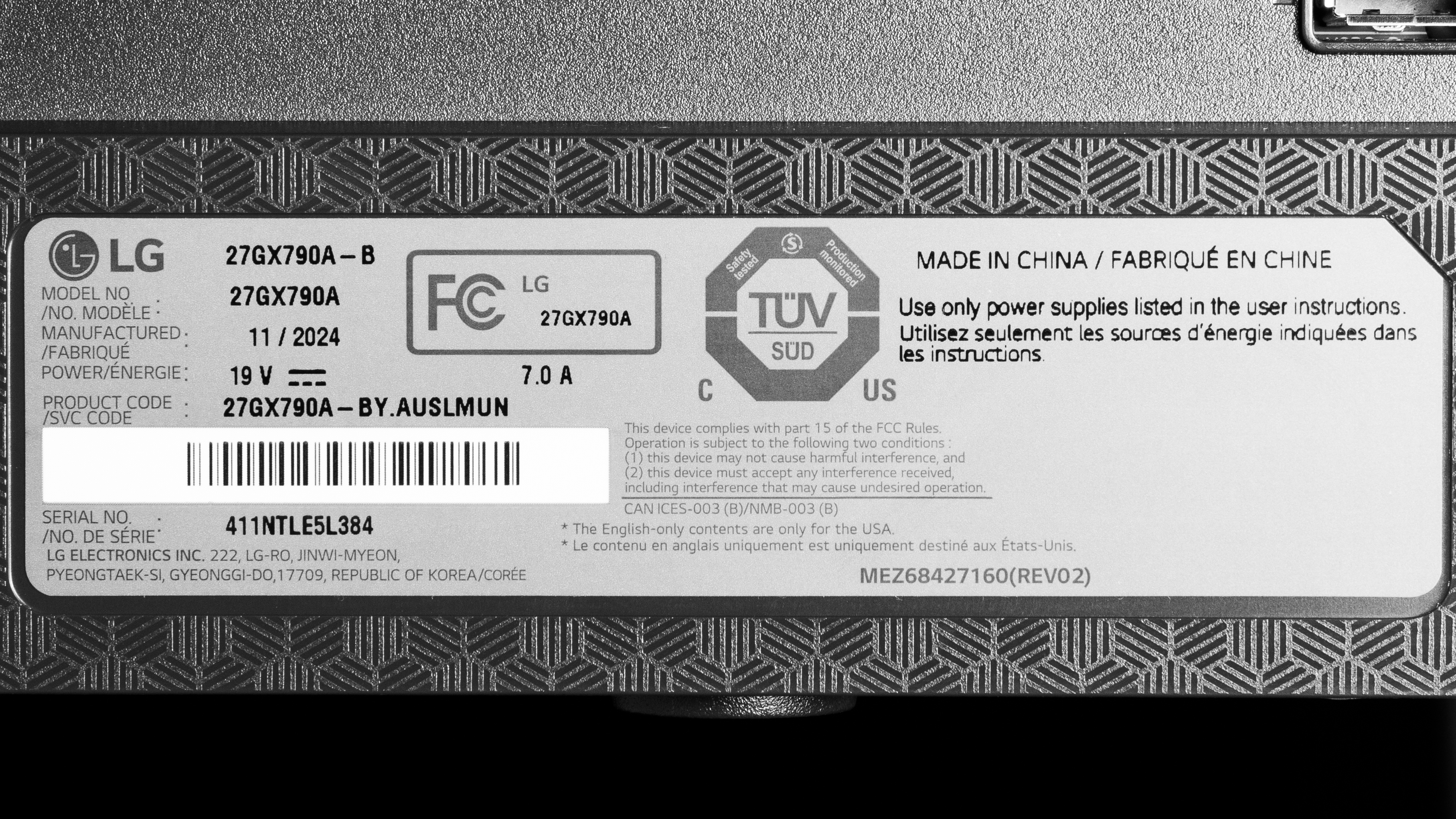
Our unit's label indicates that it was manufactured in November 2024. We tested it with firmware 3.03, 2.04, and retested the Input Lag with firmware 3.04, 2.04.
Popular Monitor Comparisons
The LG 27GX790A-B is ideally suited to esports gamers, as it has a 1440p @ 480Hz display and an extremely fast response time. It's one of several 480Hz OLED displays that provide a far more responsive feel than IPS or TN gaming monitors. However, while this monitor is in the top tier of competitive gaming monitors, you need to make sure you have the firmware updated for the best input lag at 60Hz. Additionally, since it costs considerably more than 360Hz QD-OLED displays, like the MSI MPG 271QRX QD-OLED, it's primarily worth getting if you want smoother motion.
Also, see our recommendations for the best 27-inch gaming monitors, the best high refresh rate monitors, and the best 1440p gaming monitors.
The Sony INZONE M10S and the LG 27GX790A-B are 1440p 480Hz WOLED displays designed for competitive gamers. Both displays are very similar, and most people should get whichever they can find cheaper. However, if you're looking for every competitive edge, the Sony has a unique mode that enhances the outline of enemies in some FPS games.
The LG 27GX700A-B is a newer OLED gaming monitor than the LG 27GX790A-B. They have many of the same features, but have WOLED panels from different generations. The 27GX700A-B utilizes the newer RGB Tandem OLED panel, which offers brighter performance and improved color purity compared to the 27GX790A-B. However, the 27GX700A-B is less accurate in HDR because it overbrightens content. The 27GX790A-B is more well-rounded for gaming because it has a higher refresh rate for a smoother feel, and it comes with DisplayPort 2.1 bandwidth to take advantage of modern graphics cards, which the 27GX700A-B doesn't have.
The ASUS ROG Swift OLED PG27AQDP and the LG 27GX790A-B are both 1440p 480Hz WOLED competitive gaming monitors. The ASUS is a better choice if you're gaming in a brighter room, as it gets brighter in SDR. It also has a black frame insertion feature to reduce persistence blur. However, the LG has fewer bugs and is a better choice if you're looking for a monitor with fewer issues.
The LG 27GX790A-B and the LG 27GX790B-B are both high-end OLED gaming monitors, with a few differences. The 27GX790B-B uses an RGB Tandem OLED panel that allows it to get brighter and display more vivid colors than the older panel of the 27GX790A-B. They each have high refresh rates, but the 27GX790B-B has a dual-mode feature to raise it to 720Hz with a 720p resolution, giving it more versatility for playing different types of games. The 27GX790B-B even offers a more accurate sRGB mode, which is worth considering for content creation.

We buy and test more than 30 monitors each year, all of which we purchase ourselves, without cherry-picked units or samples. We put a lot into each unbiased, straight-to-the-point review, and there's a whole process from purchasing to publishing, involving multiple teams and people. We do more than just use the monitor for a week; we use specialized, custom tools to measure various aspects and deliver objective, data-driven results. We also consider multiple factors before making any recommendations, including the monitor's cost, its performance compared to the competition, and whether it's easy to find.
Test Results


for pictures & test results


for pictures & test results


for pictures & test results

for pictures & test results

for pictures & test results

for pictures & test results

for pictures & test results

for pictures & test results


for videos & test results

for pictures & test results

for pictures & test results

for pictures & test results


| Retailers' prices | Amazon.co.jp |
|---|---|
| 27" 27GX790A-B | SEE PRICE |


Comments
LG 27GX790A-B: Main Discussion
Let us know why you want us to review the product here, or encourage others to vote for this product. Comments transferred from merged discussions are also included.
Update: We clarified any differences between this monitor and the LG 27GX790B-B.
I’ve had the line in the middle happen to me a couple times. I was messing around with drivers and HDR and it’s not exclusive to this monitor, also seen it with my 270hz IPS. It never happened since though. I recommend you DDU and fresh install your drivers.
This update improved gradients for me. The sudden transition from dark tones to black is a lot smoother now. ABL is also better tuned.
Gamma calibration in my unit is still not good though. At 480hz it’s overexposed for lighter shades while still crushing the shadows. At 60hz the shadows are just way too raised…
Edit: Content looks a lot better now, without banding transitioning into black. But I started to get eye strain with dark mode apps. I feel it’s related to the temporal dithering they added. I can see it in dark grays, it looks like a very light flickering hard to even see unless i try to see it. It wasn’t there before the update..
FIRMWARE UPDATE version 3.11, released February 4th, 2026.
Just to make anyone that owns this monitor aware, a new monitor update finally released, doesn’t fix the issue on boot that causes a line down the middle with both halves of the monitor having a slightly different color tint, but goes away if you toggle HDR on, then off again. At least until the next time you boot.
This update says it fixed sudden increase in brightness when the monitor is left unattended. the only other thing the patch notes mentions is “bug fixes” with no other notes regarding exactly what that means.
EDIT: This update does NOT fix the UHBR 13.5 handshake bug on RTX 5080 as I hoped it would :( GPU-Z still showing current/max Displayport bandwidth as UHBR 10. Not sure if this issue applies to all 50 series cards, but it’s crazy there is still no fix. Starting to think it is a hardware issue rather than firmware. I even tried resetting the monitor to initial settings, doing a full power cycle by unplugging and draining residual power from the PC, and power cycling the monitor by unplugging and holding the power button for 60 seconds to clear its settings twice. I hope when I upgrade to the 540hz Tandem RGB panel that UHBR80 works properly, I think avoiding the LG branded monitor and going for the ASUS ROG with the Tandem panel is a better bet.
Thank you.
Hi, the power draw is anywhere from 35W while browsing/desktop use and up to 65W at max brightness, 100% window.
Power draw?
We’ve just released a new video that mentions the LG 27GX790A-B here.
Same here. No idea why are gradients scored 9.5/10. Doesn’t make much sense. To be fair, banding is not visible on light shades, but on very dark ones where the human eye is most sensitive, they absolutely are. I still don’t know why is this the issue with WOLEDs. Could be something with broken dithering?
Here is a video: https://youtu.be/XHqDSIf3VOU?si=vOBXSsrUueCFWzle
I have the exact same issue on my unit. It comes up as artifacts/banding in dark scenes.
Update: We took an additional photo of its 15% gray uniformity to show its vertical banding.
Sorry you’re right! When we tested it we did get the max of 40 Gbps, but we’re not sure if that’s still the case on every 5080. If that’s the case, you will truly be limited to 40 Gbps.
Yes, it does support 54 Gbps, but your article about it, comments in this discussion and a lot of people on Reddit state that it shows UHBR 10 (40 Gbps) when connected to a 50 series Nvidia card. Your article says that the monitor shows full UHBR 13.5 via an AMD card but UHBR 10 via an Nvidia card. Is that just visual and the monitor still uses 54 Gbps? Or does it actually get capped to 40 Gbps? That’s what I’m trying to find out, whether it’s a visual misinterpretation glitch on Nvidia or an actual limit which cuts bandwidth, thank you!
This monitor has 54 Gbps bandwidth over DisplayPort, so that’s what you’ll get if your graphics card also supports it.