


Before using Proxmox to run my home lab, I always considered the operating system I used at the time reflected my technical ambition. By that, I mean dual-boot systems and other dedicated applications almost convinced me that each OS installed served a purpose. What I was unaware of was the accumulated complexity, which is something a virtualization platform such as Proxmox can help provide clarity on. I never stopped to ask myself, "Which OS do I actually need, and why?"
Through months of experimentation, consolidation, and countless failures, Proxmox changed how I evaluate an operating system. Actually, it made me begin to do so, viewing an OS as a tool for specific workloads instead of considering identities. Unlike dedicated platforms, Proxmox encourages intentionality. I can create, destroy, backup, and migrate virtual machines and instances with a single button click. This eliminated the logistical cost of experimentation, which was a pain before Ventoy.
With the ability to swap operating systems, boot new ones, start anew, and destroy failed attempts in seconds, I began to notice some patterns. I'd always gravitate toward specific operating systems, prefer specific Linux distros for certain tasks, and only fire up other platforms briefly before being shut down and removed from the server. This revealed more about my approach to using and deploying operating systems than bare metal experimentation could ever hope to do.

I used an old gaming laptop as a home server, and it beats most entry-level mini-PCs
My outdated behemoth of a laptop doubles as a powerful server node
Proxmox is an OS playground
Test absolutely everything without repercussion
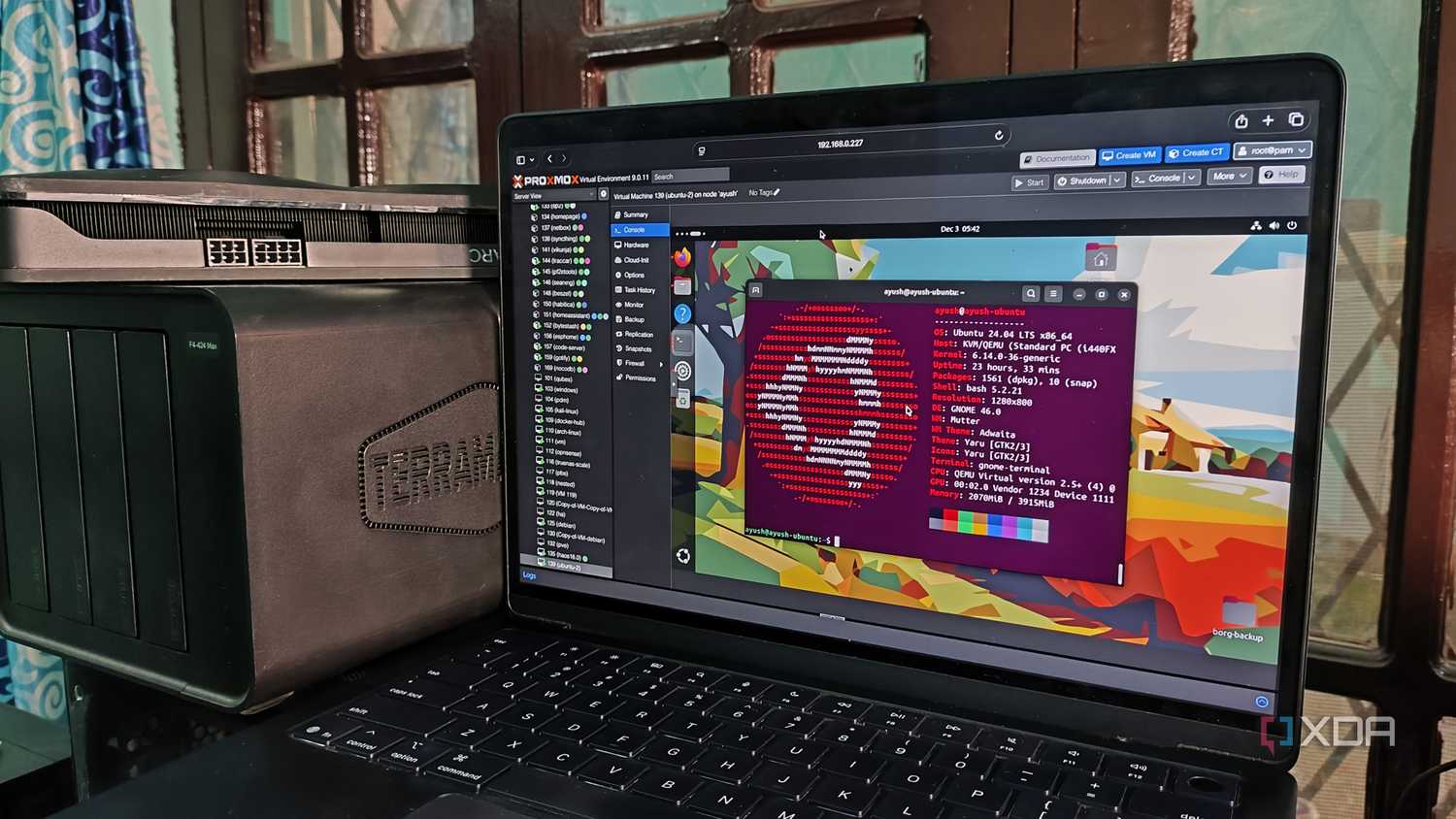
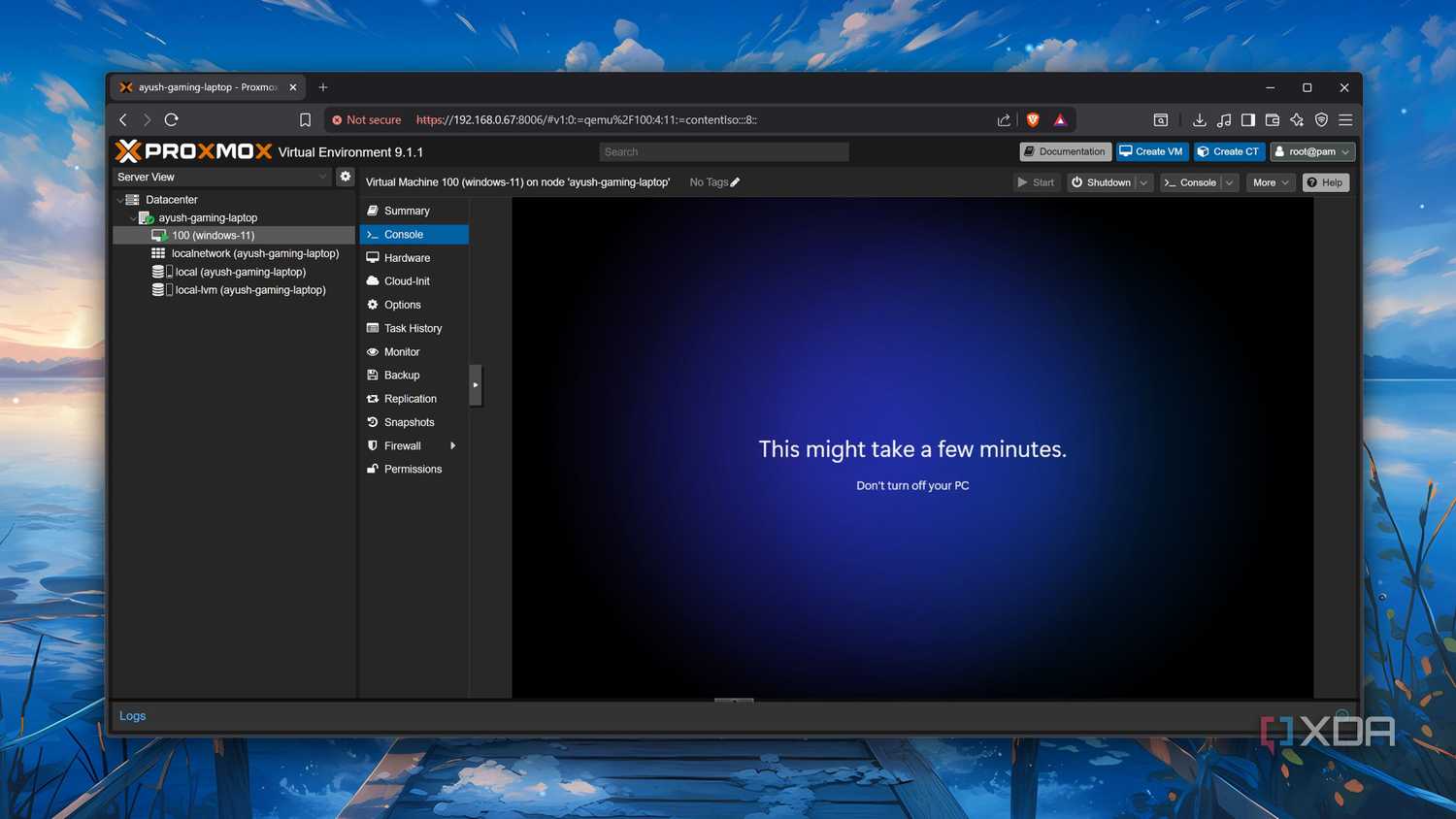
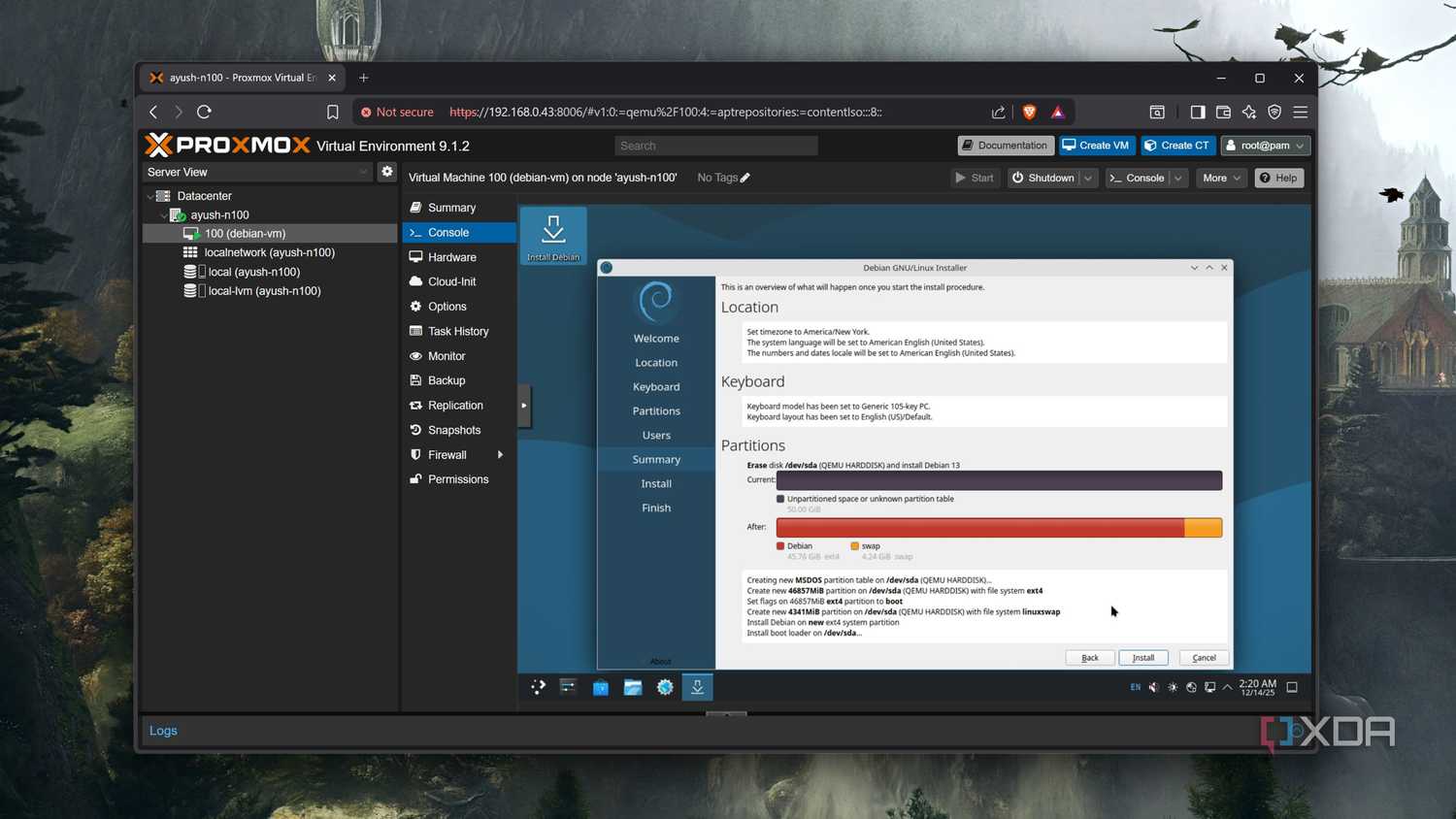
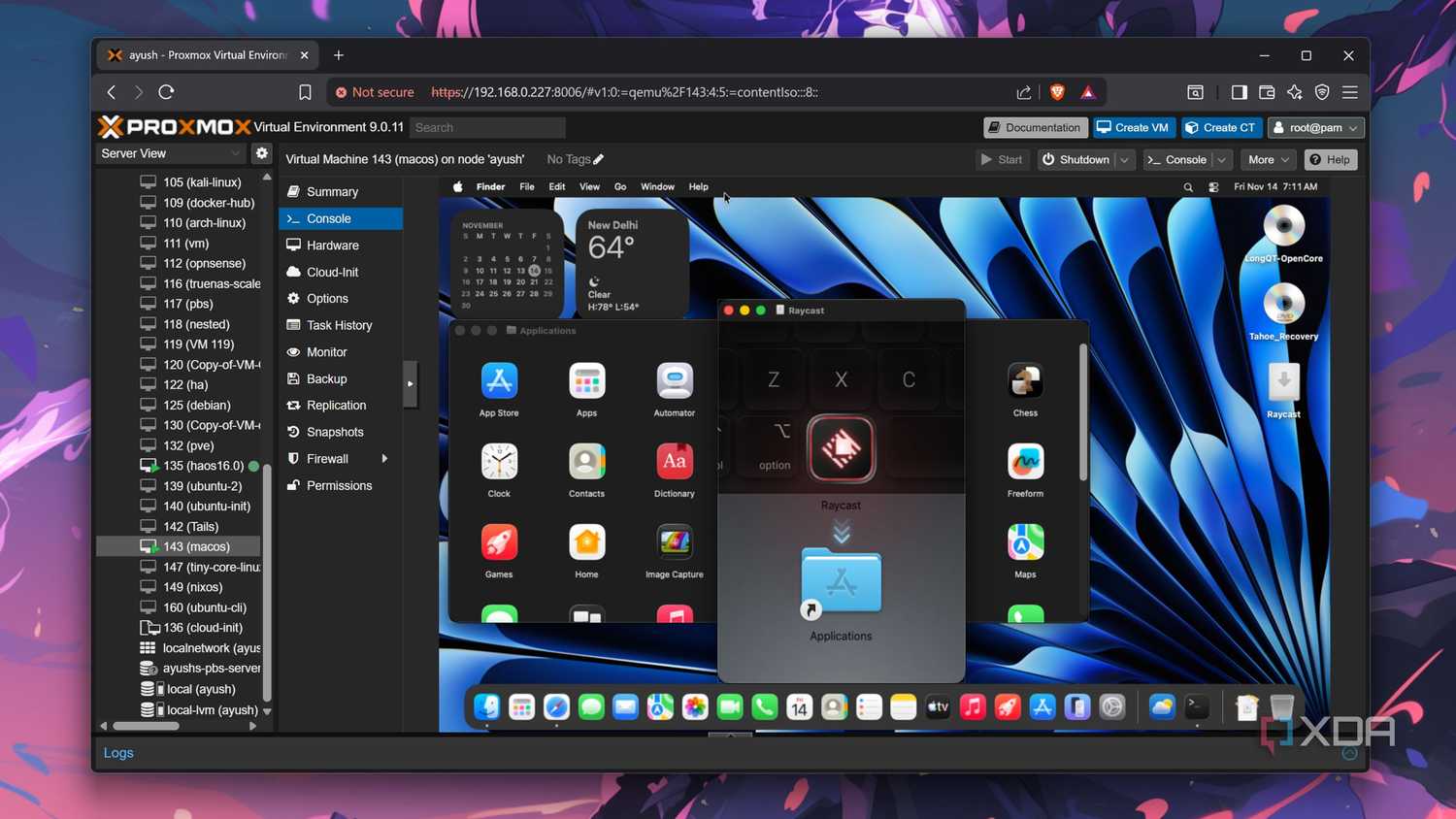
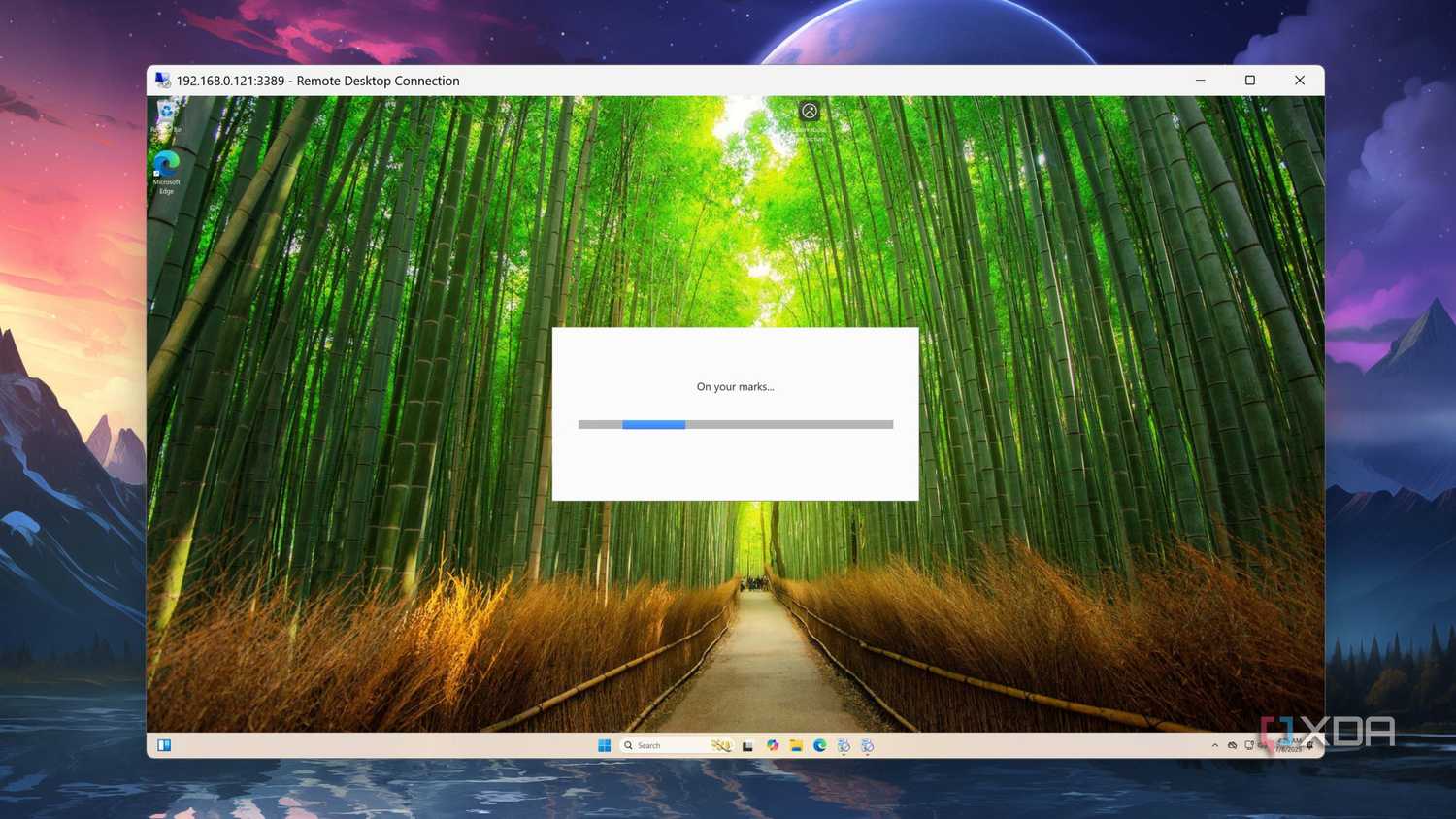
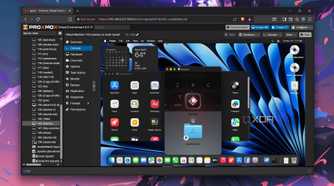
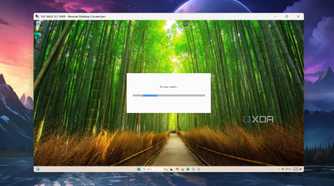
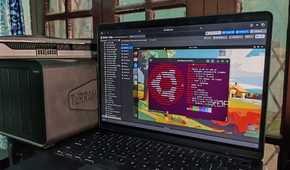
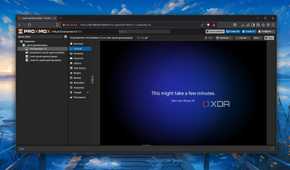
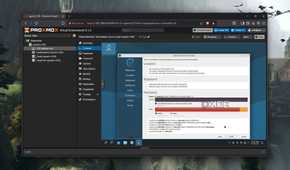
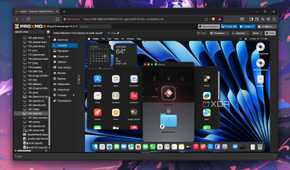
I initially viewed Proxmox as a sort of playground for software and hardware. I could throw together systems with a certain Linux distro, Windows, and even macOS. You're only really limited by imagination, which is what makes Proxmox (or hypervisors like it) so good for home lab use, since you can deploy just about anything. Gone are the days I'd have to wait for minutes for an OS to install and be ready for use. Now, I can use a deployable image, and it's ready in seconds.
It combines my favorite features of bare metal and Ventoy.
That said, once the novelty wore off, as it does with anything new and shiny, I was left with a feeling of redundancy. I had different package managers, philosophies, and more running various workloads. Interestingly, while each OS would appear functionally identical, they would differ over time for stability and predictability. Running a web server, for instance, I realized that while Ubuntu Server and something like AlmaLinux all worked well enough, I eventually gravitated toward Debian-based distros.
This wasn't because specific options were necessarily bad, but other systems were better aligned with how I wanted to configure the wider home lab. Then there's the distinction between general-purpose and specialized operating systems. Running FreeBSD on a bare metal system is a commitment, much like any dedicated OS, but Proxmox forces you to treat it as just another virtual machine. This completely changed how I evaluated them for whatever I need them to do.
And virtual instances are excellent for playgrounds and evaluation. I can mess around with software, test out various features, such as permissions and policies, file sharing, hardware support, and more, without breaking anything. Everything is sandboxed and contained within that environment, but when I'm ready for two virtual instances to communicate with one another, this is possible without much effort. It's like having countless bare metal systems all coupled together.

I'm addicted to installing Proxmox on old devices
Proxmox has become my favorite virtualization platform for revitalizing outdated systems
Do I even need a full OS?
Containerizing as much as possible
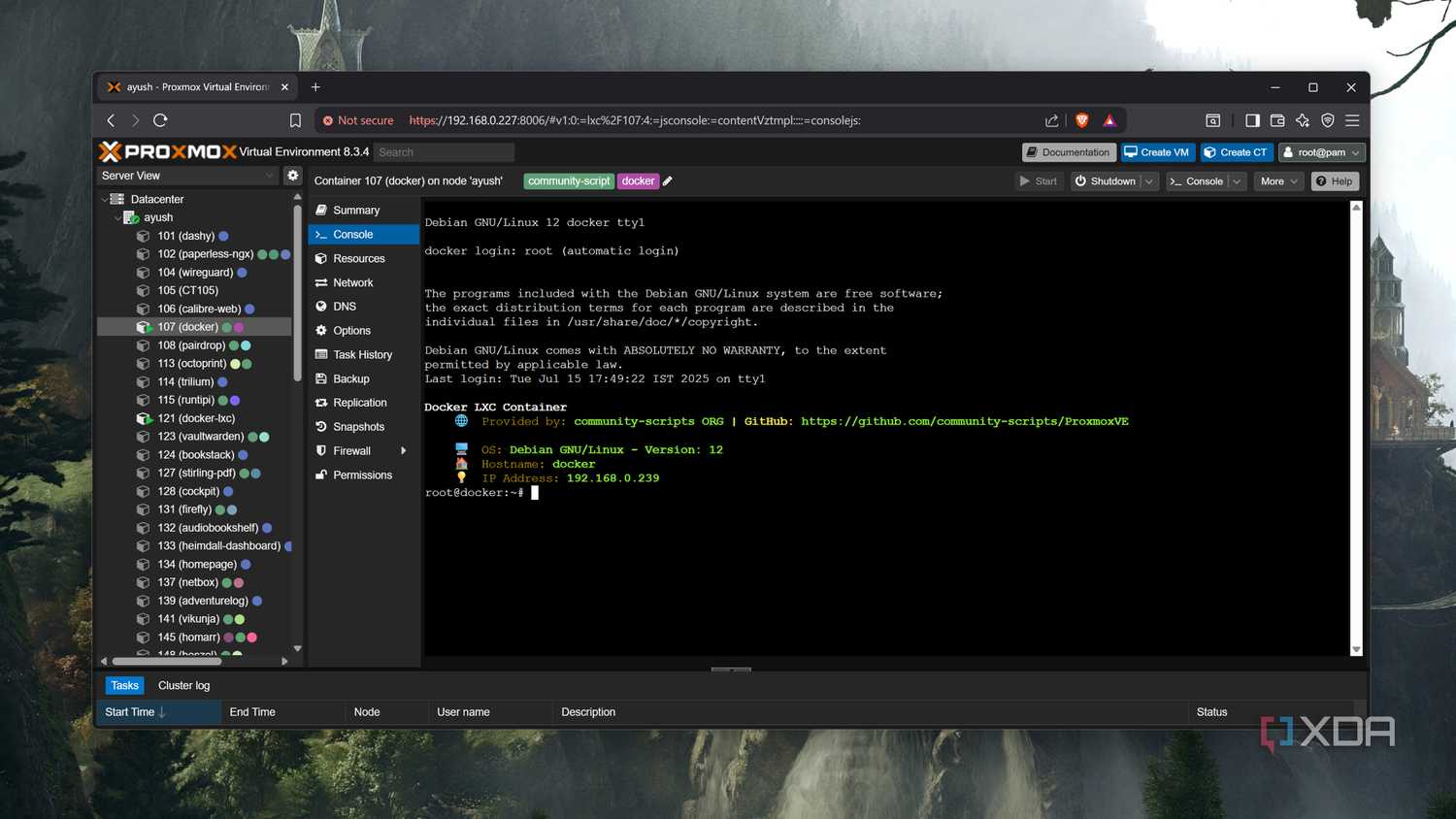
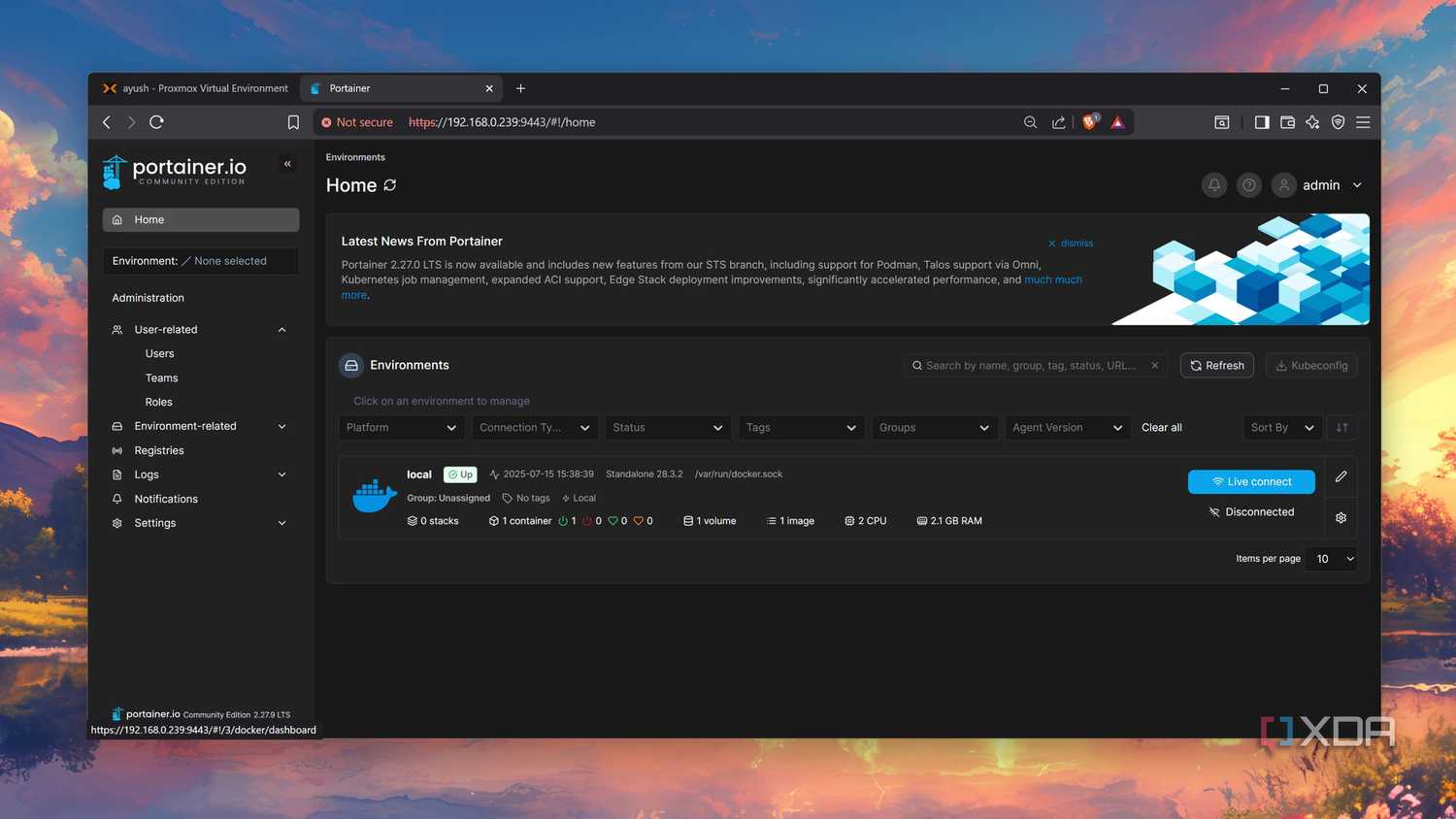
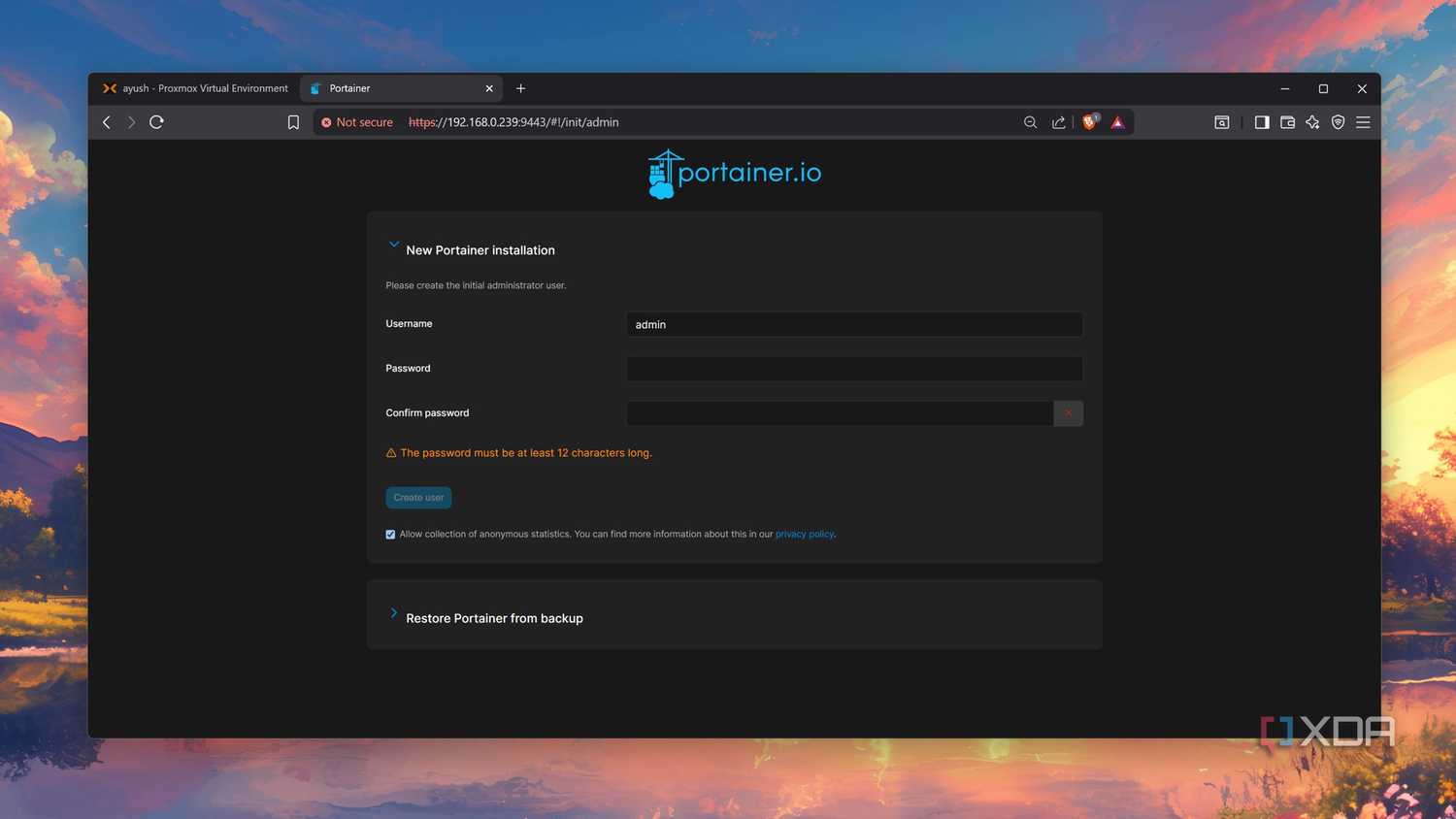
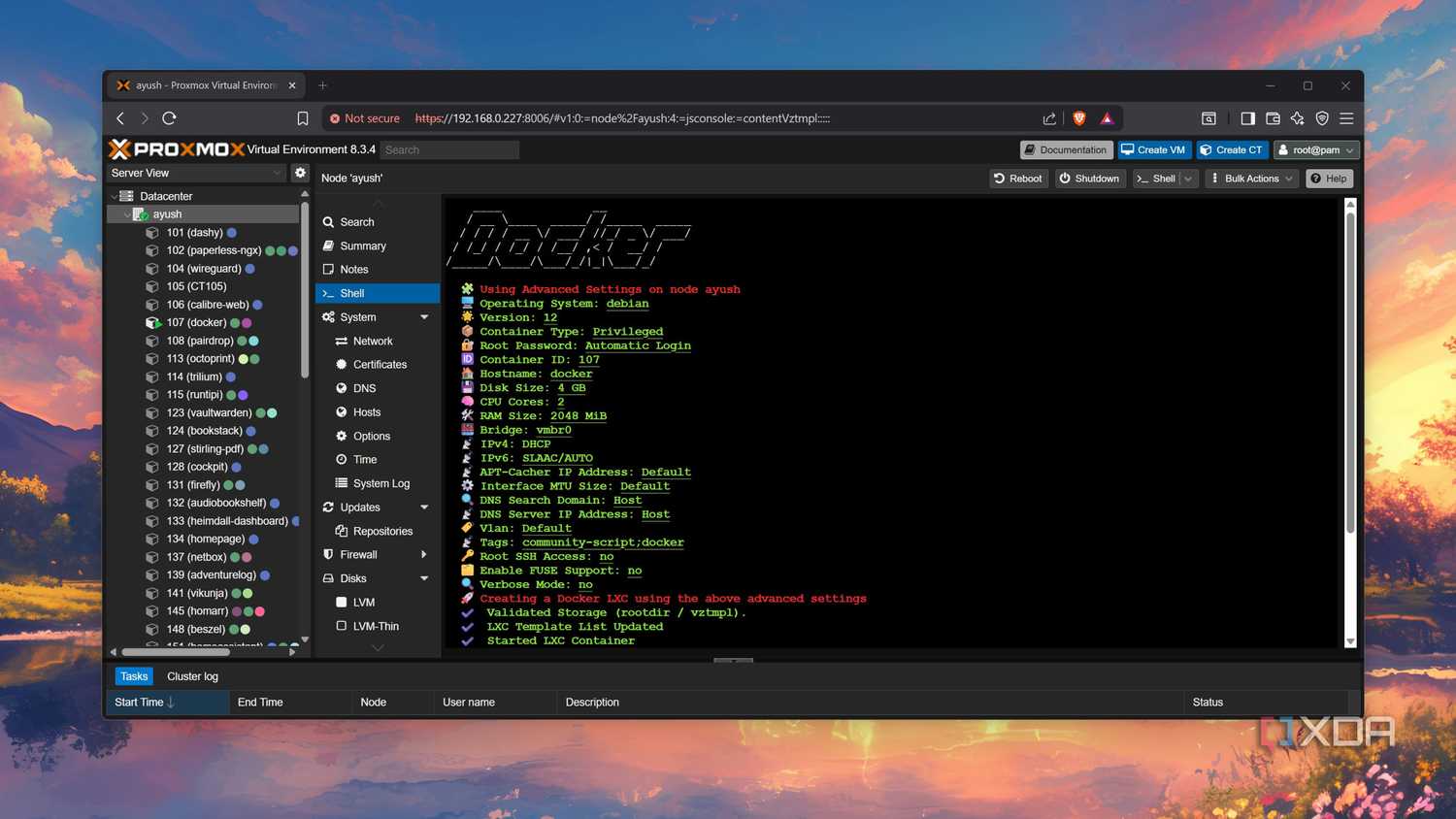
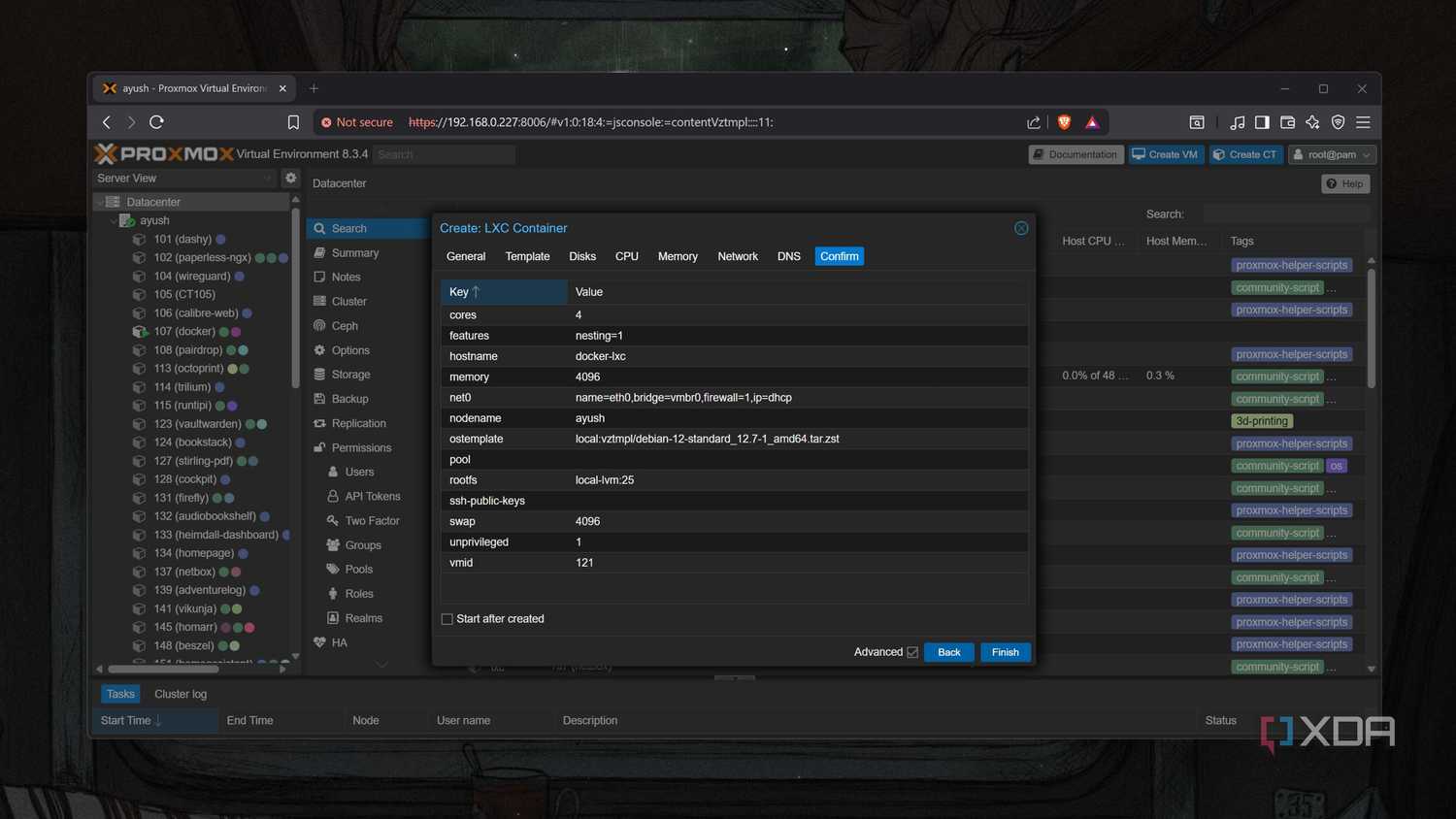
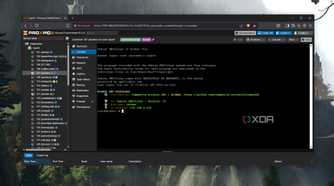
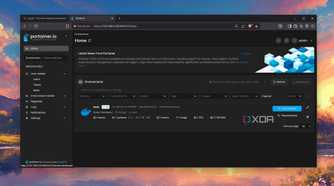
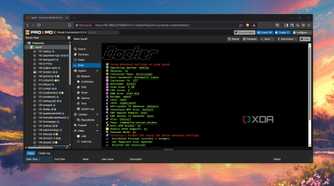
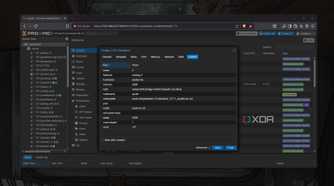
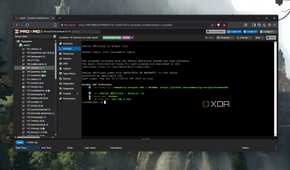
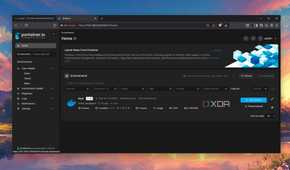
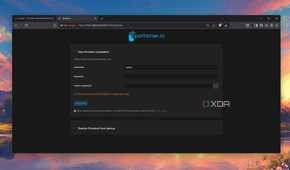
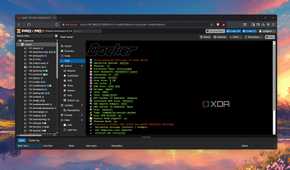
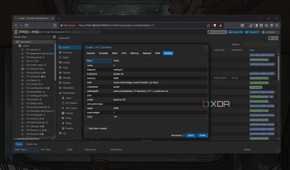
The thing with virtual machines and full-sized operating systems is that they all require considerable resources to run. Depending on what you need the OS to do, you may be better off running a lighter and more compact Linux container (known as LXC). These lightweight instances run Debian or Ubuntu and are usually more than sufficient. I often found myself requiring an isolated environment and not a full-fledged OS.
Instead of wondering which OS I should install, I migrated to considering what problems I am looking to solve. Resource usage within Proxmox is fully transparent, allowing me to see just how much each service and system is pulling within the same UI. Compared to running a VM, which requires multiple CPU cores and a fair chunk of RAM, Linux containers can often be just as good for specific tasks with a fraction of the overhead.
It's why home labs are able to be managed with as few resources as possible. It's all about consolidating what you need the home lab to do and running it lean. I could continue using operating systems that weren't best suited to live environments. I love using Arch Linux for my primary PC, and having it as an available VM is priceless for learning (and breaking stuff). I prefer to use Debian for web hosting, for example.
This isn't because Debian is outright better, but I prefer to have a complete package that can be conveniently updated and maintained with less risk. But it doesn't stop there, as Proxmox has full snapshot support, which is invaluable for this approach to using operating systems. As well as frequent backups, I can quickly roll back to a working version almost isntantly and this is what really sets this tool apart from bare metal.

Proxmox is the cleanest way to keep Windows without trusting it
You can even use a Proxmox-based Windows 11 VM as your daily driver!
Picking the best for the job
It's easy to spot winners (and losers)

Not every OS is built the same. Even Linux distros can vary greatly, especially in terms of stability. Just because your newly deployed 15 Linux distros are humming away nicely, running databases and the like, this doesn't mean it'll last forever. Return to the server a month late,r and maybe one has failed, two more are having issues connecting to the database, and perhaps a fourth is stuck in a loop. Proxmox makes it possible to benchmark an OS.
If I require an OS to do something, I could fire up a few choices on the same box. Run these operating systems for a month or two and see what happens. Perhaps all of them will work flawlessly, or maybe one will be an outlier and offer the best experience. Doing this on bare metal is almost impossible, unless you have a lot of free time (and patience). It's difficult to imagine an OS having a shelf life, but I much prefer having one that can be set up and forgotten about.
But it's not just home lab deployments where Proxmox taught me a thing or two about operating systems. Running a desktop OS, such as macOS or Windows, within a VM showcased how rarely I required graphical systems for many tasks. On top of that, automation, documentation, and troubleshooting became easier. I feel like I have a smarter setup with fewer operating systems to juggle between and an expansive playground to test new things without breaking everything.
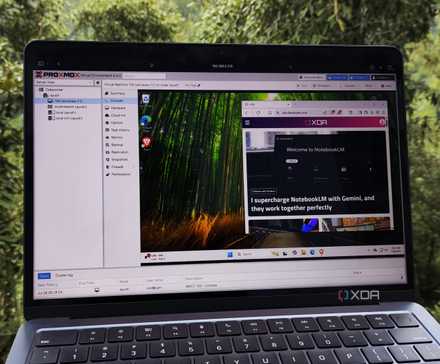
I tried using a Proxmox-based Windows 11 VM as my daily driver - here's how it went
All it took was a little bit of tinkering and a whole lot of patience
Each OS has its place
Proxmox helped me understand which operating systems I need - and more importantly, which ones I don't. The added redundancy, efficiency, and more simplistic management process were all icing on this incredibly sweet cake. When setting up the hypervisor for the first time, I didn't expect it would fundamentally change how I approach and view operating systems. Each OS exists on my servers for a reason. Some are permanent hosts while others are booted up for testing or removed altogether.