
 Credit: Patrick Campanale / How-To Geek
There was an age where partitioning drives was not only common, but encouraged. But PCs have changed a lot in the past few years. Nowadays, while partitioning is still an option, I'd argue that 90% of users probably shouldn't.
Let me explain.
Why do people partition their drives?
 Credit: Corbin Davenport / How-To Geek
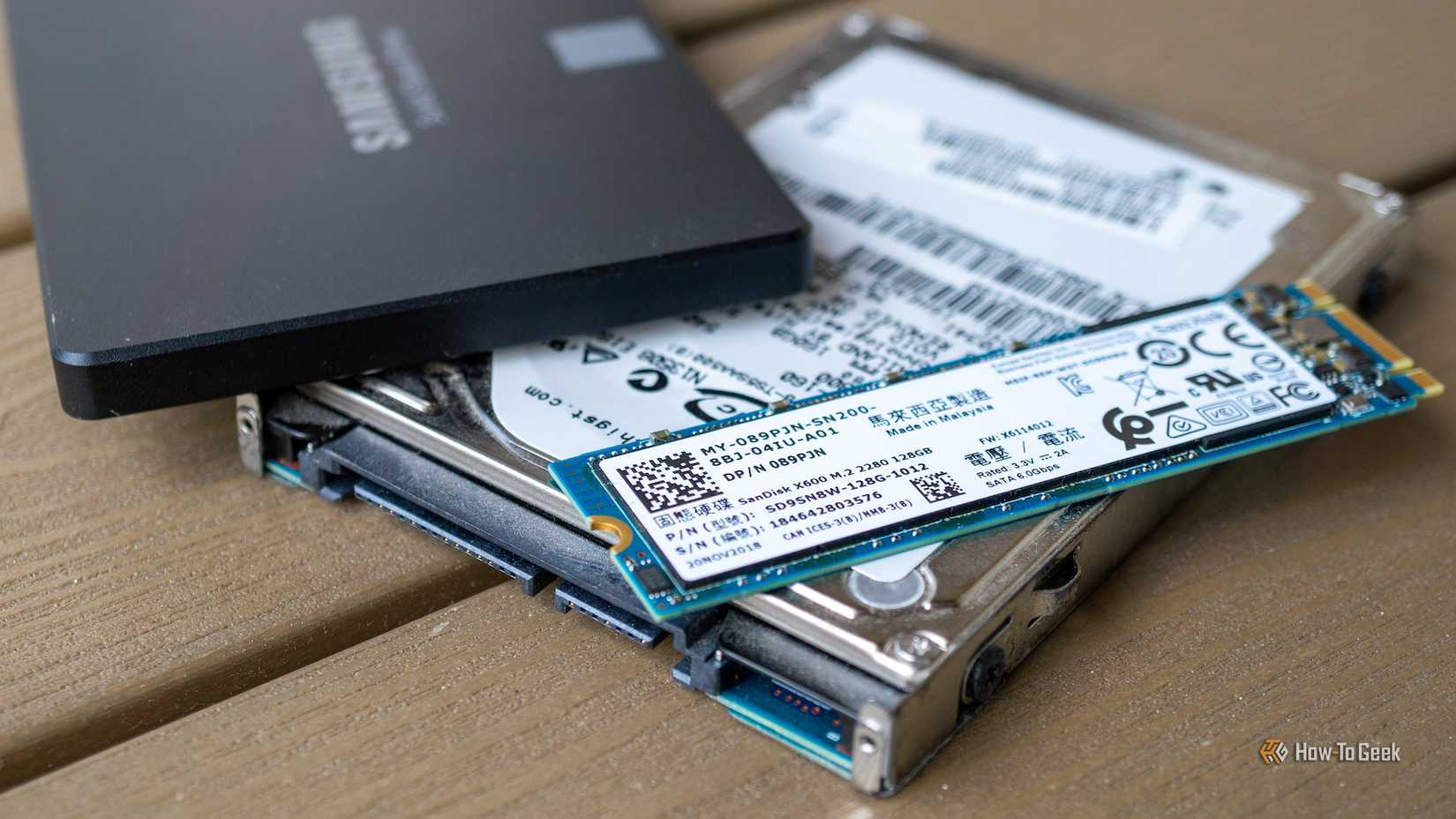
The practice of partitioning a single drive into multiple logical volumes is a habit deeply rooted in the history of personal computing, particularly during the era where spinning hard disk drives were the norm. Historically, the primary motivation for this separation has been data organization and safety. By creating a dedicated "C" drive for the operating system and a separate "D" drive for personal files, you actually felt a sense of security; if the operating system became corrupted or required a complete reinstallation—a common troubleshooting step in the days of Windows 98 or XP—the data on the secondary partition would theoretically remain untouched. This separation allowed power users to "nuke and pave" their system partition without the immediate need to restore terabytes of music or movies from external backups.
Beyond data safety, performance optimization was a significant driver for partitioning in the age of mechanical platters. A number of enthusiasts often utilized a technique known as "short stroking," where they would create a small partition at the very beginning of a hard drive. Because the outer edge of a spinning platter moves faster than the inner tracks, data located there could be read and written more quickly.
By forcing the operating system and frequently used applications into this specific physical area, you could actually squeeze measurable speed improvements out of slow hardware. Not SSD levels of performance, of course, but probably the best you could get out of a hard drive.
Additionally, separating the drive helped prevent fragmentation of system files by isolating them from the constant churn of downloading and deleting media files. For decades, these practical benefits cemented partitioning as a "best practice" among system builders and IT professionals, creating a legacy of advice that persists even as the underlying hardware has fundamentally changed.
Why shouldn't you do so?
 Credit: WD_BLACK
Partitioning was common before because it was a legitimate solution for that time. But things have changed. The most pervasive issue with partitioning, in my opinion, is the inefficiency of fixed storage limits. When you partition a drive, you are forced to predict the future storage needs of your operating system and applications. If you allocate 100GB to your system partition, you may find that years of updates, temporary cache files, and expanding application footprints eventually fill that space completely. This leads to the frustrating scenario where your system drive is screaming for space—causing performance throttling and update failures—while your secondary data partition sits with hundreds of gigabytes of empty, unusable capacity. Resizing these partitions after the fact, while possible, is not a trivial task for the average user and carries a non-zero risk of data corruption.
Furthermore, the hardware shift from mechanical Hard Disk Drives (HDDs) to solid-state drives (SSDs) has rendered the performance arguments for partitioning obsolete. SSDs do not rely on spinning platters, meaning there is no "fast" outer edge to target. Access times are uniform across the entire drive. In fact, SSD controllers use complex wear-leveling algorithms to distribute data evenly across physical memory cells to prolong the drive's lifespan. Logical partitions confuse this process or, at best, offer no benefit, as the operating system has no control over where the data physically sits on the chips.
Modern operating systems have also evolved; features like Windows "Reset this PC" or macOS "Recovery Mode" can now refresh system files while preserving user data without needing a separate partition. Modern file systems and folder structures are robust enough to handle organization without the need for artificial drive letters, making the practice largely a relic of the past.
Are there scenarios where it's justified?
 Credit: Patrick Campanale / How-To Geek
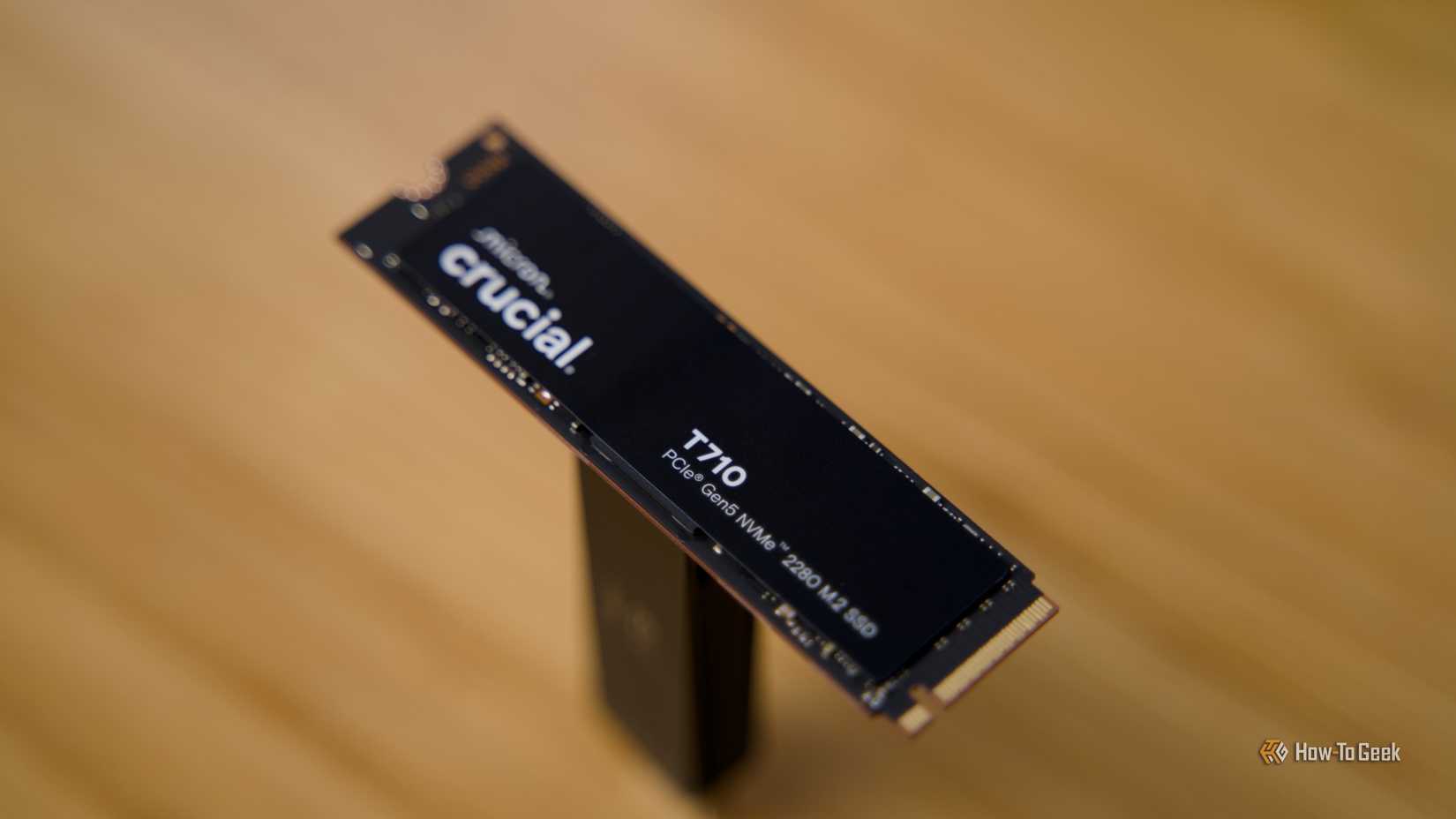
Now, granted, I'm not saying that partitioning is completely obsolete. There's a handful of scenarios where you might still want to partition a drive. The most prominent scenario that comes to mind is dual-booting, where you run two distinct operating systems, such as Windows and Linux, on the same physical machine. Because these operating systems often utilize entirely different file systems—NTFS for Windows and ext4 or Btrfs for Linux—they cannot coexist on the same logical volume. In this instance, slicing the drive into distinct partitions is mandatory to allow each operating system to function in its native environment without interfering with the other. This setup is common among developers, students, and enthusiasts who need access to different software ecosystems on a single laptop or desktop.
Even if the operating systems you're going to use do not use distinct file systems, partitioning still allows you to run two operating systems out of a single drive. It still saves you money.
Another valid justification involves strict data management for professional workflows, particularly for those who cannot afford external storage solutions immediately. For example, video editors or developers might create a separate partition to act as a dedicated "scratch disk" or build environment. This ensures that if a runaway process fills the storage with temporary render files or logs, it will hit the partition wall and stop, rather than filling the entire boot drive and causing the operating system to crash.
Similarly, in enterprise environments, system administrators might partition drives to strictly limit the amount of storage available to specific user profiles or to encrypt sensitive data separately from the OS.
However, for the vast majority of home users and general office workers, these niche scenarios do not apply, and the flexibility of a single, unified volume remains the superior choice.