


I know, creative work is messy! Digital Post-its everywhere! Files multiply like gremlins! Versions drift. You save something as "final" then "final-final" then "FINAL_FOR_REAL_THIS_TIME!!!" We all know that's not the final. At some point, a cloud service helpfully syncs the wrong thing, and you'll spend the next twenty minutes whispering threats, hopefully not in binary, at a progress bar. A Linux home office server exists to stop this nonsense.
Not in a grand, enterprise way. No, no, in a quiet, practical, please-don't-break way. It sits there, holds your stuff, and backs things up. It doesn't ask for attention, subscriptions, or permission to reboot when you are mere seconds from missing a deadline. It just gets the job done.
Why creatives need a server more than any app
Cuz' relying on pure vibe doesn't cut it, any longer
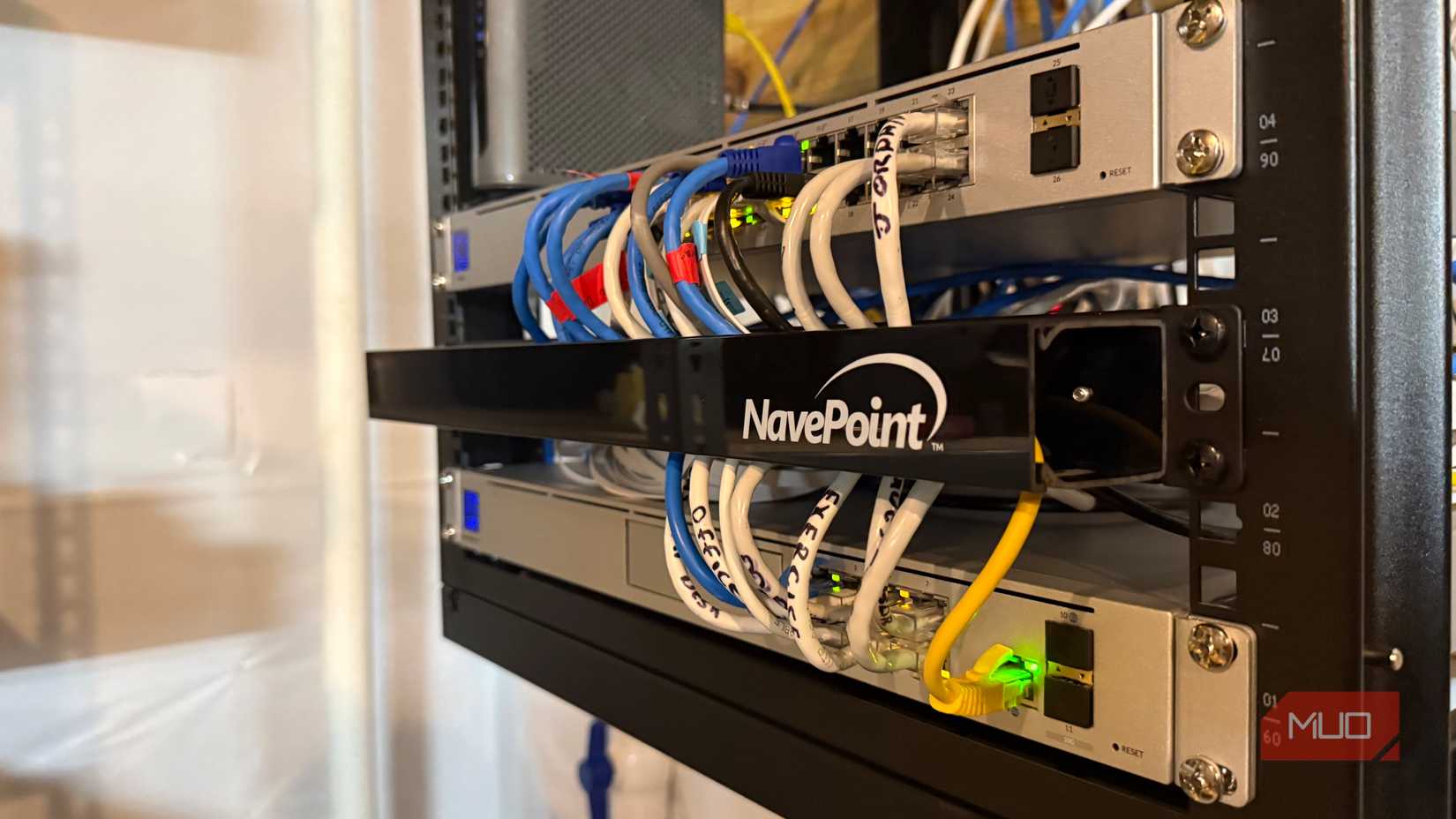
Many creative setups rely on vibe and habits. And the belief that "I'll remember to back this up later." We all know you won't! I know, I don't!
Cloud tools help until they don't. Prices change; features disappear. Sync breaks in silent despair, and suddenly your work lives everywhere and nowhere at the same time.
A home server changes the dynamic. You stop renting stability and start owning it. All your important "FINAL_FINAL_FINAL_FOR_SURE's" suddenly live in one place. Backups run because you told them to, not because an app felt generous that day. Your workflow becomes less fragile. It's not anti-cloud, but pro-control.
Hardware shouldn't be the main character
It's not an exhibition item, so just shove it way back in the closet
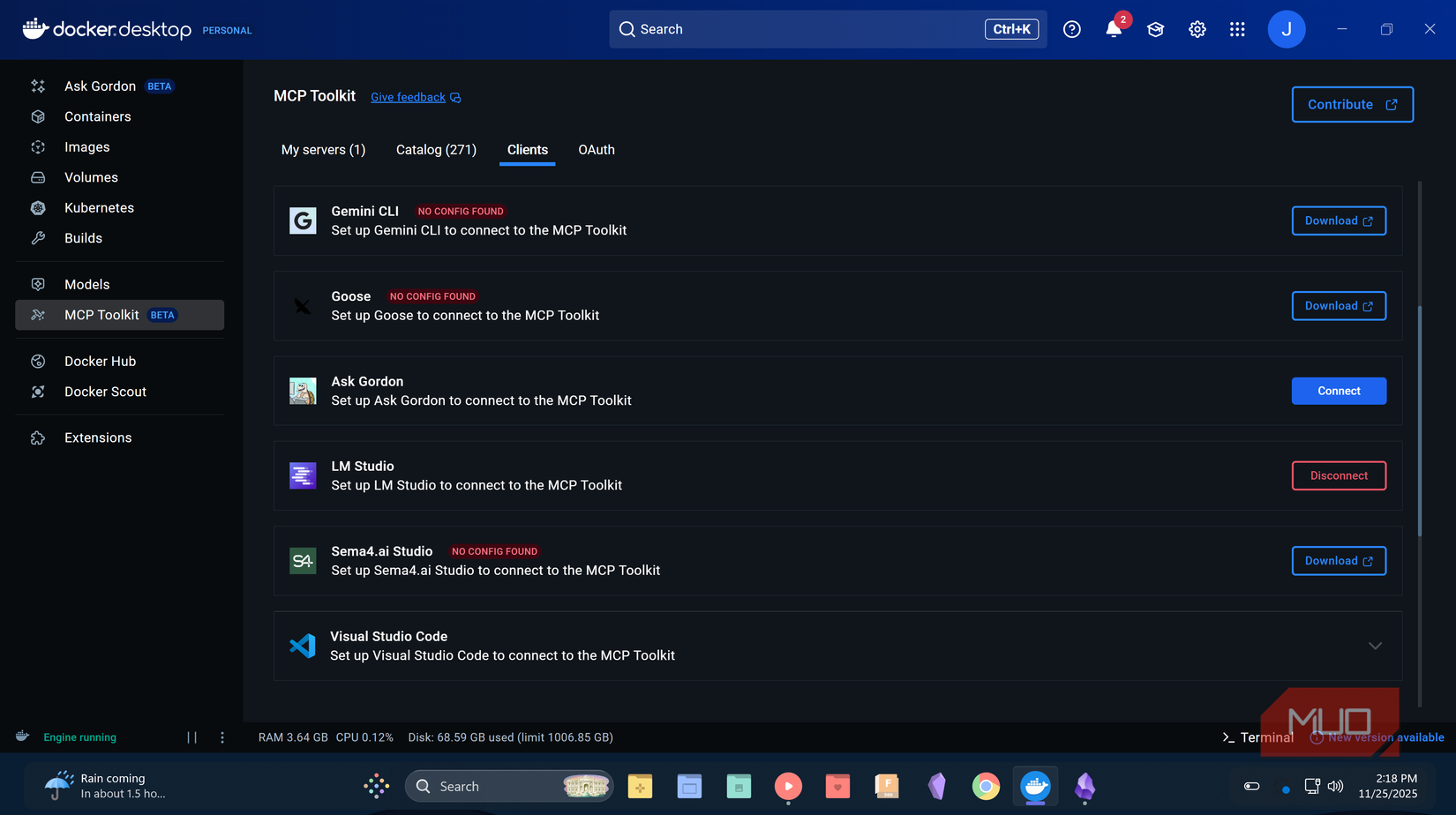
While some are happy with a simple Raspberry Pi, others want something more for their home server. This is, however, not a gaming PC, so stop flexing. If your server feels exciting, something's wrong. A small-form-factor PC, an old office desktop, or a decent mini PC is more than enough. Four modern CPU cores, at least 16GB RAM, and room for two drives. That's it.
One SSD for the system and another, bigger drive for the data. If you wanna play with local AI, add more RAM. First priority should be silence and reliability over benchmarks. The server should be there to support your creative brain, not compete with it.
Linux, because boring is the goal
Set it up, run it, and don't look back

Ubuntu Server LTS or Debian Stable are the main choices here. They are predictable, documented, and unimpressed by trends. Install without a desktop environment. The machine needs uptime, not pretty icons or notifications.
This is where Linux shines; it waits patiently and does nothing until you ask it to. Then it does exactly what you ask it, with no drama. Well, some drama might occur if your intent doesn't align with what you are telling it to do, but that's another story.
File sync that stops the version chaos
Creative files are alive and constantly changing. You need a sync that understands this

Nextcloud is popular because it works. Files sync across devices. Versions are saved. Sharing is intentional instead of accidental. Run it in Docker and keep it contained.
Running Nextcloud in Docker is what keeps it well-behaved. Everything Nextcloud needs lives in its own sealed box, separate from the rest of your system. Updates stop being a gamble, dependencies stop fighting each other, and when something breaks, it breaks in isolation instead of taking your server down with it.

Install the desktop client and forget about manual transfers. Forever. If you want something leaner, Synchthing is fantastic. No accounts or servers in the middle. It just keeps folders in sync and otherwise stays out of your way. Either option beats crossing your fingers and hoping the cloud behaves.
Backups that happen even if you forget
Keeping you protected when you're none the wiser

Backups fail because humans are optimistic creatures. Automate them — the backups, not the humans. Use BorgBackup or Restic to back up your main machines or the server. Encrypted, versioned, scheduled, and with no negotiations. Then back up the server itself. On an external drive, ideally offline. If losing something would ruin your week, it deserves redundancy.
Docker keeps your server from turning into spaghetti
Keep your cool and keep your sanity with Docker as your server playmate
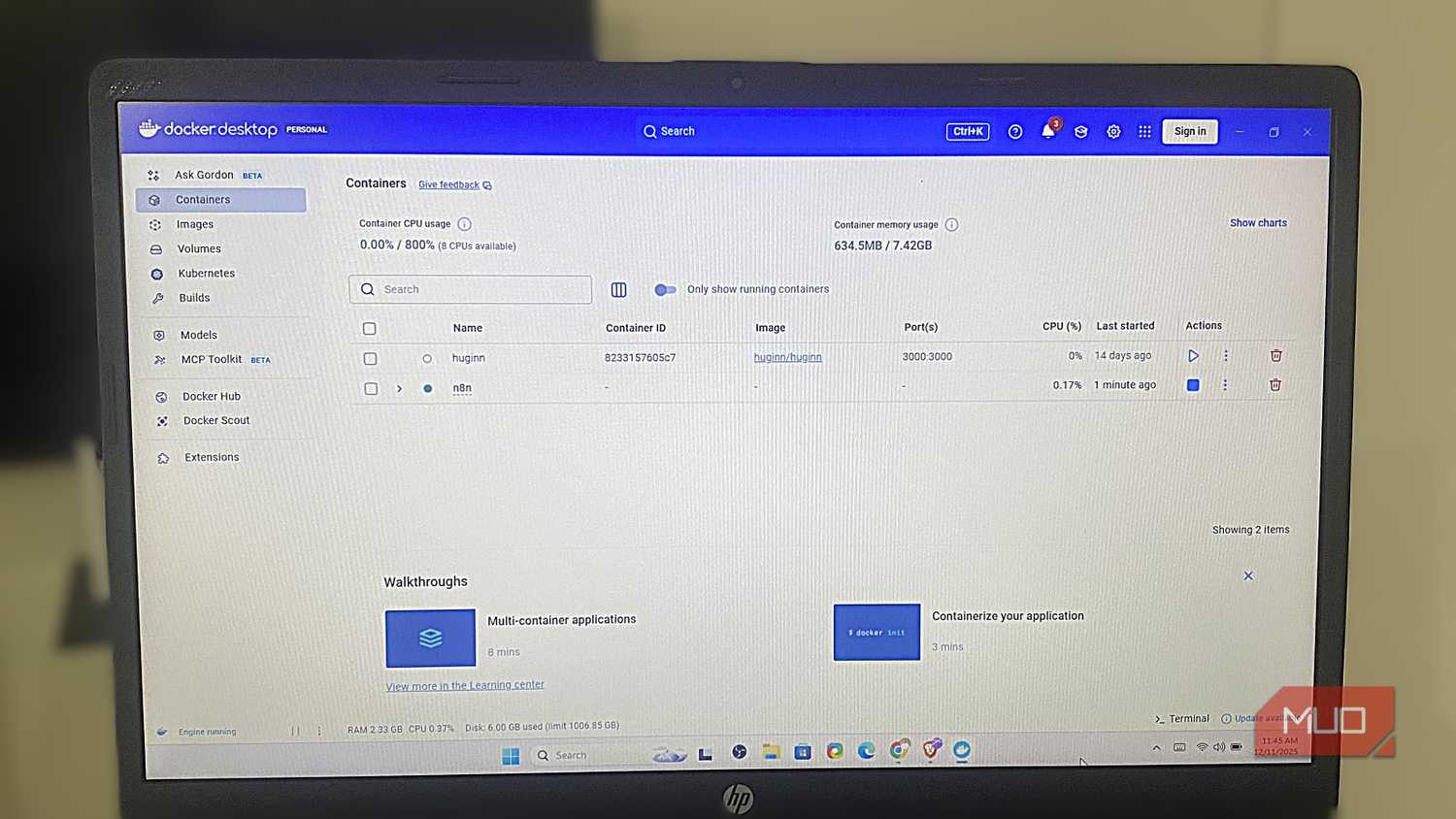
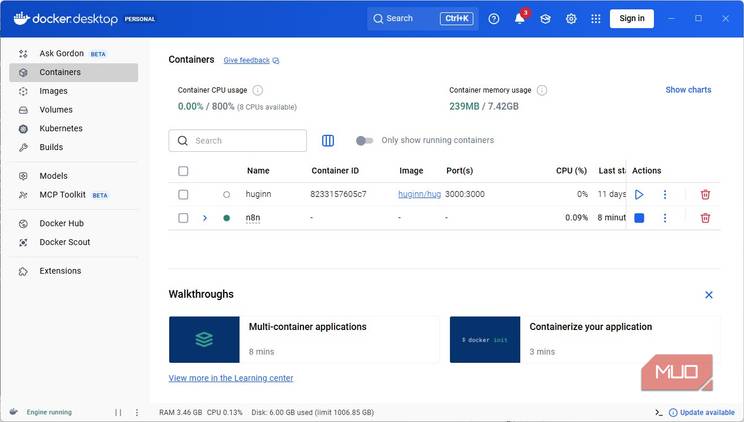
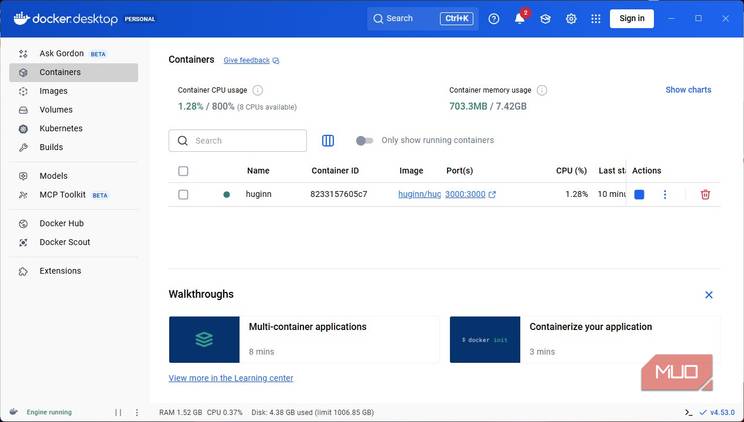
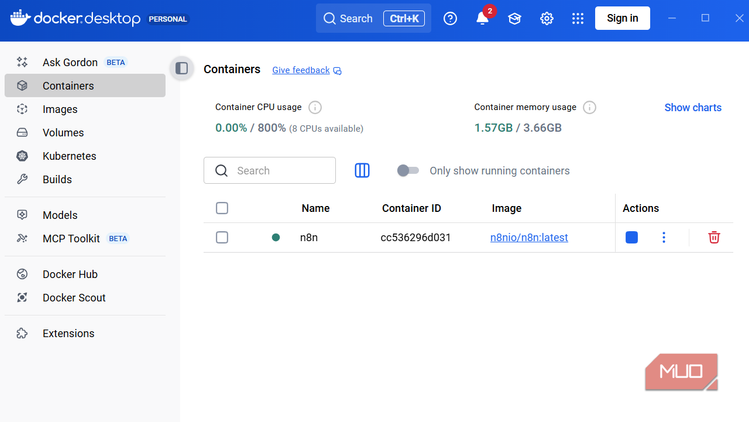
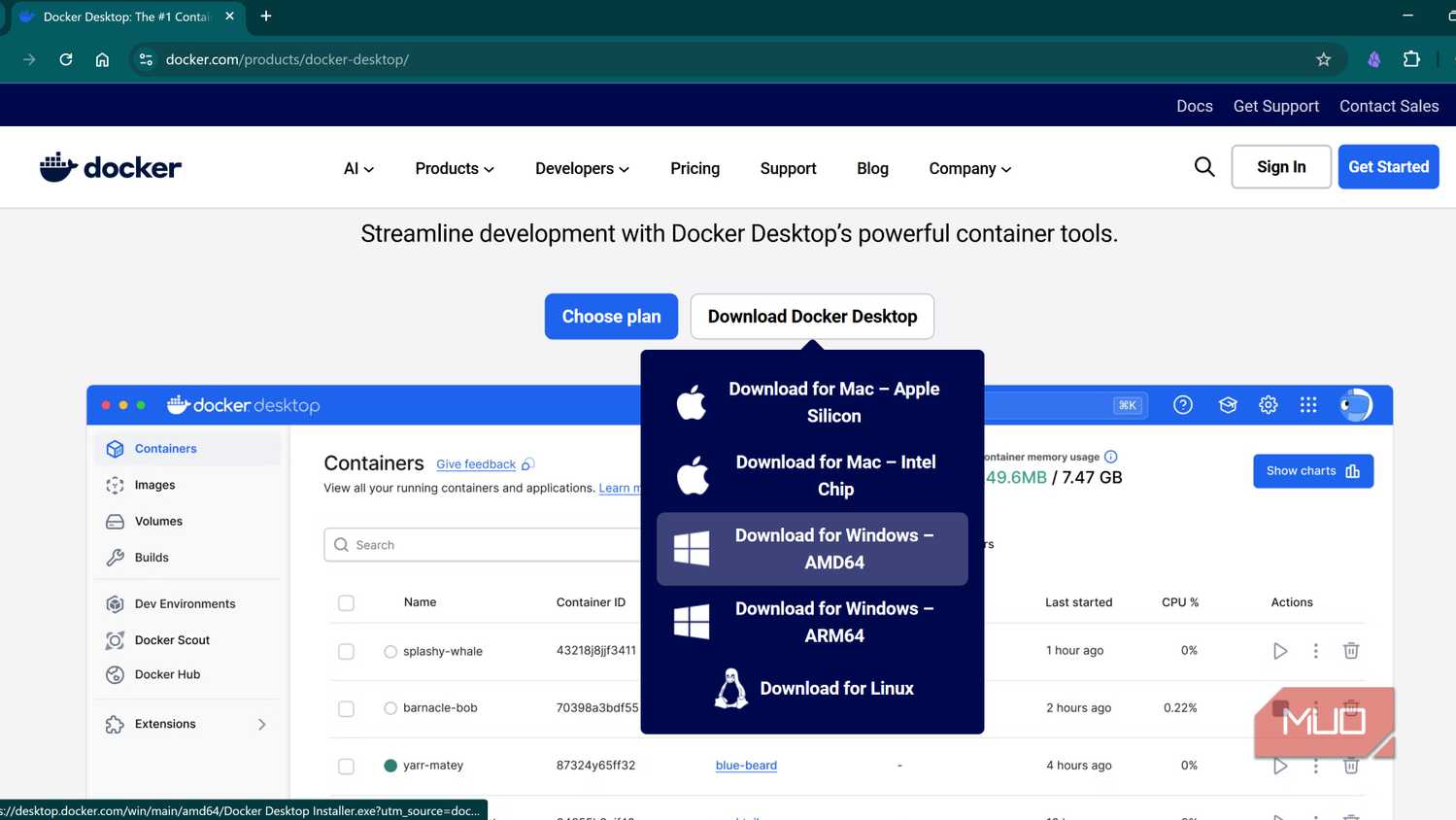
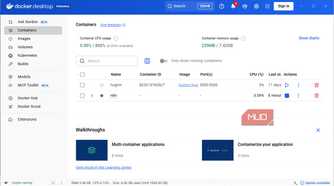
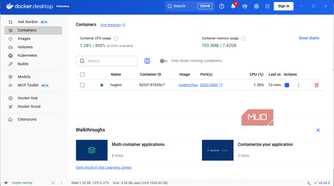
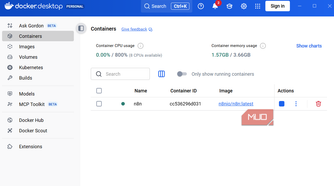
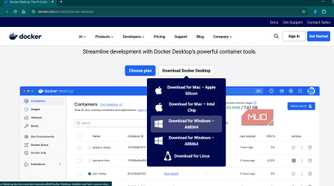
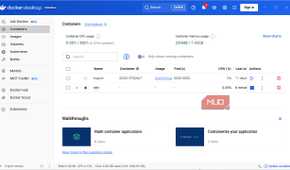
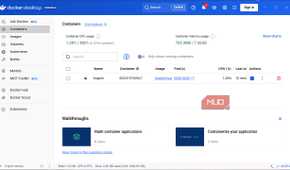
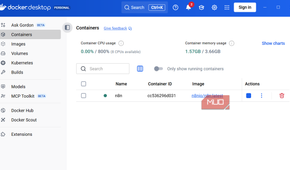
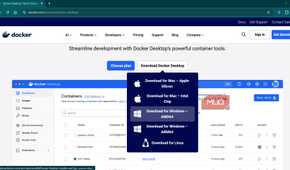
Installing everything directly on your server is one way to do it, but praying that it all will coexist peacefully might not be enough. Enter Docker. This little gem puts every service in its own little bubble so that if something breaks, it breaks quietly, locally, and without major collateral damage.
Some great Docker services for creatives include file sync, document archiving, media servers, private Git repos, and personal dashboards. Docker lets you try these out without consequences. Try things, remove them, and keep it moving. Underrated freedom, to say the least.
Local AI without oversharing your brain
A server well set up lets you play with AI locally
 Credit: Roine Bertelson/MakeUseOf
Tools like Ollama, Stable Diffusion, Newelle, and Whisper can live on your server. No uploads, no draft training, and no improvement of the service with your work is needed. Is it slower than the cloud services? Yes. Is it private, predictable, and paid for exactly once? Also yes.
That's a trade-off I can get behind. Local AI becomes a tool you use, not a service that watches your every move.
Remote access without tempting fate
When the beach is calling your name, but you have a deadline
 Credit: Gavin Phillips / MakeUseOf
You'll want access when you're away. Don't open random ports and hope for the best. Use Tailscale or WireGuard. Suddenly, your server feels like it is at home, even when you are not. Everything stays private. Everything stays boring. Add SSH with key-based login. Disable passwords. Sleep better. Convenience does not have to come with anxiety.
Why this actually changes how you work
A Linux home office server does not make you more creative. It removes the small, constant frictions that quietly drain you. You stop wondering where things live, babysitting backups, and trusting that someone else’s platform will behave during a deadline. Your tools calm down, and your workflow stabilizes.
The server disappears into the background, which is exactly what it should do. Build it once, improve it slowly, and forget about it completely. That is the dream.
