


Ever thought that you wanted to set up your own cloud, complete with a desktop environment? The issue is that many operating systems designed for server use aren't specifically intended for use as a desktop computer, and even if they were, setting them up and ensuring they are secure enough for internet use can be a chore.
But what if you had a computer that ran in your browser, built in JavaScript, that gave you cloud storage, VS Code for the Web, and more? No pesky device drivers to worry about; all it needs is a web browser. Well, I found a little program called Puter that does just that, and it's pretty neat.
The project describes itself as "an advanced, open-source internet operating system designed to be feature-rich," and it falls somewhere between a whole operating system and a cloud storage provider's file structure. But it's more than that as well, as you can use it for a remote desktop environment, a website publisher, a cloud storage provider, and a few other things.

4 of the best operating systems for your virtual machines
Unleash the full potential of your virtual machines by pairing them with these amazing operating systems
So what exactly is Puter, and why would you use it
Build your open-source cloud with a desktop environment
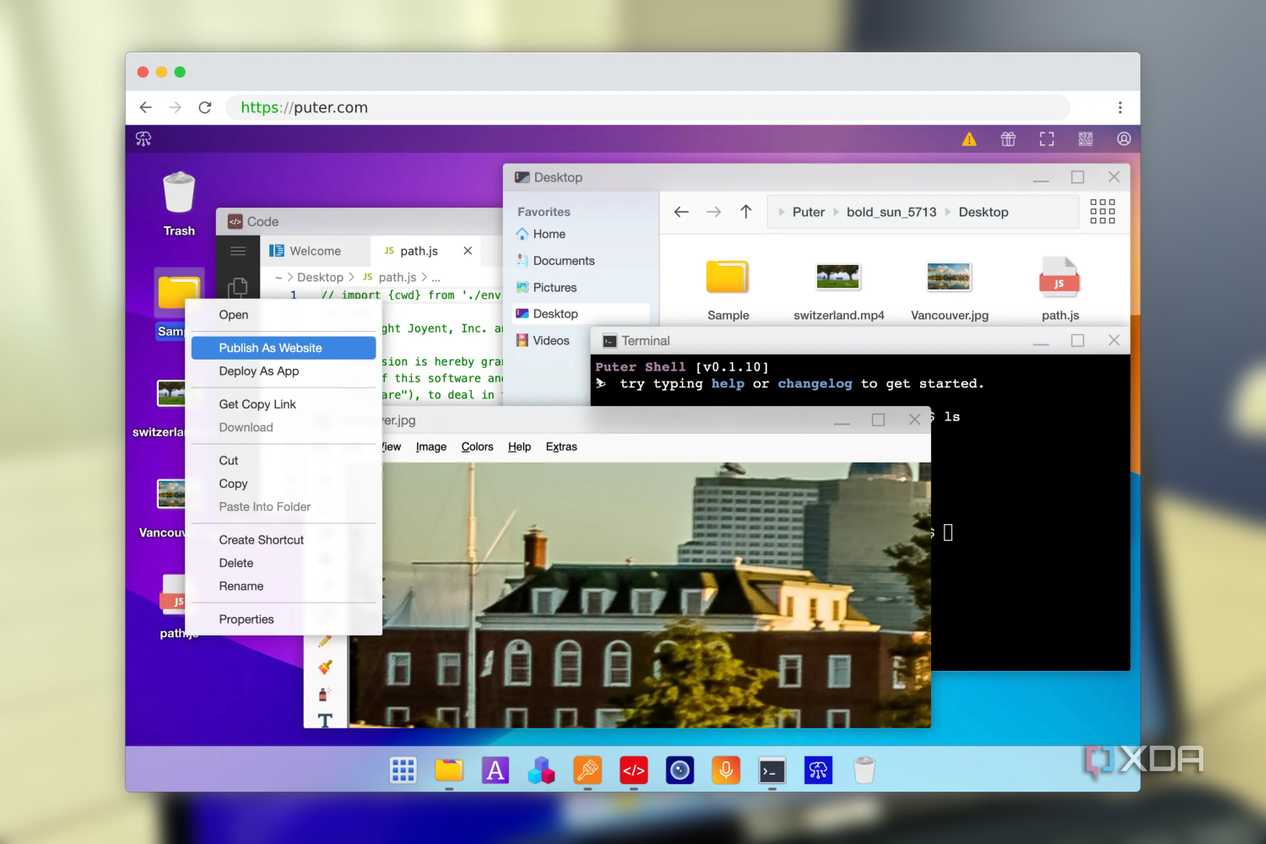
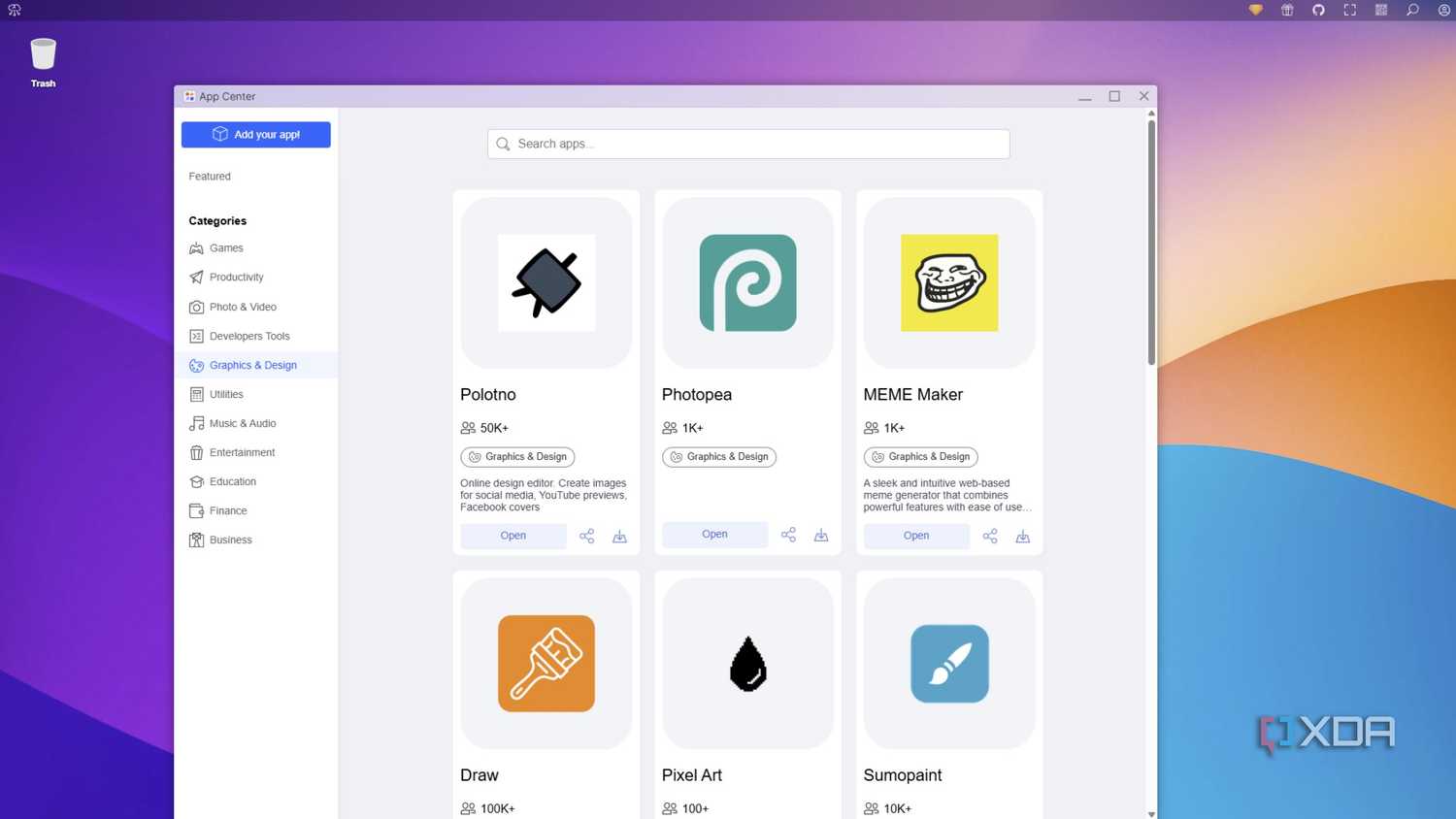
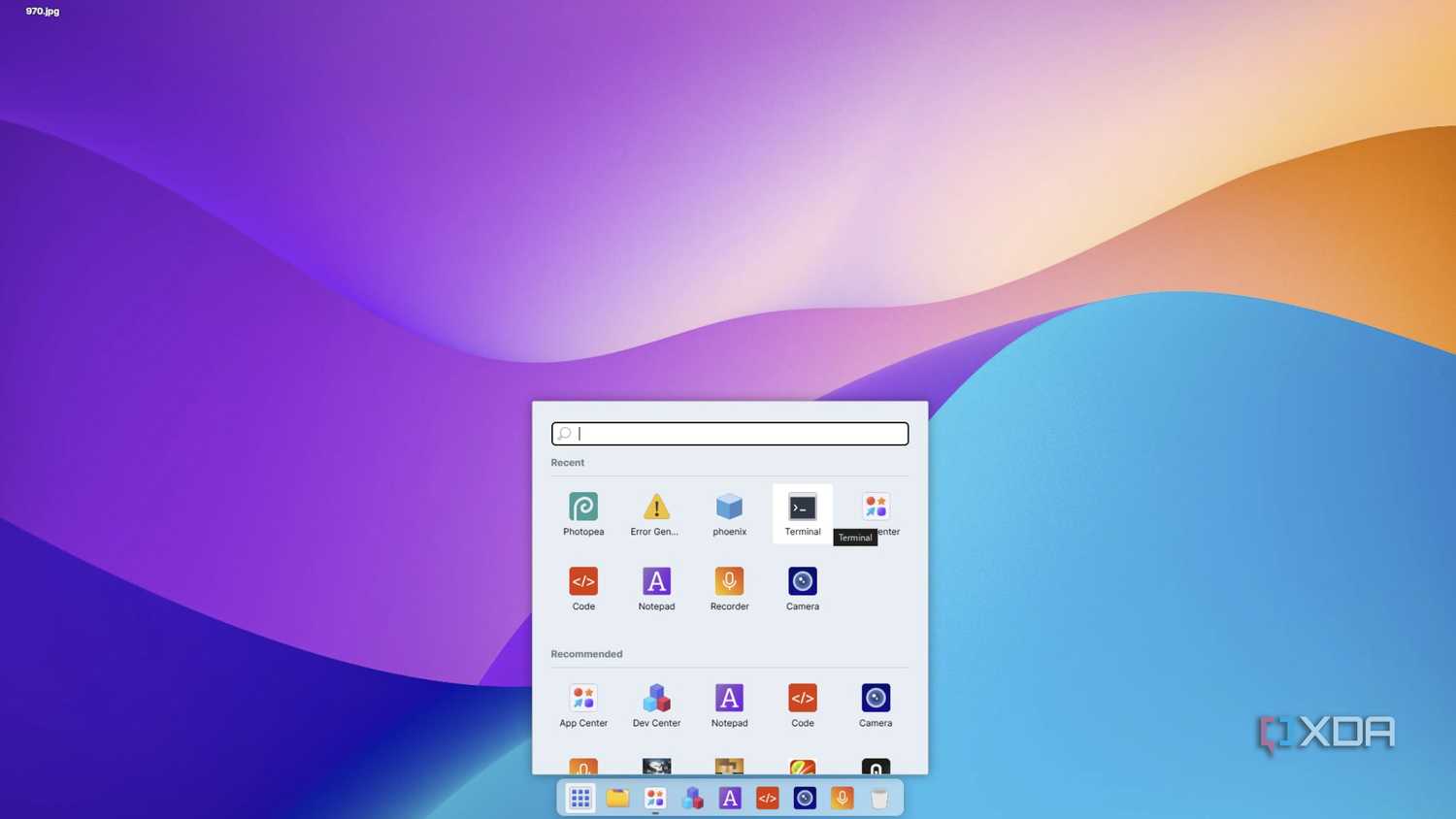
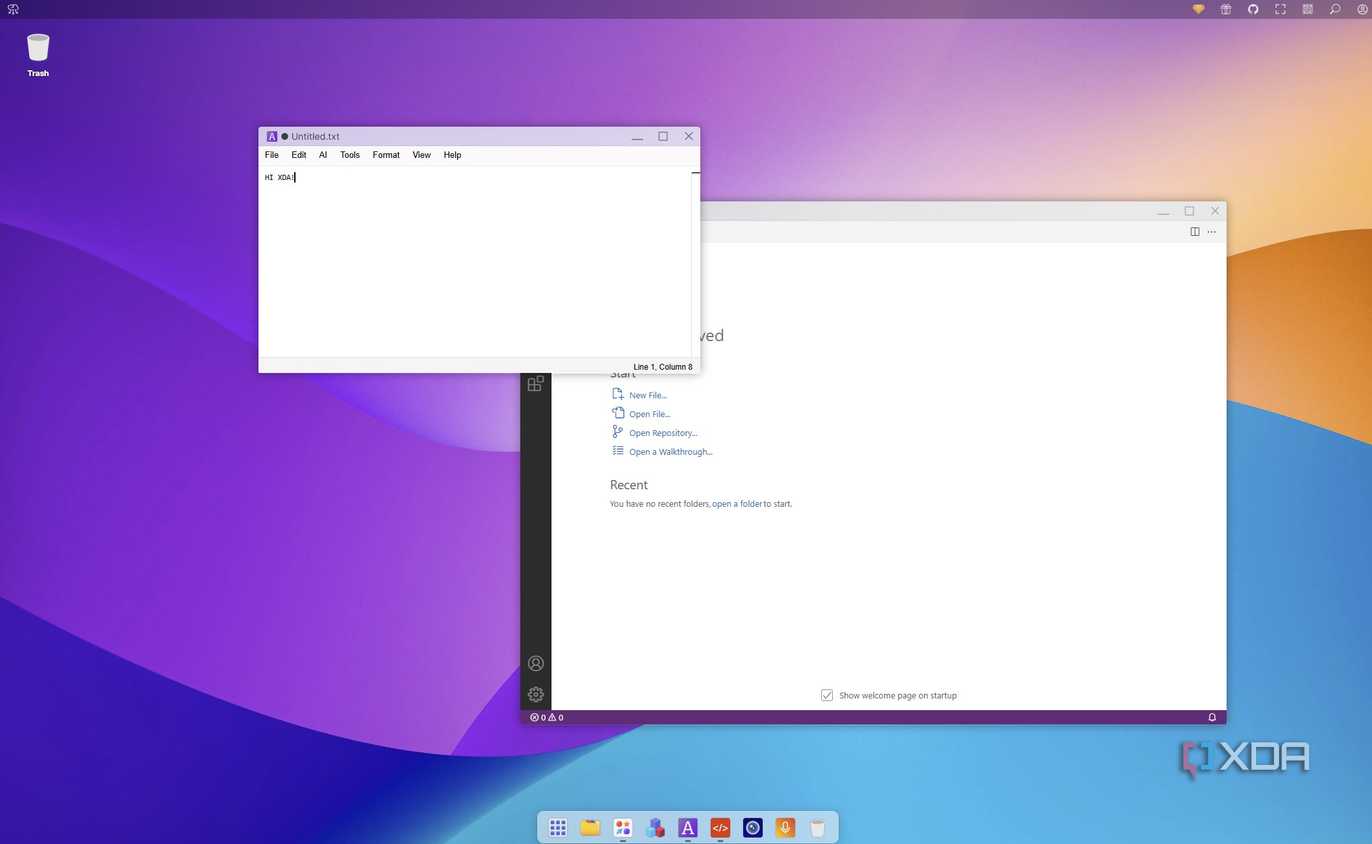
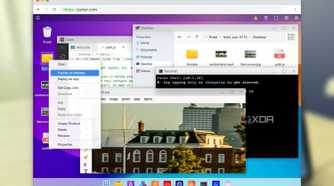
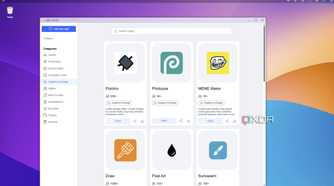
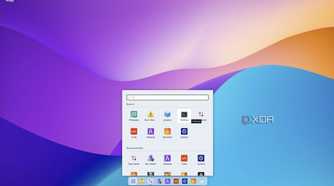
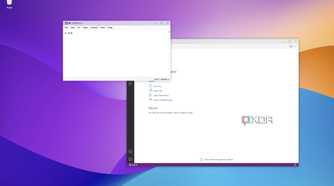
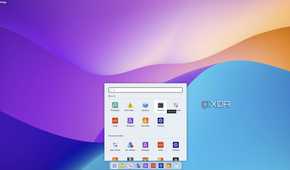
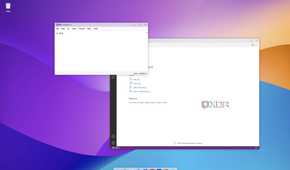
Most operating systems run on something else, and Puter is no different in that respect, except for how it runs entirely inside your web browser. It's built on a custom JavaScript framework, providing users with a complete desktop environment that requires no installation on their device. That means it can work with anything that has a web browser or WebView, such as smart fridges, smartwatches, and even E-Ink tablets.
It's lightning-fast, built with a privacy-first approach, and can be used for a wide range of use cases. Puter makes publishing websites or web apps simple, allows for uploads for use as a cloud storage provider with a twist, and has a familiar-feeling GUI, so you'll be able to move things around easily.
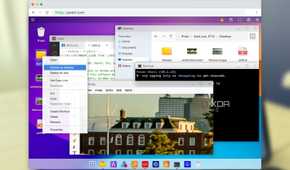
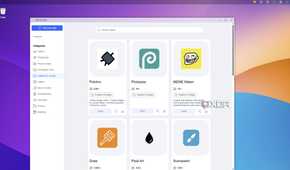
It comes with plenty of built-in apps, including VS Code for the Web, Judge0 IDE, a notepad app, and a playground for interacting with the underlying JavaScript SDK. What open-source OS would be complete without a Terminal emulator, and it works as expected, which is cool to see.
 Credit: Source: Puter
Developers get a rich JavaScript library to use
Puter.js gives you auth, cloud storage, database, OpenAI, Claude, Llama and more
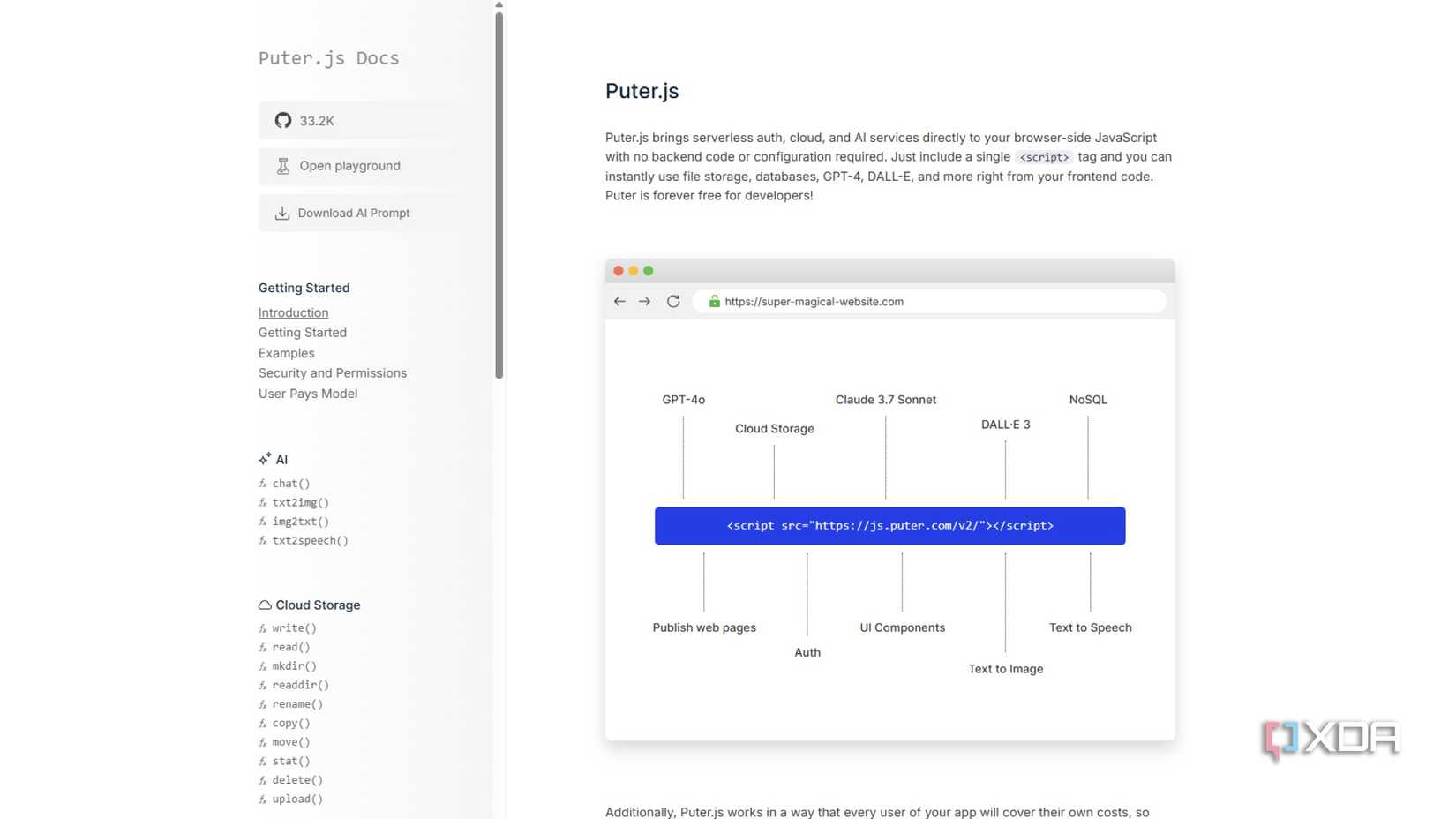
Puter isn't just a neat browser-based operating system. It's also a rich JavaScript framework that liberates the browser from the decades-old restrictions of networking. It recently acquired a full networking stack, Puter Networking, which enables raw TCP sockets, TLS encryption, and CORS-free HTTP requests, without requiring an API. Yes, into the sandbox environment of the browser, without needing to set up external proxies or other sidesteps.
That adds to the already feature-laden frontend library that includes serverless authentication, cloud and AI services, all handled client-side in the browser. Some of the things the Puter.js framework enables include:
- AI-powered tools
- Cloud-based productivity apps
- Web publishing and hosting tools
- Graphics and media tools
- Or add-in features to your own web app
It's a remote desktop that doesn't require installing a remote desktop client to connect to. Plus, it's fast because there's no RDP going on here; it's all in-browser rendering. It's also a serverless server, with plenty of powerful API support and an easy(ish) development pipeline as all of its apps are designed in HTML and JavaScript.

I tried an open-source alternative to Notion, Trello, and Asana and it blew my mind
This open-source tool changed my workflow forever
You can self-host, if you want to
The developer says it's ahead vs the web version but might have rough edges

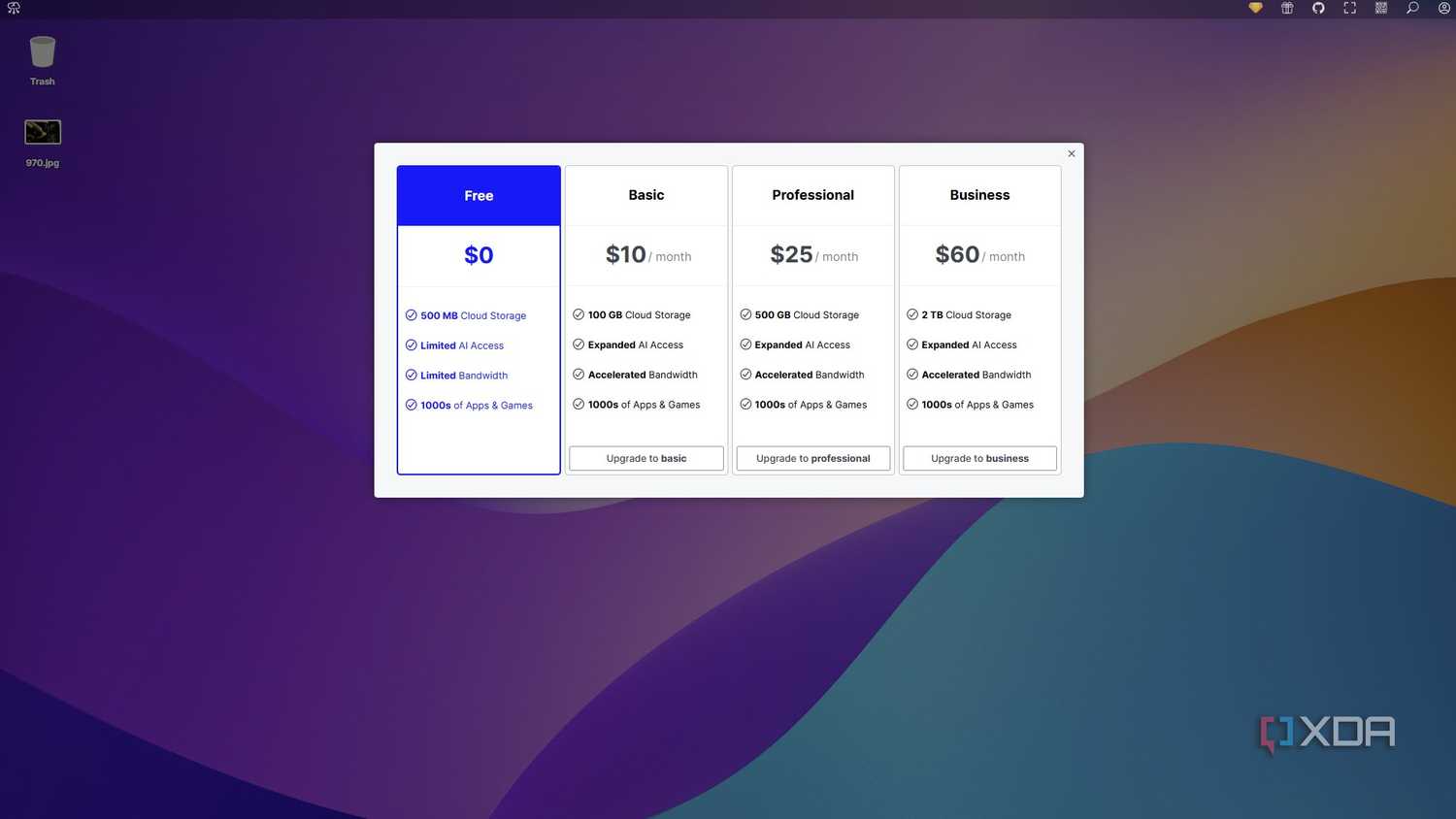
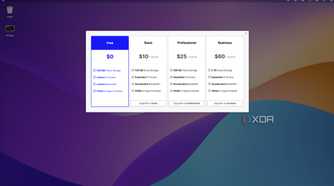
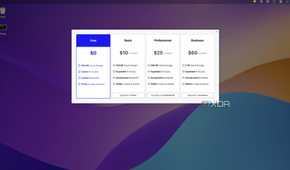
While the web version of Puter is cool, being able to self-host brings more utility and frees you from paying subscription fees for higher storage tiers. It also means you can play around with the code more, with the knowledge that it'll be a couple of Docker commands away from a fresh start if you break something.
Thanks to Docker, it's a simple install:
mkdir puter && cd puter && mkdir -p puter/config puter/data && sudo chown -R 1000:1000 puter && docker run --rm -p 4100:4100 -vpwd/puter/config:/etc/puter -vpwd/puter/data:/var/puter ghcr.io/heyputer/puter
I know Puter is going into my Docker stack once my new server is finished, although I'm not quite sure what I'm going to use it for. Maybe as an easy GUI for managing NAS storage, or as a knowledge management system with some wiki-style webpages running on it. I'm sure I'll think of something, and that's before playing around with the AI tools and the new networking stack.

6 ways Nextcloud beats Microsoft 365 entirely for free
Nextcloud is the ultimate free Microsoft 365 alternative
Puter is a perfect example of the power of open-source

Puter is a passion project by one developer, which is pretty impressive to consider. Sure, many other operating systems have been designed by one person in the past, but modern computing is complex, and distilling the functions of an OS into JavaScript is some weird science to me. It also has a well-written set of documentation, which is great for relative coding noobs like me, because I know I'll break things and I don't always know enough to fix them. Go play with the browser based version, and then decide if you want to add Puter to your self-hosted stack too.
