

 Download
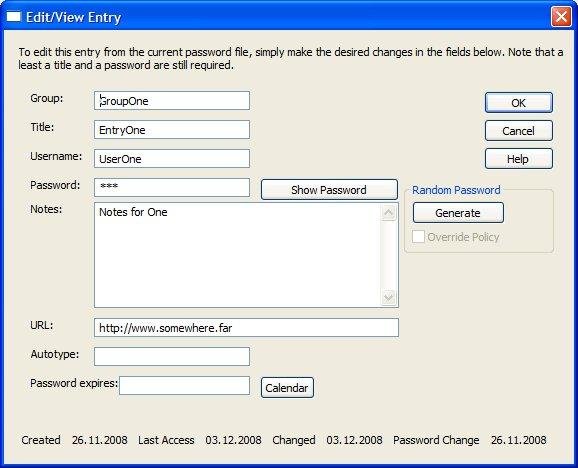
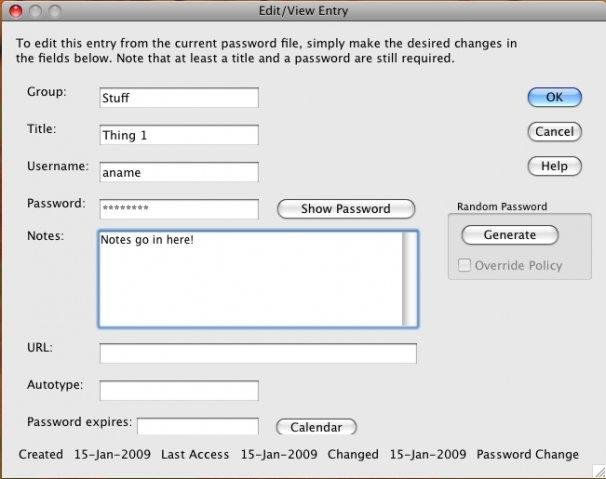
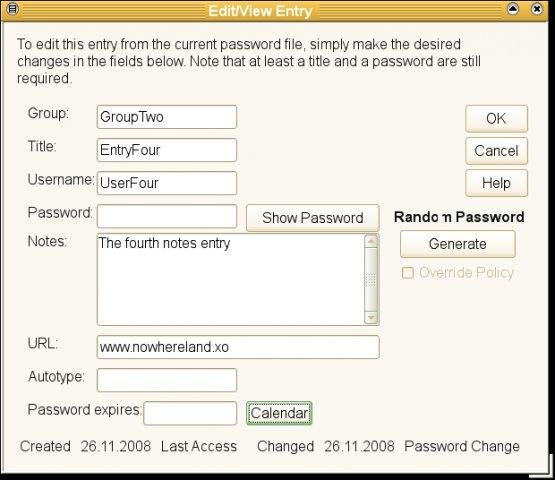
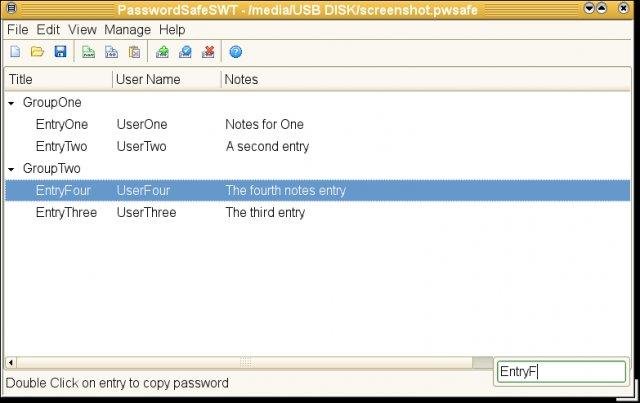
This is a Java version of the PasswordSafe password management utility. This utility allows you to easily and securely manage multiple passwords on Linux, Mac, and Windows in a format that is compatible with the original PasswordSafe utility.
Project Samples

-
Anonymous posted a comment on discussion Open DiscussionDid you find a solution to this? currently finding the same, and struggling so far
-
Found it... drag & Drop works! Is that in Help somewhere?
-
Is there a way to move an Entry to a different group?
-
Anonymous posted a comment on discussion Open Discussionhttps://sourceforge.net/p/jpwsafe/discussion/880711/thread/b484dba48a/#6123
-
Anonymous posted a comment on discussion Open DiscussionHi All, I'm a longtime user of password safe swt, and just upgraded to a 64-bit only machine. I tried the 64 bit version here and it didn't work (or mb i didn't load other necessary software). Something about a "JRE LoadError". So I tried this cross platform version mentioned above and it works. However, there was something a bit troubling. It asked for permission to "record the screen" or something of that sort when I first started this program. I denied this permission as it seemed unnecessary....

Follow Java PasswordSafe


You Might Also Like
Rate This Project
Login To Rate This Project
User Reviews
-
Drag and drop does not work; cut and paste works only for parts of an entry, thus several operations are required to transfer an item from one group to the other; and one needs to copy the password to the clipboard first, then choose "Add Entry", adding required title and password, because once the "Add Entry" window is open, there is no way to copy anything from an existing entry. After closing and re-opening, the application is locked for writing; logging out and back in is required for getting out of read-only mode. There should be an option to display all the entries in alphabetical order, because sometimes one does not remember the exact spelling for searching, or the group the item is in. These deficiencies cause pain when creating a new database from scratch.… Read More »
-
I have been using this for years and it has never failed me. I can read/write password files with both the Windows and Mac versions without problems. Highly recommended. For those getting that "...damaged and should be mode to the trash" error under OS X 10.10, it's because the app is not from the app store or a registered developer and is therefore from an "unidentified developer". Don't give up, use the Apple workaround to generate an exception in the security list for this: control-click in the Finder and select open. Bingo, Bob's your uncle.… Read More »
-
Does not work, I get "PasswordSafeSWT is damaged and cannot be opened, you should move it to the Trash." Using Mac OS X 10.10.1.
-
Great app for PC and Android
-
Great stuff.