

 Download

AutoMouser is the best FREE AUTO MOUSE & KEYBOARD clicker. 100+ GREAT FEATURES and all free!
Try it and you will love it! View screenshots!
Features
- Free
- 100+ options. Powerful but easy to use
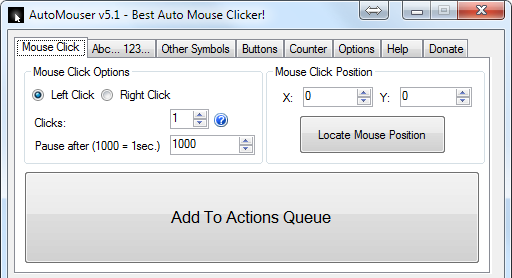
- Mouse clicks
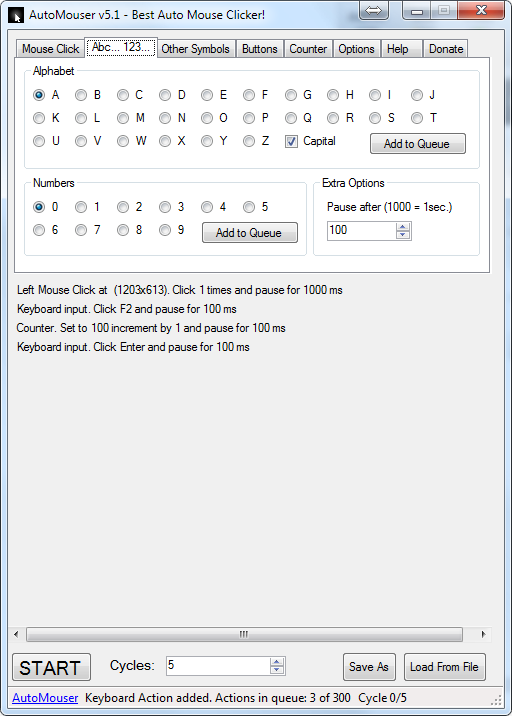
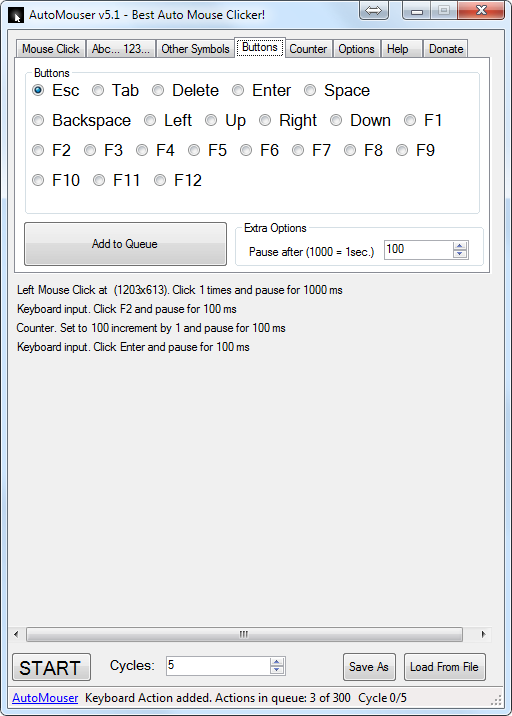
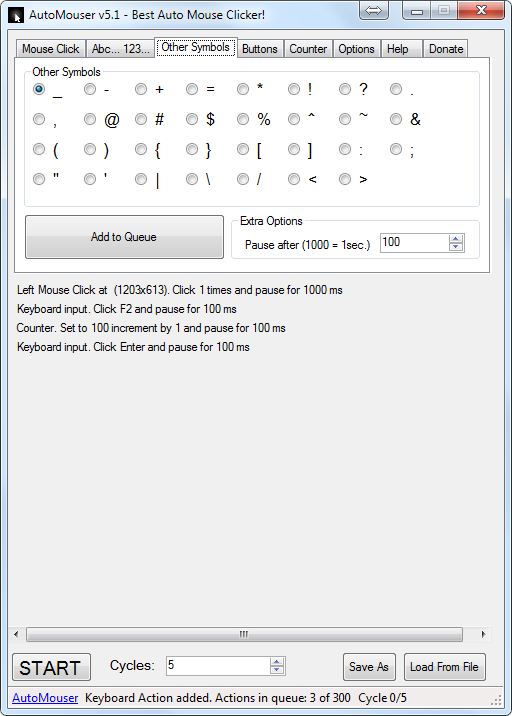
- Keyboard clicks
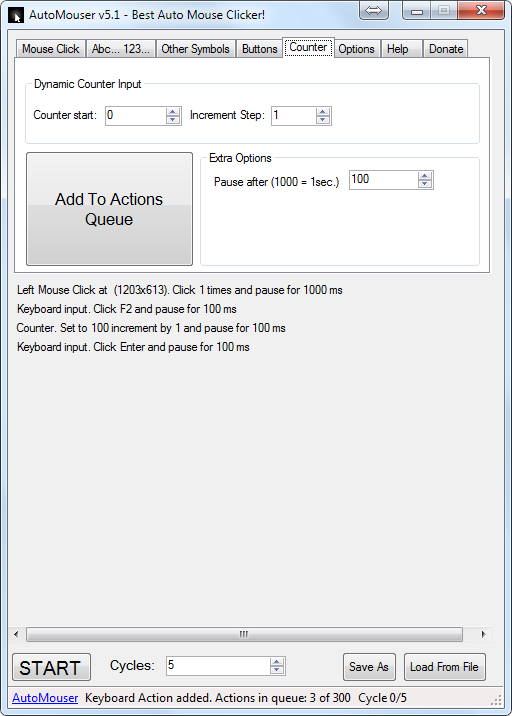
- Autoincremented Counter input
- Actions queue save to file and load from file
- Timing options
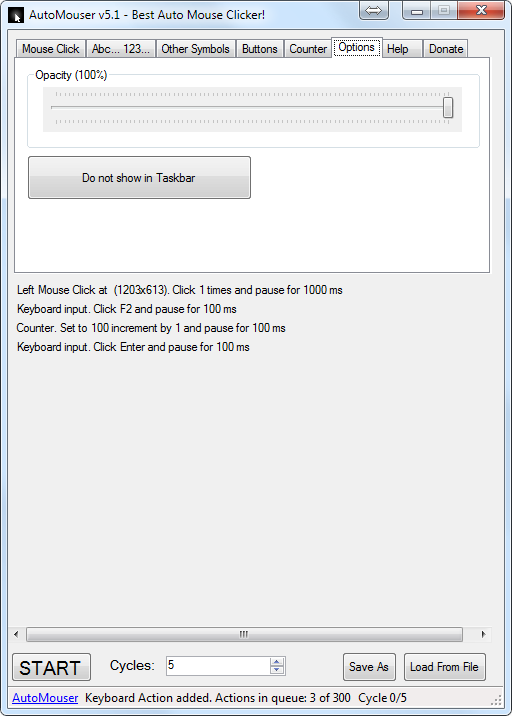
- Extra application options: Hide from Taskbar, Opacity
Project Samples
-
Anonymous posted a comment on discussion Your ideas for AutoMouserYou have a google blog for this program. This is good. A blog will normally have current information of projects and progress. The blog is only viewable by Invite. The blog should allow public access. There are a good amount of downloads at this time which indicates there is interest and opportunities for additional input available.
-
BEST APP EVER MADE FOR AUTOMATION! It's just need to update it for windows 11. Can't use it anymore since I upgraded.
-
Intead of a predifinded location, start clicking wherever the mouse is
-
add option to do: PosX = PosX(random(customOffset))
-
yeah, it would be great, but i really do not have time for extra jobs right now....


Categories
Auto ClickersFollow AutoMouser - AUTO MOUSE & KEYBOARD 100+


You Might Also Like
Rate This Project
Login To Rate This Project
User Reviews
-
Title: Suspicious Behavior Found in "AutoMouser - AUTO MOUSE & KEYBOARD 100+" – Possible Adware Review Content: While analyzing a decoded version of this software, I discovered it references an external JavaScript file that behaves like adware or a clicker script. ⚠️ What It Does: Hijacks user clicks (e.g. on mouseup). Silently triggers pop-up or click-under ads. Uses timers and cookies to delay and disguise its behavior. Code is heavily obfuscated to conceal its true purpose. No user consent or disclosure is given for these actions. This behavior is consistent with click-fraud or browser hijacking. I recommend SourceForge investigate this project, as this type of background activity can seriously harm user trust and system performance.… Read More »
-
I've been using this since 2020 and it was very HELPFUL!!! If you need to stop it in a midway you just press ALT+CTRL+Del, and then go back to your screen. but why I rated it 3 stars only? Because I upgraded my OS from windows 10 to windows 11, and unfortunately it's not working. I hope someone can update/fix this... TIA
-
how does it work
-
I CANT EVEN STOP IT, THIS VERY BAD
-
I CANT EVEN STOP IT, THIS VERY BAD