
Any player level 50 or higher can create and save Squads to easy use it in different mode (Arena, Tournament, Clan Wars, Raids, Tomb of Horrors, Light and Dark act in Campaign and Valley of Treasures)
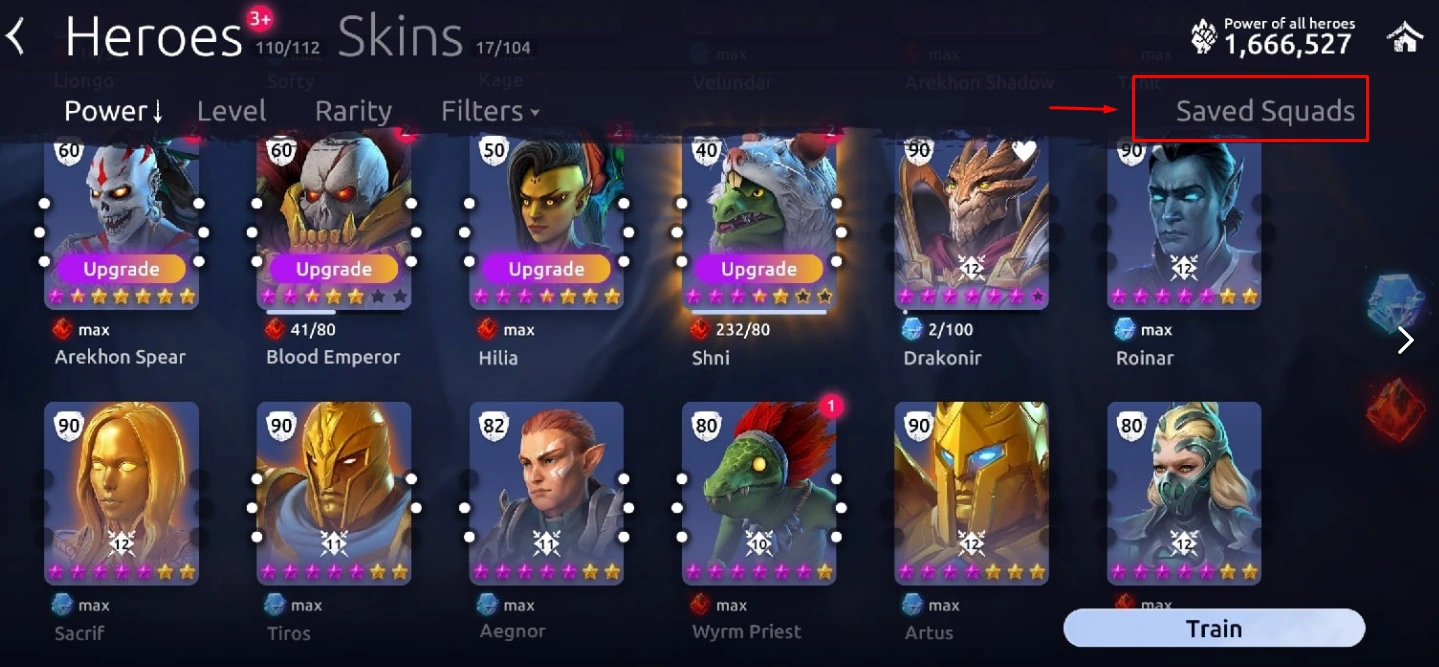
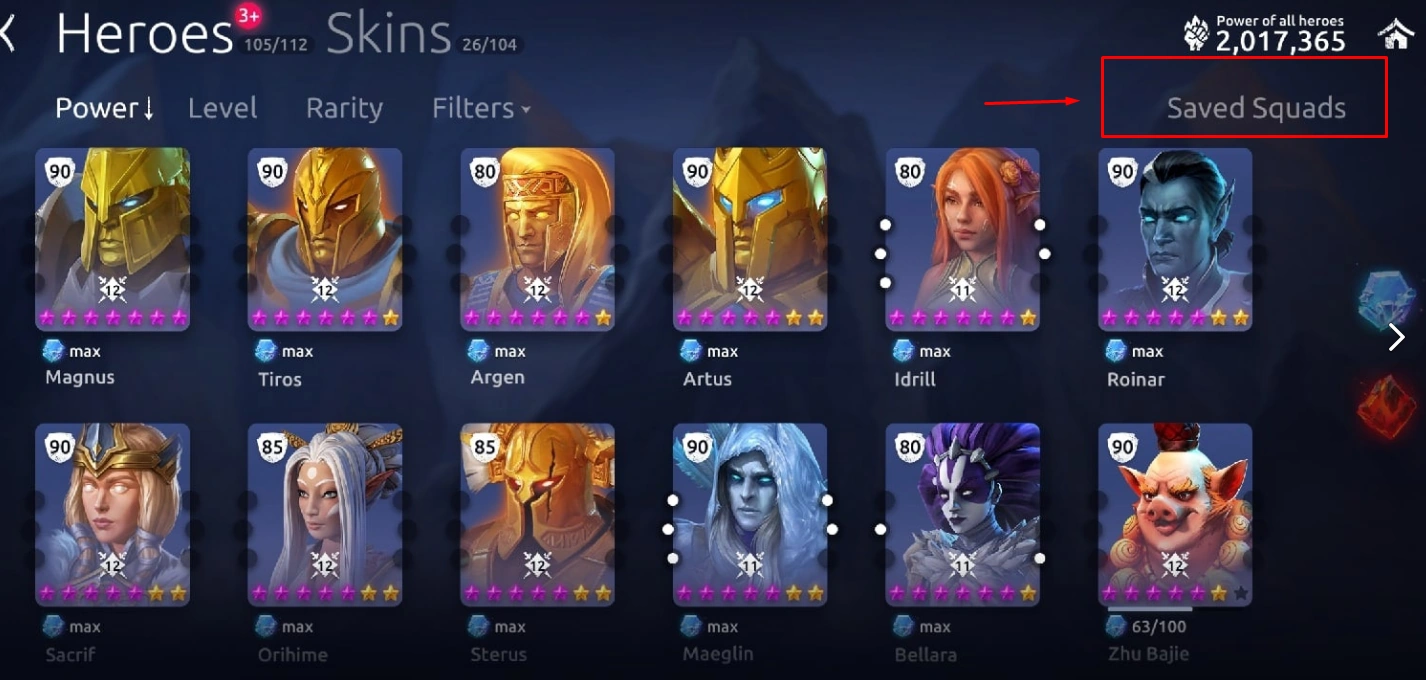
The function “Saved Squads” is in the Heroes tab. Here we can create Squads.
The top right corner shows how many squads we already have.
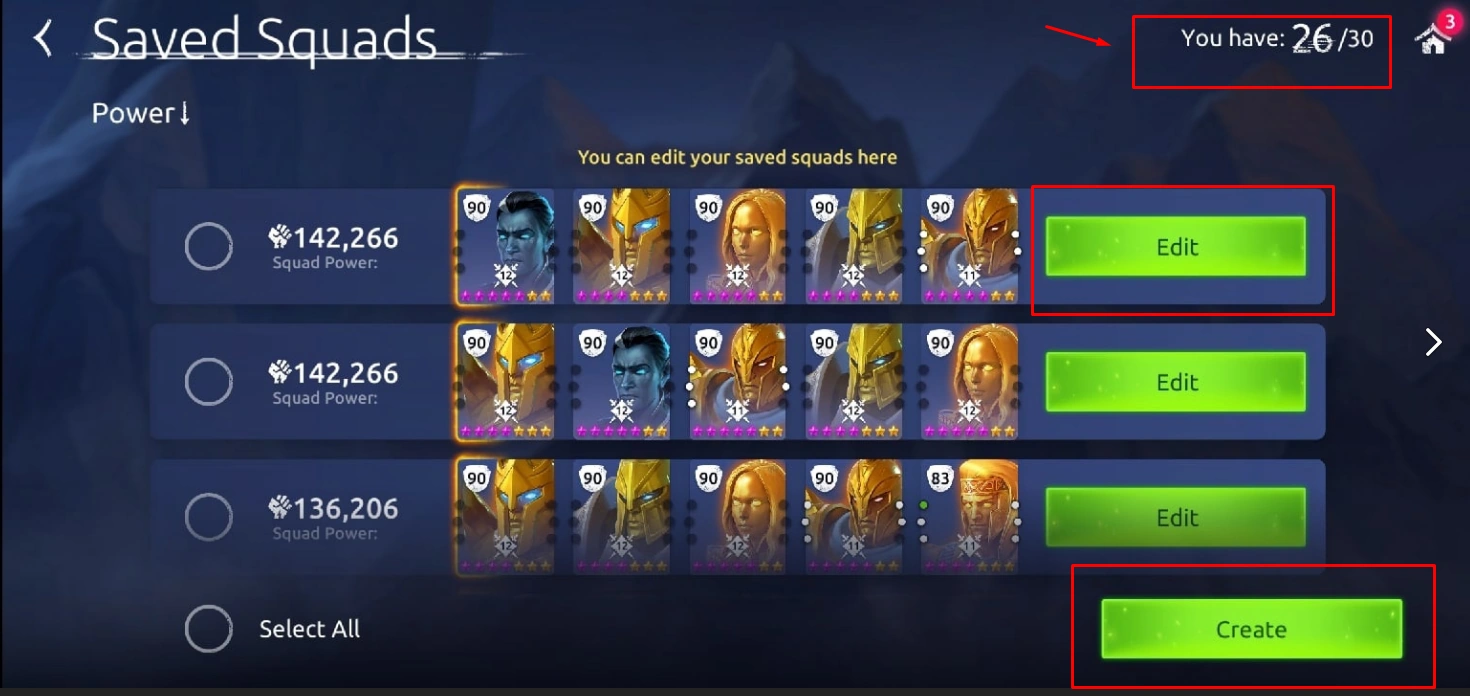
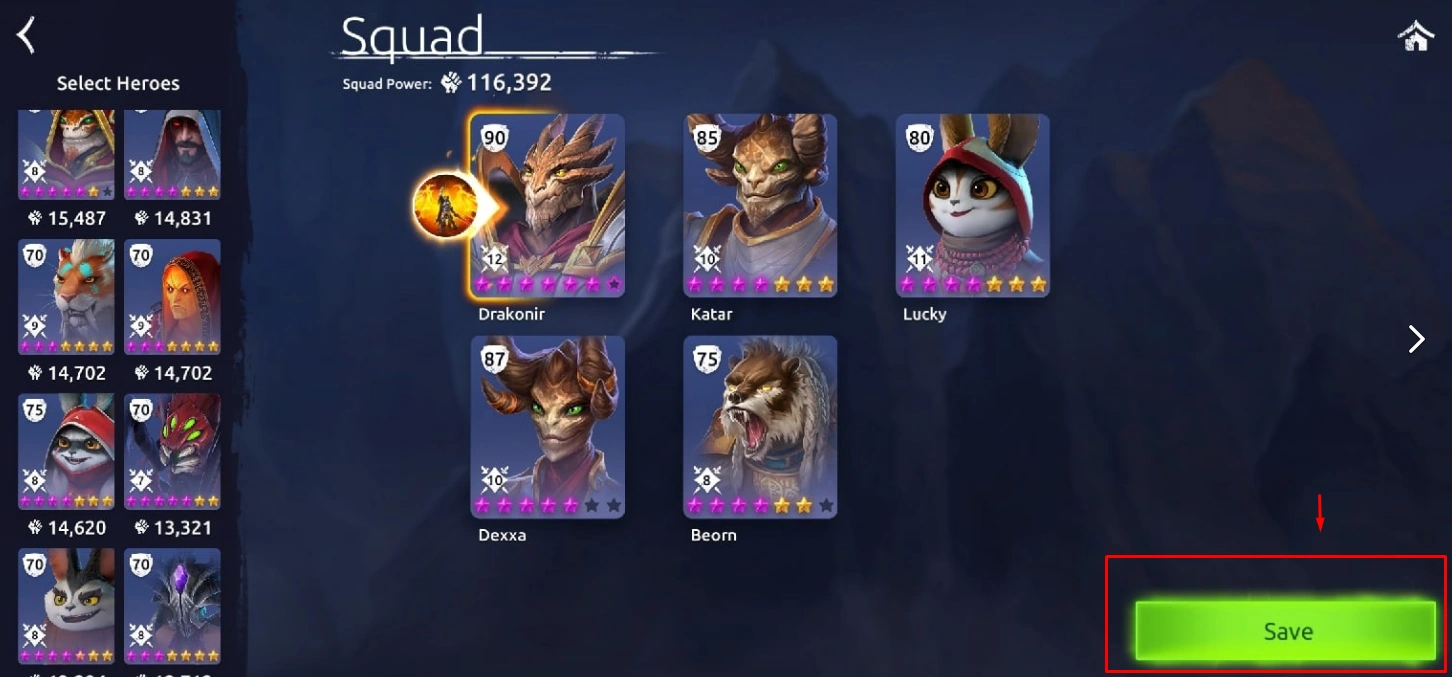
If we press button “Create”, opens a window of choice of heroes, select the desired one and click “Save”.
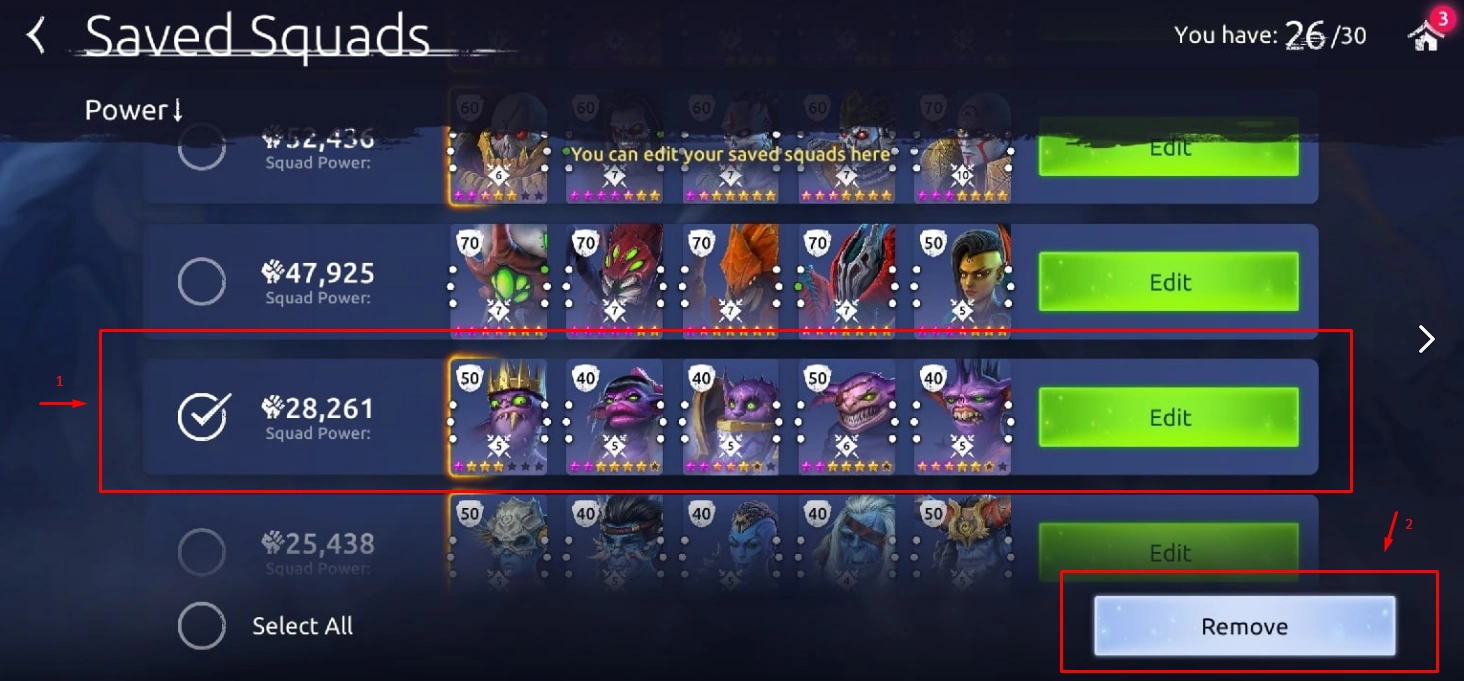
You can also edit already created squads. You can delete unnecessary squad. When you select squad, the button “Remove” will activate.
You can save your squad in the hero selection tab before starting a battle. Also, you can select a squad from the list of saved squads in this tab.
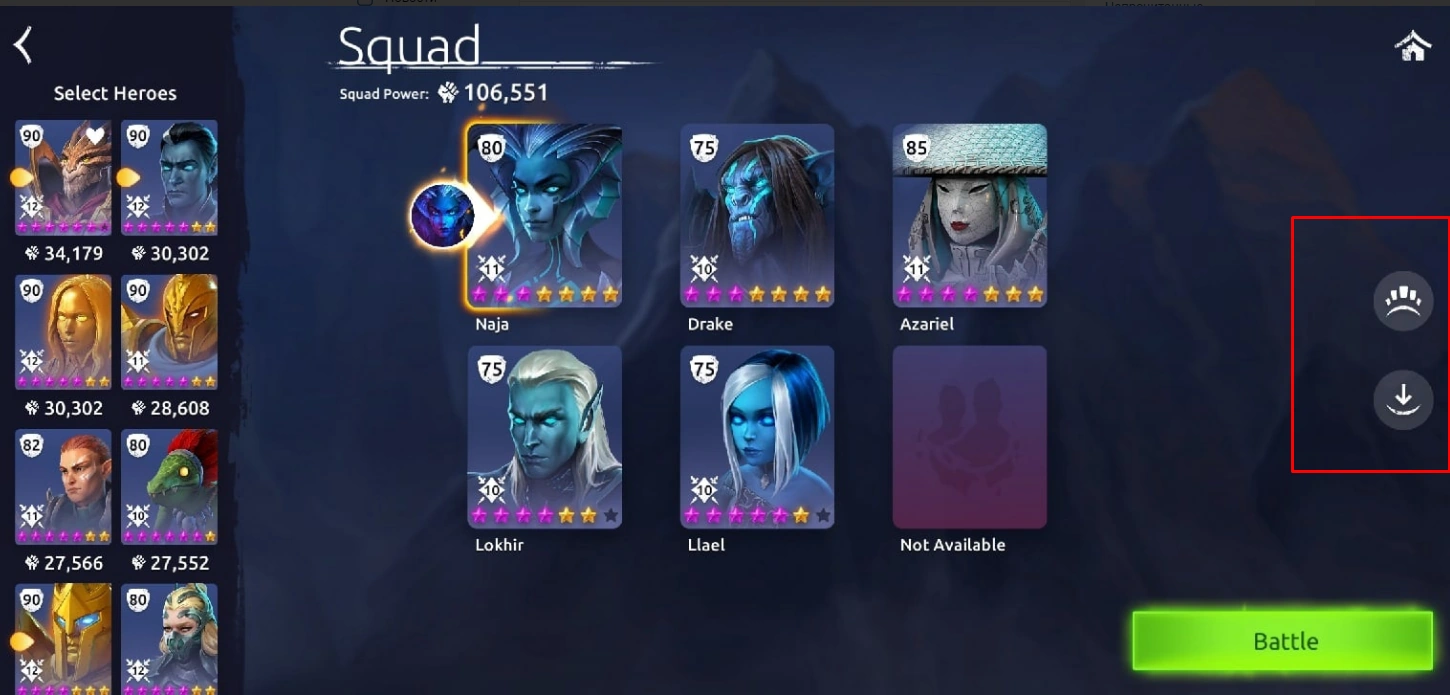
You can use the same hero in different saved squads, but you cannot save two identical squads unless you change the squad leader.
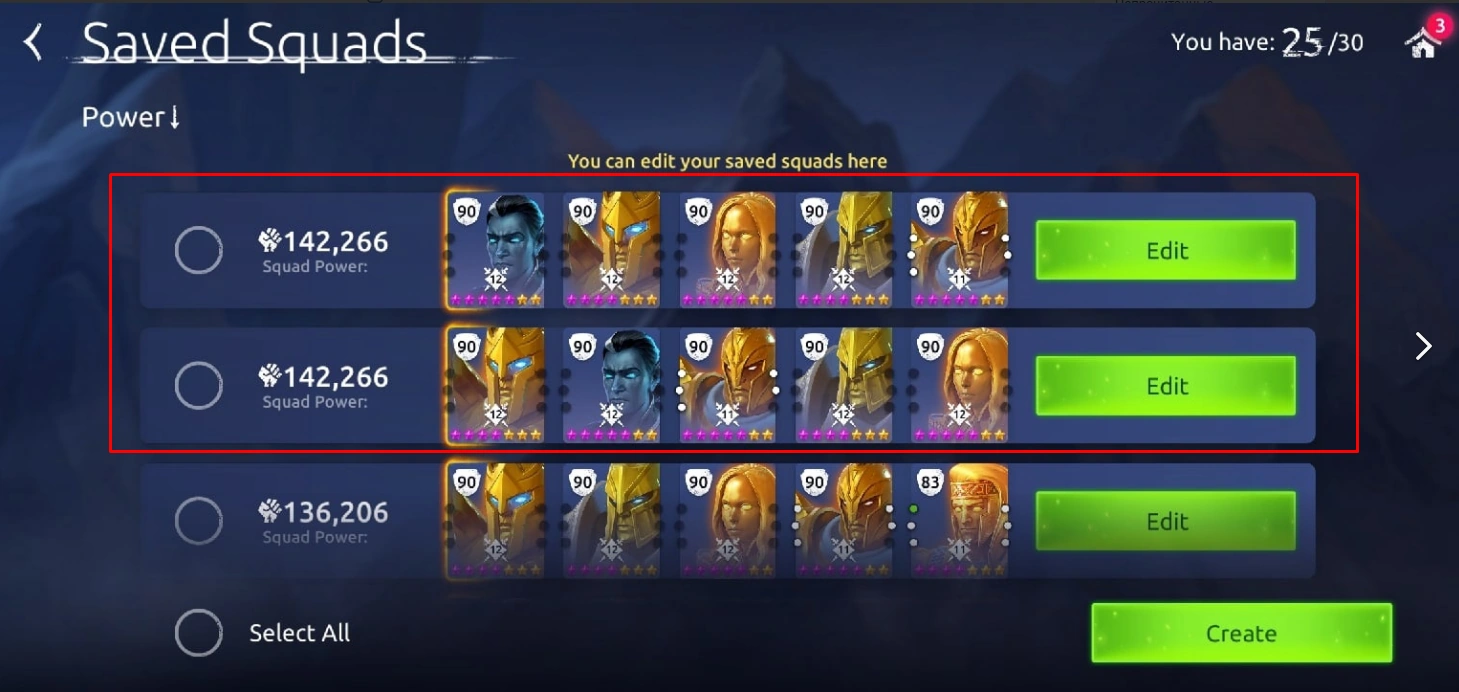
If a hero from a squad is unavailable for a specific mode, the game will let you know and highlight that particular Hero. If the killed hero cannot be healed, the slot with this hero will be blocked.
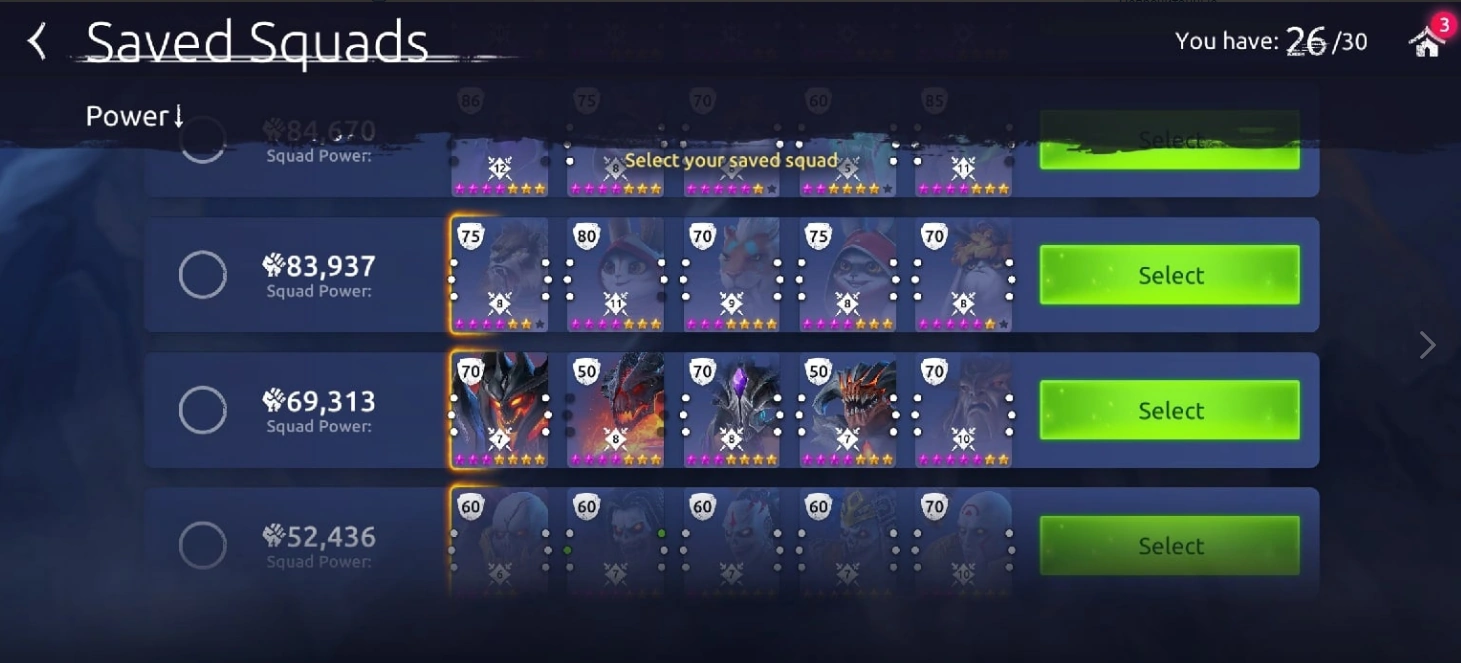
Squads can be sorted by power.
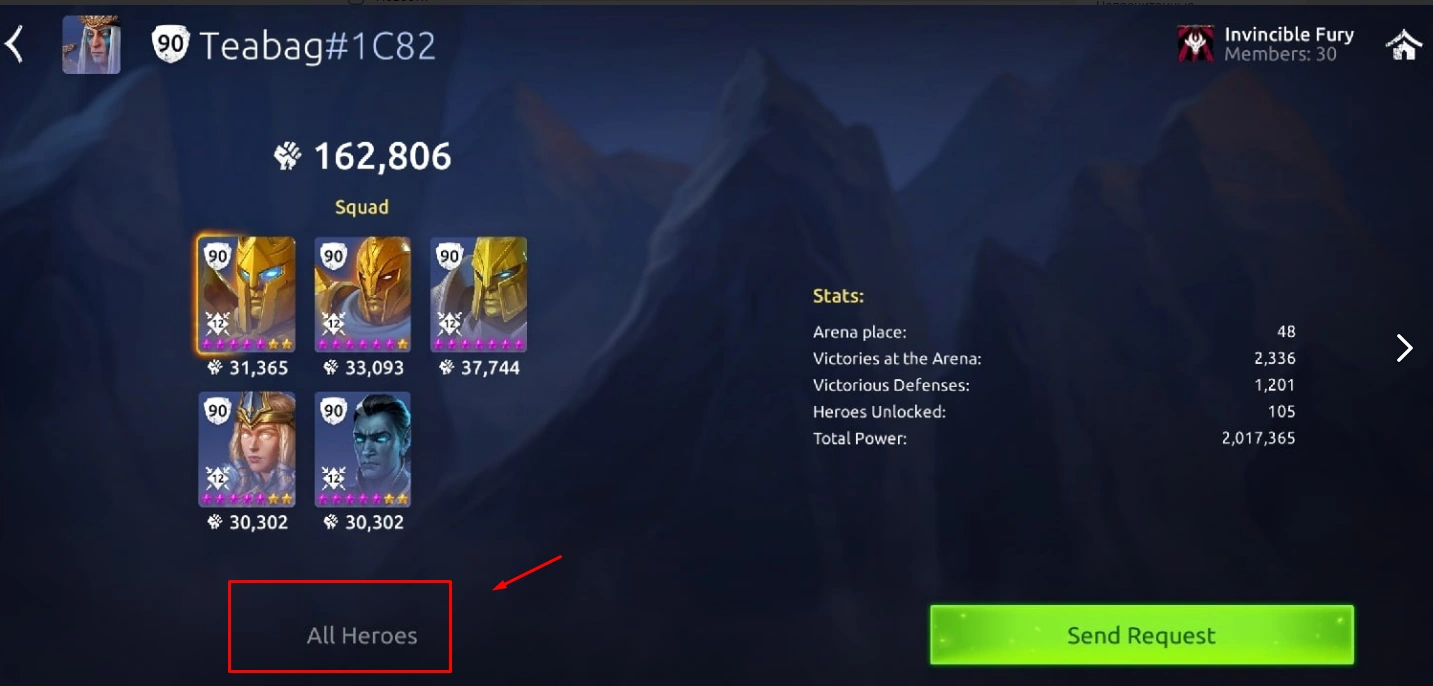
You can view not only your saved units, but also those of the enemy. A very useful feature, especially in the arena. Click on the player of interest, go to his profile and click on “all heroes”, and “Saved squads”.
The number of squad that can be saved increases as the player's level increases:
level 50 player can save 10 squads
level 60 player can save 15 squads
level 70 player can save 20 squads
level 80 player can save 30 squads


