

Create a Support Experience as Imagined
For a highly satisfying customer support experience, it is essential to
repeatedly test and improve the accuracy of your chat design, phrasing, and the landing page.
With KARTE Talk, you can provide the support you've planned by using flexible chat and FAQ templates that can be edited in a flexible manner.


- Help Solve Problems Smoothly
and Reduce Supporting Costs - Is it really necessary to have a personnel assistance in all support situations?
For example, a lot of self-resolution can be triggered by directing customers to FAQs for common questions. You can also connect them with human assisted chat if necessary. A flexible entry point for support can improve the non-voice ratio, resulting in lower support costs.
- Help Solve Problems Smoothly

- Build the Best Operation
for Your Team - KARTE Talk provides the ability to provide purpose-built customer support regardless of the team size. The combination of team division, automated assignments, privilege management, and standardized messages that anyone can handle, allows you to build support that fits your system and is secure and based on robust security.
- Build the Best Operation

- Make an Accurate Analysis
to Improve the Support Operation - Are operations running smoothly and are we providing appropriate support guidance? In order to evaluate the support experience, you need an accurate assessment of both support operations and the action results. Find the issues in the report and use the PDCA cycle quickly.
- Make an Accurate Analysis

- Communicate & Understand User's Background
- If you can intuitively understand the customer's condition, you can provide more polite and appropriate support. For example, what page are you looking at, are you making an inquiry for the first time, or what are you doing in real time? Let's change from the first word of support by "knowing" the customer's past-present behavior.
- Communicate & Understand User's Background


Case Studies
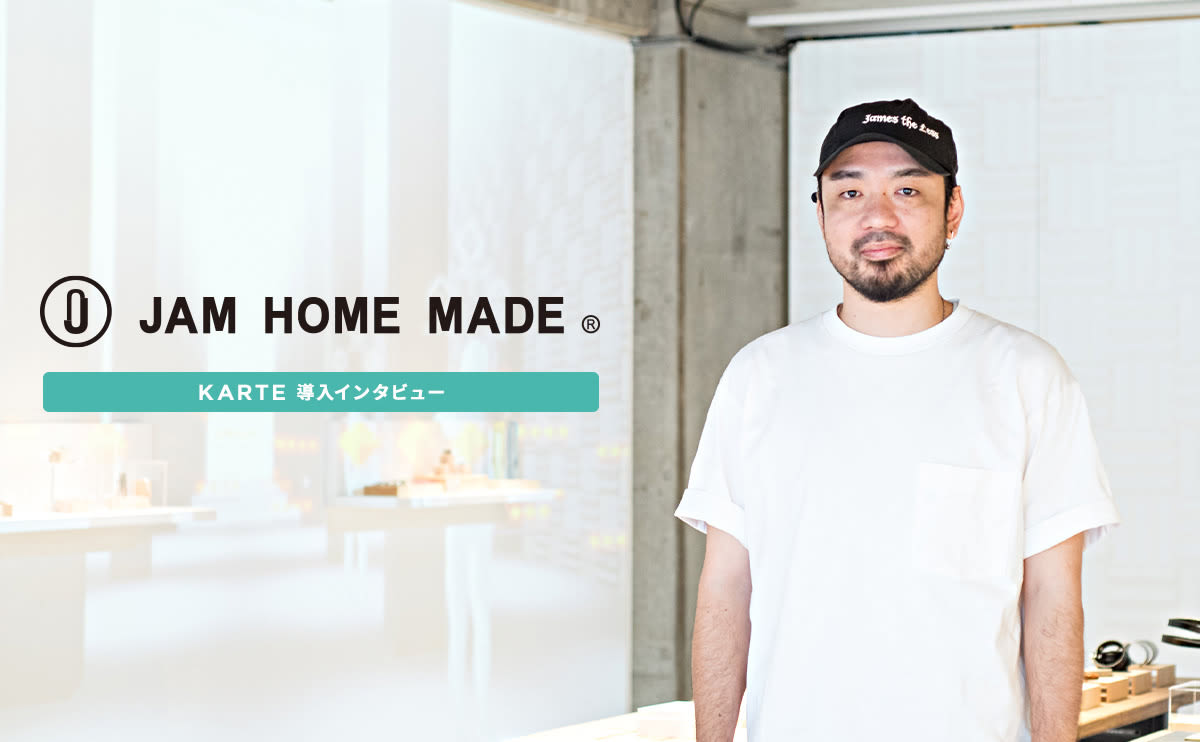
 JAM HOME MADE's customer experience that creates a comfortable sense of distance with customers through chatJAM HOME MADE Co., Ltd. / JAM HOME MADE
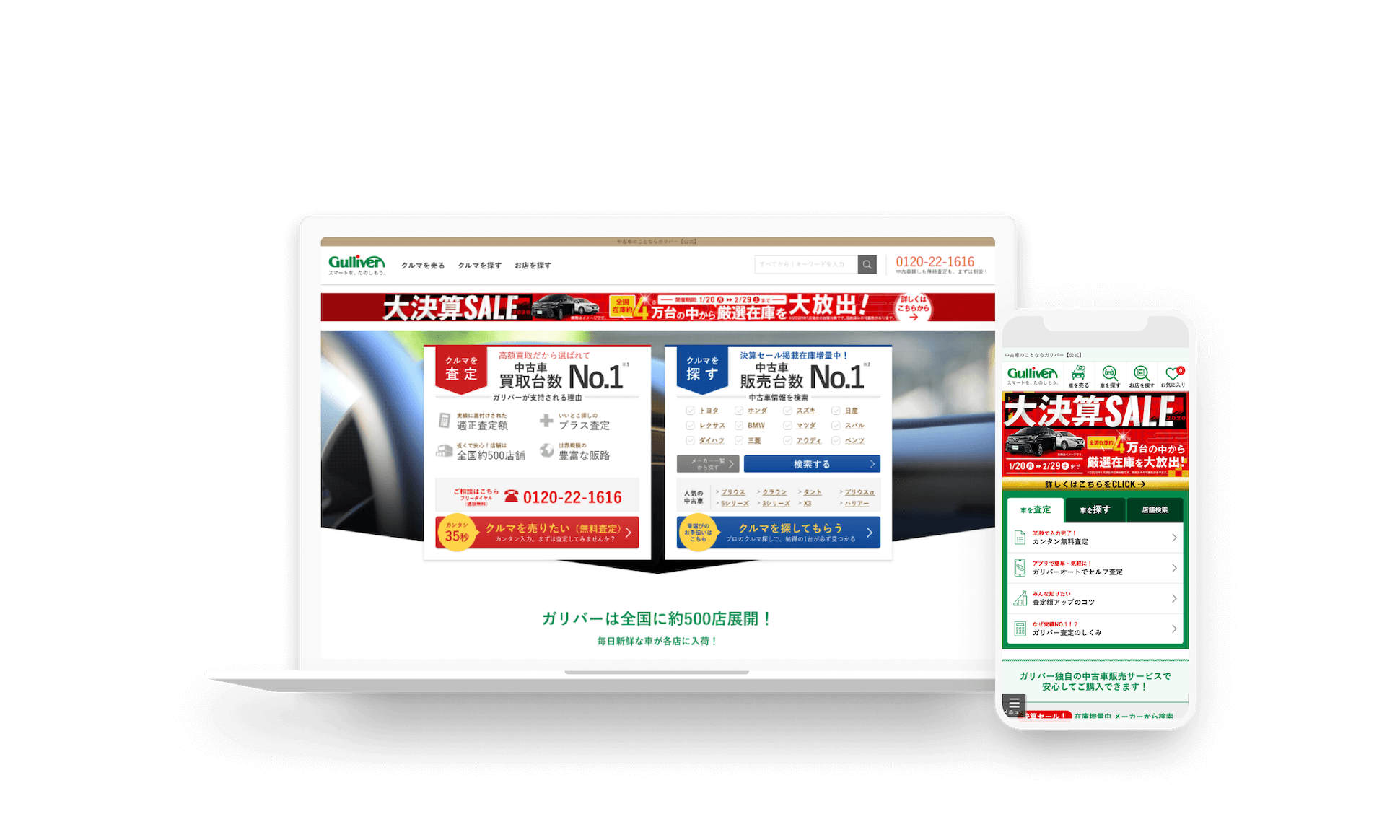
 Understand customer needs for each page and separate chat CTAIDOM Co., Ltd. / Gulliver Co., Ltd.
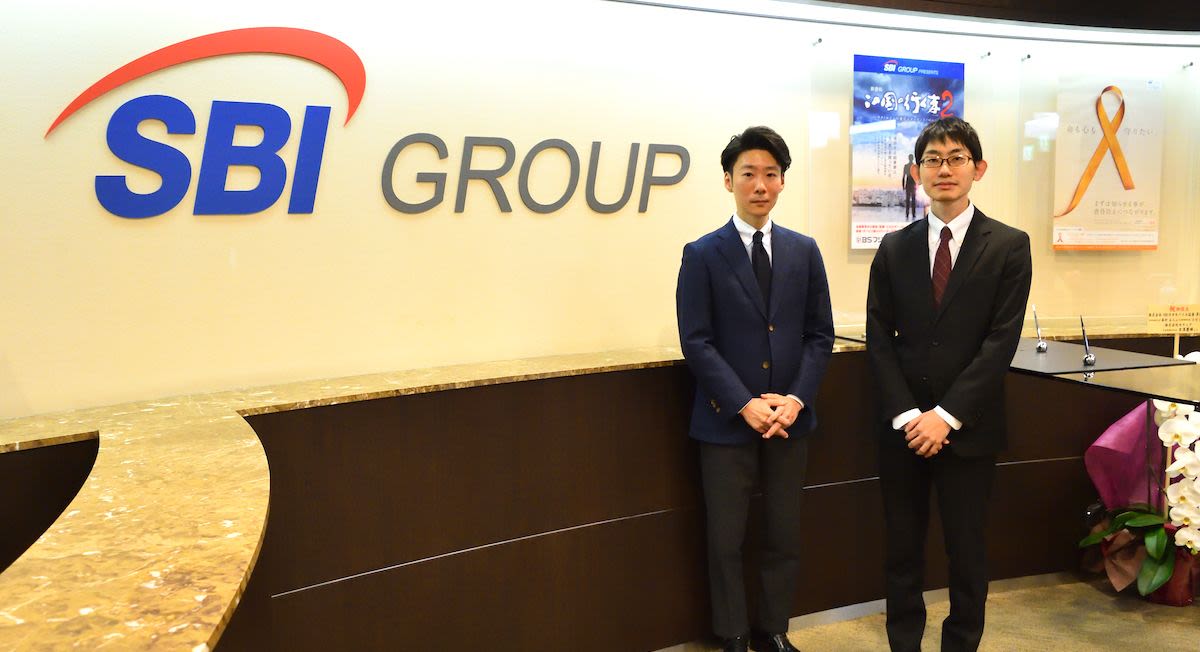
 Display a chat window by capturing the behavior of customers who may be in trouble with the account opening formSBI SECURITIES Co., Ltd. / SBI Securities
Our Customers












Key Features of
KARTE Talk

- Support template
- Support measures such as web chat and FAQ can be delivered using a dedicated template.

- Action Customization
- You can customize the measures freely.
* Knowledge of HTML / CSS / JavaScript is required

- AB Testing
- You can test the effectiveness of patterns for multiple actions.

- Automatic response (β)
- You can build a mechanism to automatically answer each user's question.

- Chat action report
- You can see the effect of chat and support actions in the report.

- Chat user data visualization
- You can check the segment of the inquiry user and user information on KARTE Talk.

- Chat Operation Report
- You can see the performance of all operators / individual in the report.

- Team collaboration
- Support operations by the team such as information sharing between team functions / operators and SVs can be performed smoothly.

- Automatic assignment
- Operators can be automatically assigned according to the user's segment or page.

- Productivity improvement
- You can efficiently operate by registering fixed phrases and setting notifications when a user asks a question.


Start Creating a Personalized Experience
Please feel free to contact us for any further queries and we'll get back to you.

