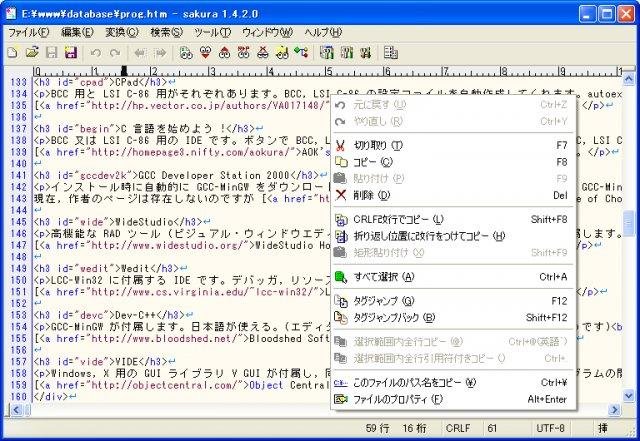
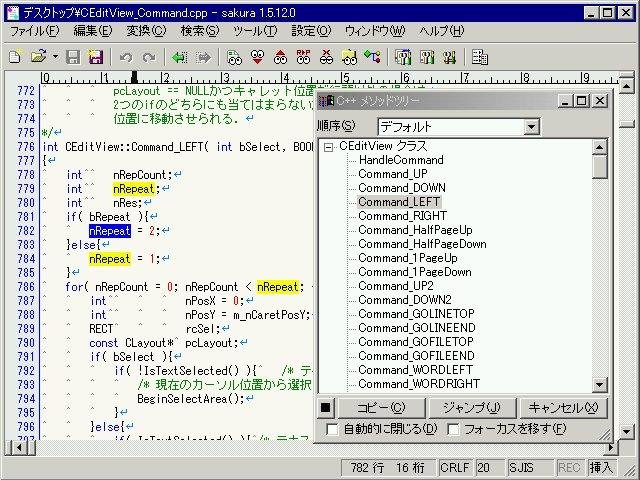
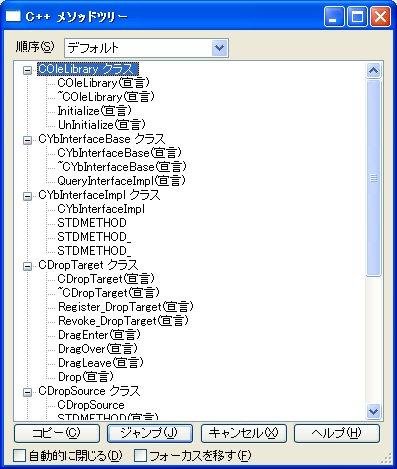
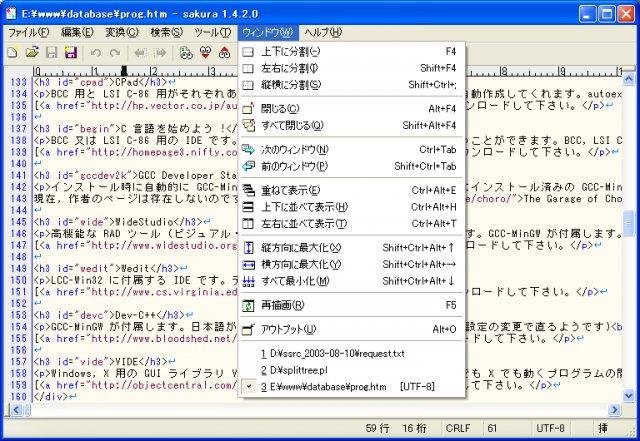
A free Japanese text editor for Windows

Project Samples
Project Activity

  • KENCH committed [r4216]
    hello sakura-editor project.
  • ds14050 committed [r4215]
    SourceForge_ds14050_GitHub_ds14050_OSDN_ds14050
  • kobake committed [r4214]
    OSDNアカウント追加
  • kobake committed [r4213]
    ファイル名ルール変更
  • kobake committed [r4212]
    GitHubユーザ名kobakeを示すファイル

See All Activity >

Categories

Text Editors

License

Other License

Follow Sakura Editor

Sakura Editor Web Site

Other Useful Business Software

Slashdot: News for Nerds, Stuff that Matters Slashdot: News for Nerds, Stuff that Matters Icon
Slashdot: News for Nerds, Stuff that Matters Icon

Check out Slashdot, the leading technology news and discussion site on the web. Slashdot covers news for nerds and stuff that matters.

Slashdot features news stories on science, technology, and politics that are submitted and evaluated by site users and editors. Each story has a comments section attached to it where intelligent and technically-inclined users discuss the topics at hand. The Slashdot comment and moderation system is administered by its own open source content management system, Slash, which is available under the GNU General Public License.

Rate This Project

Login To Rate This Project

User Ratings

★★★★★
★★★★
★★★
★★
35
1
0
1
0
ease 1 of 5 2 of 5 3 of 5 4 of 5 5 of 5 1 / 5
features 1 of 5 2 of 5 3 of 5 4 of 5 5 of 5 4 / 5
design 1 of 5 2 of 5 3 of 5 4 of 5 5 of 5 4 / 5
support 1 of 5 2 of 5 3 of 5 4 of 5 5 of 5 0 / 5

User Reviews

  • Thank you for this editor. It is very useful not only for Japanese language.

  • For non-Japanese want to use English language user interface for Sakura Editor: Step 1: Download the English language package from link: https: // sourceforge.net/projects/sakura-editor/files/language2/ Step 2: Unzip and put the DLL file to Sakura's install directory (same as 'sakura.exe') Step 3: Press Ctrl + 6 (or choose 設定 > 共通設定 [Option > Common Settings]) Step 4: Choose tab ウィンドウ [Window] in new window Step 5: In 言語 [Language] box, you choose option English (US) to change to English user interface So love this app (^_^)

    3 users found this review helpful.
  • Is there any English version, or how to choose?

    1 user found this review helpful.
  • Great stuff.

    2 users found this review helpful.
  • thanks for this great software. it saves me so much time.

    2 users found this review helpful.
Read more reviews >

Additional Project Details

Languages

Japanese

Intended Audience

End Users/Desktop

User Interface

Win32 (MS Windows)

Programming Language

C++

Registered

2000-10-06