Organize Your Files
TagSpaces is open sourced and published under the AGPL license. It is designed to be easily extended with different plugins for visualization of directory structures or for opening of different file types.
TagSpaces is running completely offline on your computer, smartphone or tablet and does not require internet connection or online registration. You can still use platforms like ownCloud, Dropbox or Bittorrent Sync in order to sync your files between devices.
TagSpaces offers you a convenient web interface to your local file system. It is implemented in JavaScript and HTML5, which are the technologies behind most of the modern web applications.
Feature Overview
The application supports adding tags to files, in a transparent, not vendor locking way. You can tag your files by a simple drag & drop actions.
You can organize your tags thematically in groups (e.g. tag group "family" can contain tags with the names of your family member, this can be useful for photo tagging)
With the concept of smart tags, when you add tag called "today" to a file, the application will label automatically this file with the corresponding date of today (e.g. "20140408" for "4th of April, 2014")
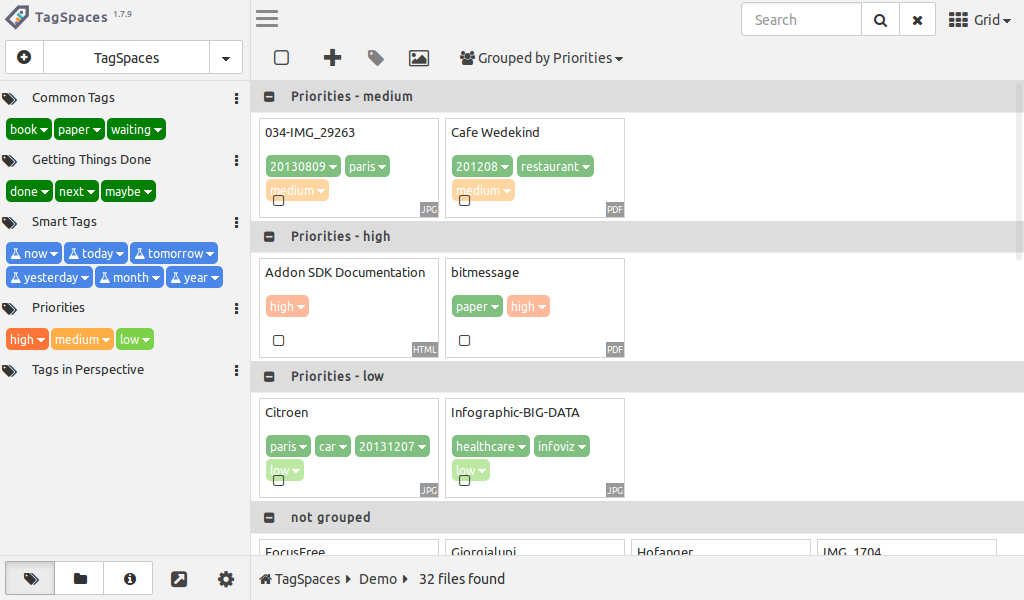
You can assign different colors to the tags. So in case of priorities you can assign the color red to a tags called "high".
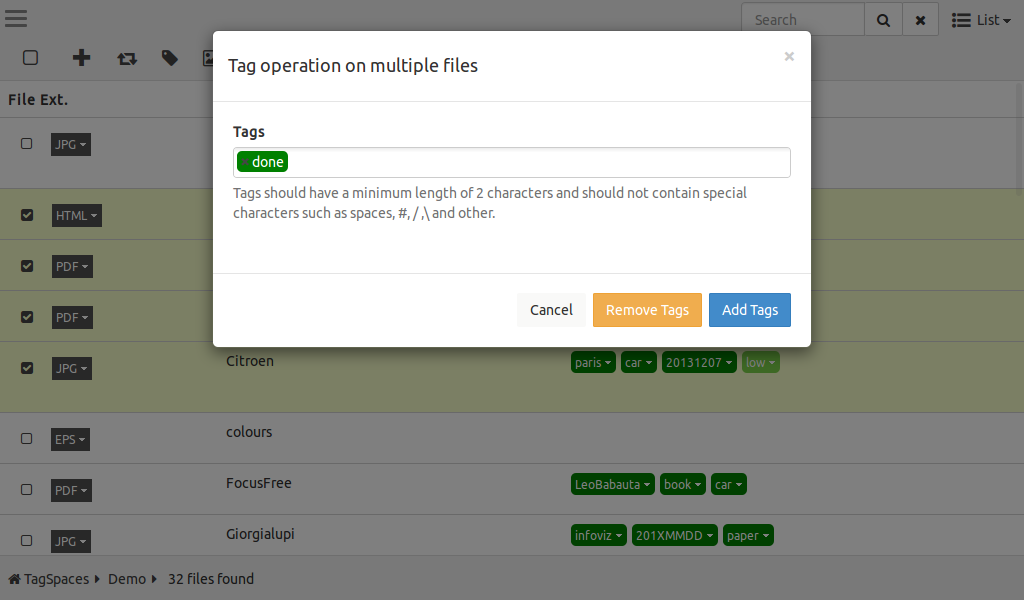
It is possible to add and removed many tags to many files at once. See details.
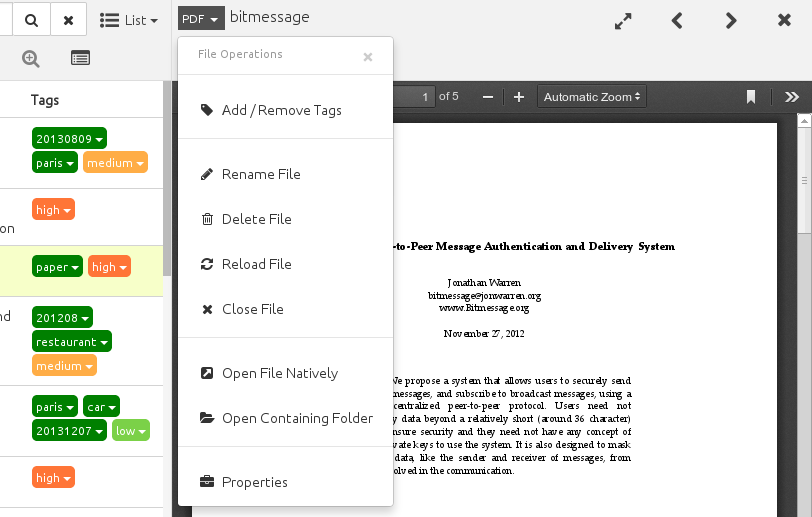
TagSpaces features a set of basic file management operations such as rename, create, move and delete file. See details.
In TagSpaces you can created new subfolders of the current folder.
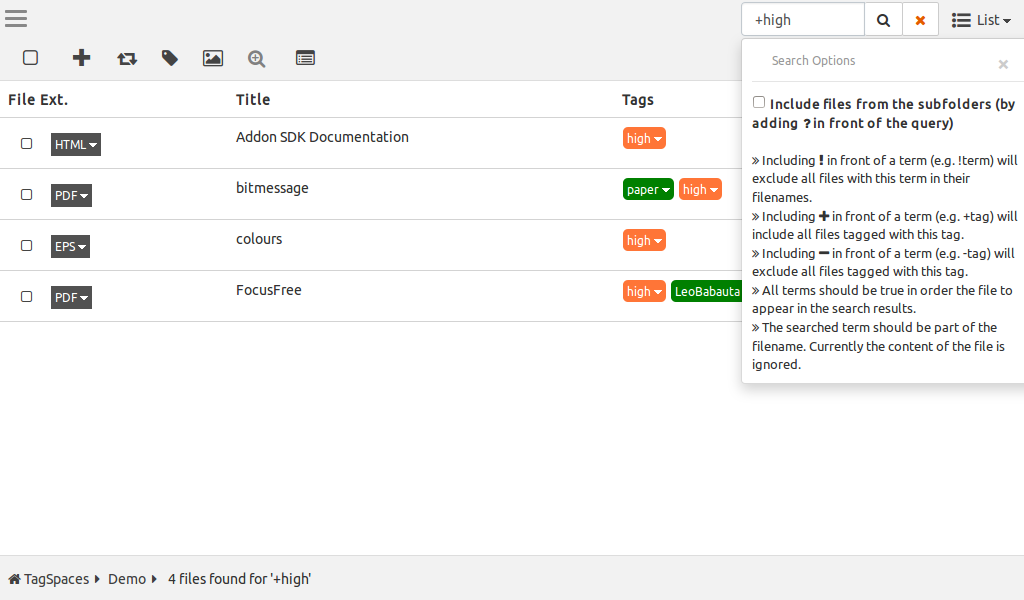
The search in the application is currently restricted to the file names only. Nevertheless there is a special query syntax allowing to narrow the search results. See details.
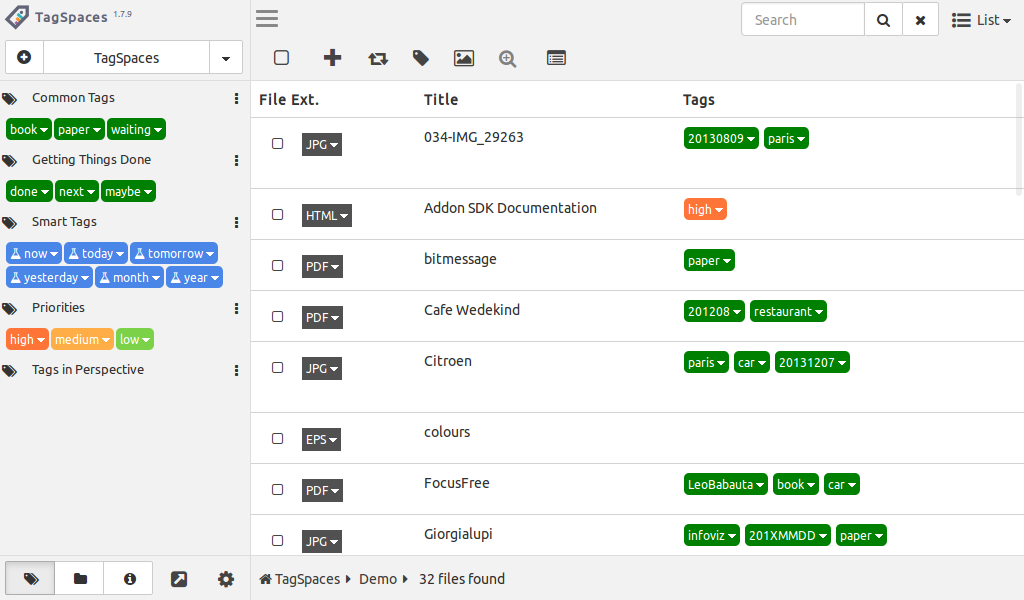
In the list perspective you can sort the files by name, size, extension and last changed date.
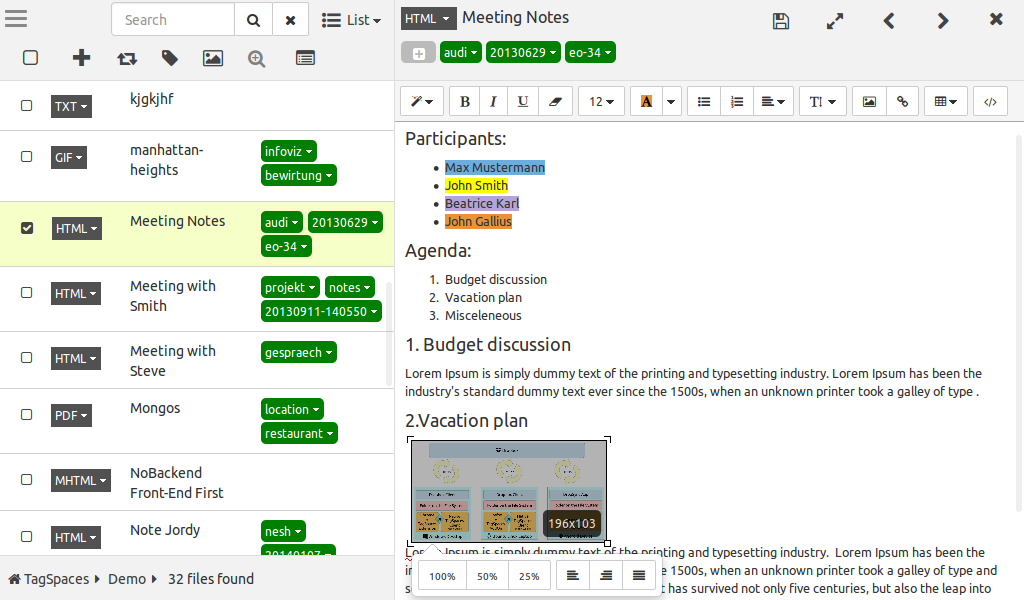
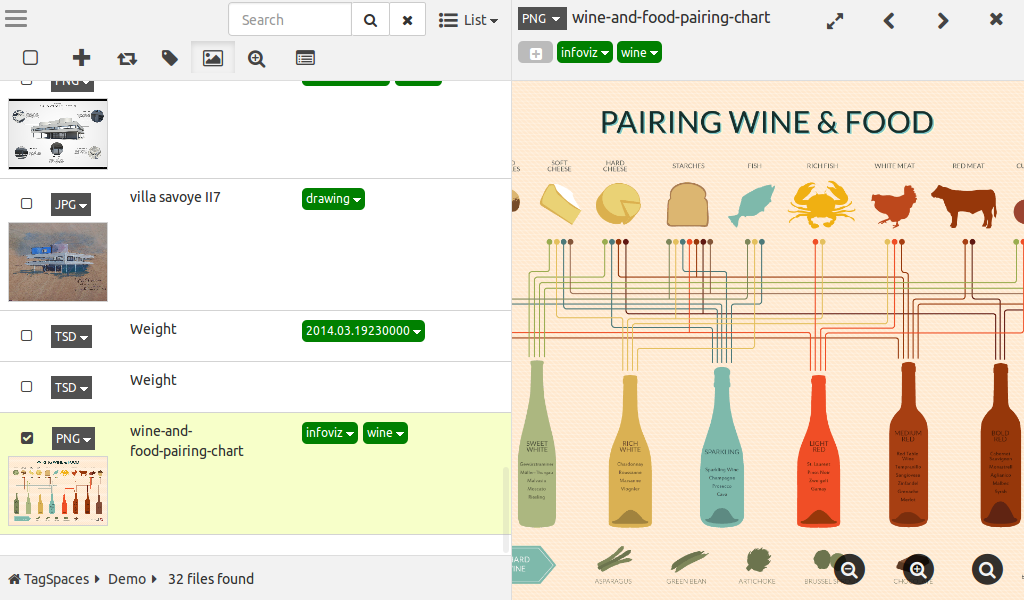
TagSpaces features a flexible layout, which is dynamically adapted depending on the application window size and proportions
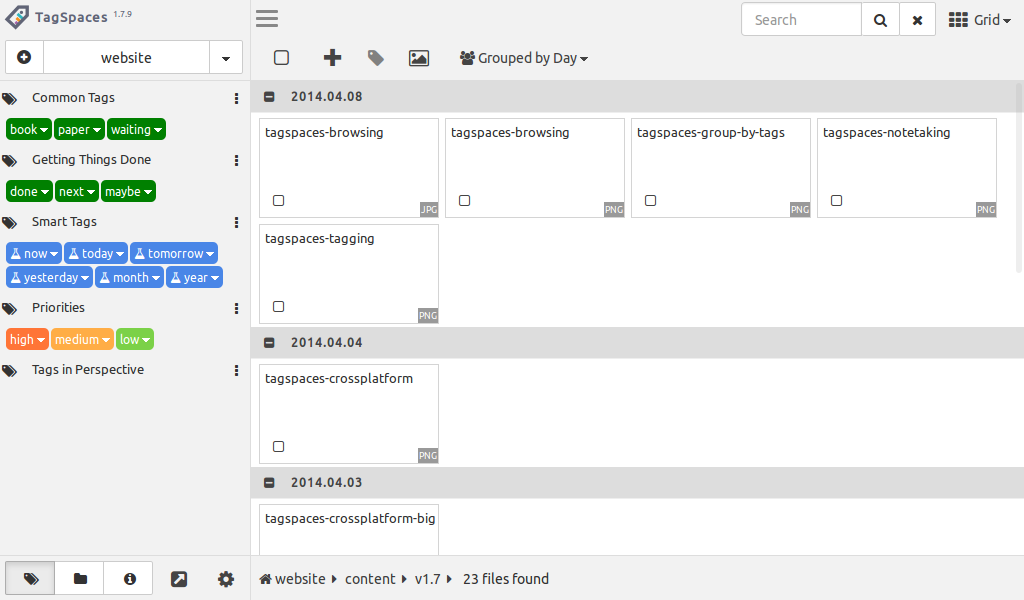
In the grid perspective you can group files according to the last changed date (e.g. by the current day, month or year). See details.
You can you use this feature to group your files by different priorities. See details.
As seen on: