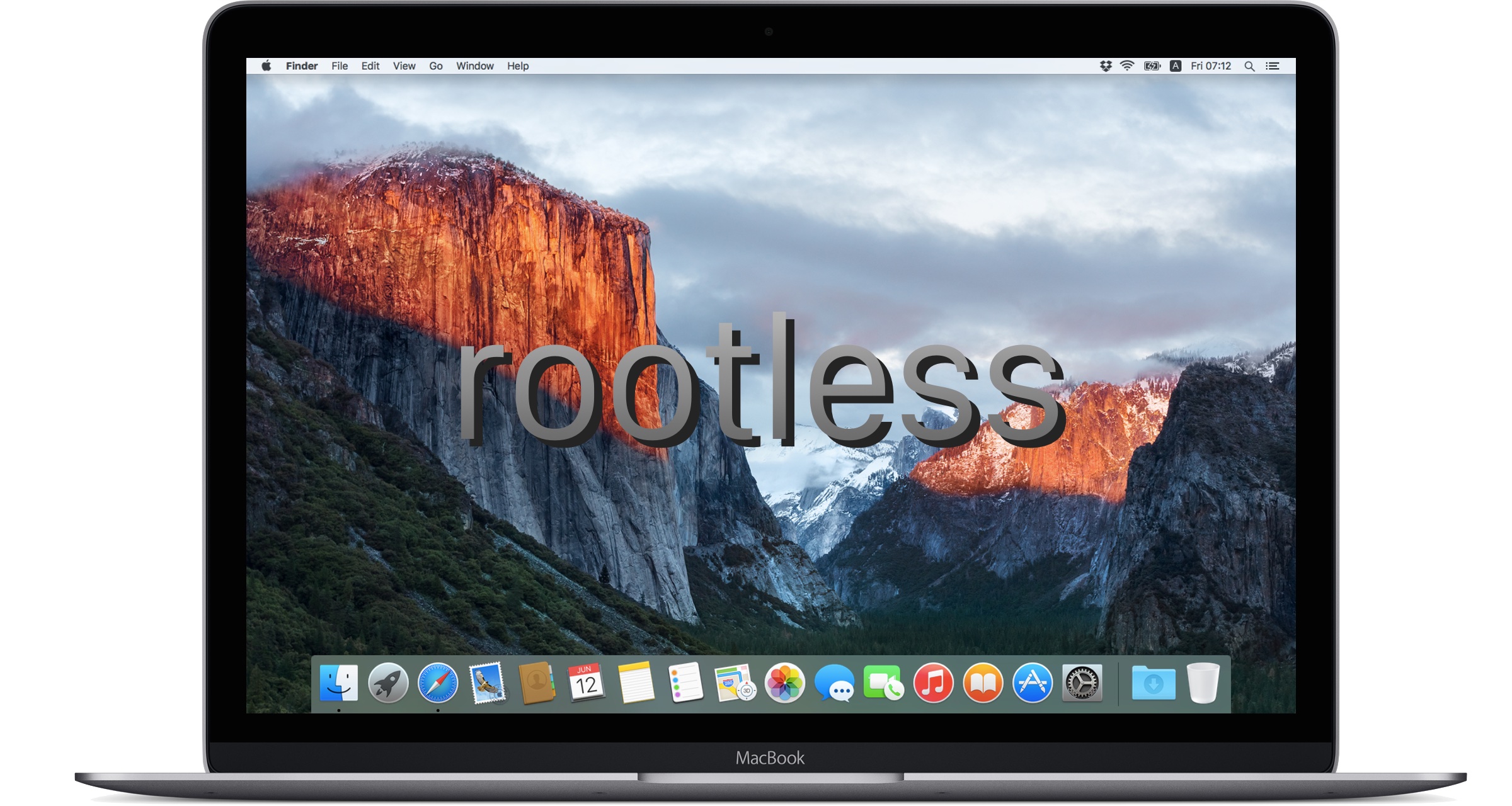
OS X 10.11 El Capitanには新しいセキュリティ機能「rootless」が追加されており、カーネルレベルでrootユーザーにもアクセス制限がかけられている様です。詳細は以下から。
rootlessとは?
先月末 9to5Macが「OS X 10.11 El CapitanとiOS 9には新しいセキュリティ機能"rootless"がカーネルレベルで搭載され、管理者レベル(root)でもアクセス制限がかかりマルウェアからの脅威を防いでくれます」という趣旨のリーク情報を報じました、
9to5Mac @9to5mac
Your older iPhone and iPad is about to get faster http://t.co/9Fm0evQDz4
2015/05/23 08:39:06
Rootless
Sources within Apple are particularly enthusiastic about a new security system called Rootless, which is being described internally as a “huge,” kernel-level feature for both OS X and iOS. To prevent malware, increase the safety of extensions, and preserve the security of sensitive data, Rootless will prevent even administrative-level users from being able to access certain protected files on Apple devices. Sources say that Rootless will be a heavy blow to the jailbreak community on iOS, though it can supposedly be disabled on OS X. Even with this Rootless feature coming to OS X, sources say that the standard Finder-based file system is not going away this year.
[iOS 9 & OS X 10.11 to bring ‘quality’ focus, smaller apps, Rootless security, legacy iPhone/iPad support - 9to5Mac]
この"rootless"は実際に存在した様で、MacBookのEFI脆弱性を発見したセキュリティ研究者のPedro Vilaca(@osxreverser)さんによるとEl Capitanには新しい"rootless.plist"が追加されており、
The EFI monster!@osxreverser
Oh, the leak was correct -> com.apple.xpc.launchd.rootless.plist
2015/06/09 08:02:05
複数の開発者がrootユーザーになっても
- /usr
- /sbin
- /System
などに新しいディレクトリやファイルを作ろうとすると”Operation not permitted"と拒否されてしまうと報告しています。
Touni@Touni
Rootless in #MacOSX El Capitan… http://t.co/rRLLudMZCE
2015/06/10 16:34:25
Landon Fuller@landonfuller
The new normal; even root can't attach a debugger to 'Finder' on your own computer: http://t.co/Yex1K60DD8
2015/06/12 01:17:15
新常識:(El Capitanでは)rootユーザーであっても自分のFinderのデバッガーが出来ない
対処法
rootlessは一般的なユーザーやマルウェア対策には有効かもしれませんが、/usrディレクトリ以下を使用する開発者などは迷惑しているようで、AppleがOS X 10.10 YosemiteでTrimやGPUドライバなどのkext変更にも制限を掛けた時[1, 2]と同様にnvramコマンドを使用しこの制限を解除する方法が発見されています。
Hozaka@hozaka
How to disable Rootless coming with El Capitan:
2015/06/10 02:40:33
sudo nvram boot-args=“rootless=0”
Then restart. Confirmed. @9to5mac
確認してみた
rootlessの制限を解除するには以下の1行を打ち込んでroot(管理者)パスワードを入力、その後Macの再起動を行うだけで、
sudo nvram boot-args=“rootless=0”
rootユーザーのアクセス制限が解除されます。ただ、Trimの時と同様にOS Xのアップデートでこの制限が元に戻ってしまい不具合が生じる場合があるので注意して下さい。
関連リンク:
- El Capitan for developers - Pointless Ramblings
- iOS 9 & OS X 10.11 to bring ‘quality’ focus, smaller apps, Rootless security, legacy iPhone/iPad support - 9to5Mac
コメント一覧
>>1.-
Apple7743
-
2015年06月12日 08:31 ID:hR0whBdA0
-
rootじゃないじゃん
>>2.-
Apple7743
-
2015年06月12日 09:03 ID:iati7aXY0
-
そしてrootlessを回避して書き込めるバグが見つかるんですね、分かります。
で、そうやって潜り込んだ悪意のあるソフトを消そうにも、rootlessが邪魔して削除出来なくなる、と。
iOSならともかく、OSXもここまでガチガチにするのは流石にどうなんだろう…
>>3.-
Apple7743
-
2015年06月12日 09:18 ID:ozW7Dtre0
-
「病気をうつされるから、お母さんの知らない子と遊んだり、そんな子を家に呼んだりするの禁止!!」っていうのはダメだろ。
コメントを書き込む